 ES
 RU
 DE
 PL
 IT
 TR
 FR
 BR
 NL
 CN
 CZ
 UA
 HU
 SE
 Unlimited Downloads
 Sale


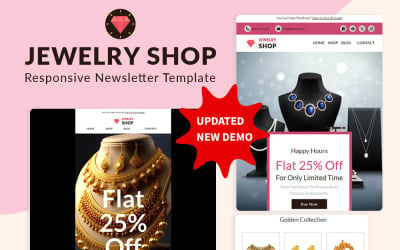

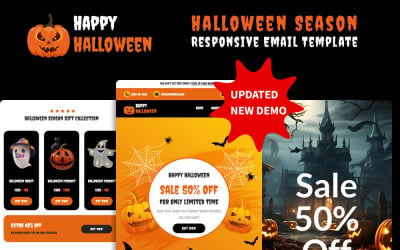
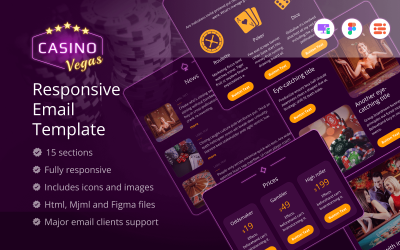

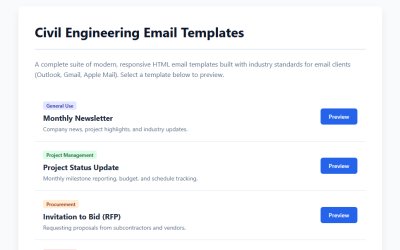
5 Best Static Email Templates 2026
Applying an HTML Template to Gmail or Mail
Take your e-mail marketing to the next level with this easy-to-follow tutorial on how to use HTML templates in Gmail and Mail. Learn more about creating professional emails today!
FAQs about Static Newsletter Templates
What are static newsletter templates?
These professionally designed e-mail layouts let you make visual messages in a few clicks. They include ready-made layouts, graphics, and content blocks to swiftly create a strong sales pitch for your target demographic.
Can I personalize my e-newsletters using these types of ready-to-use themes?
Yes! Users have complete message formatting control. Customizing a theme is easy with the correct tools—just add photos, logos, or other content.
Does using one of these mockups make my emails more attractive?
Definitely! Each mockup has fascinating layouts and eye-catching graphics. This makes it simpler than ever to stand out in communications.
What features do static newsletter templates include?
They offer drag-and-drop editing, adjustable HTML code, dynamic text replacement, and more. These tools make it easy to create professional emails and get the most out of them for campaigns and subscriber updates.