 ES
ES RU
RU DE
DE PL
PL IT
IT TR
TR FR
FR BR
BR NL
NL CN
CN CZ
CZ UA
UA HU
HU SE
SE Unlimited Downloads
  Sale
Sale 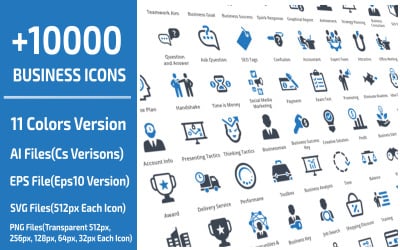



















5 Best SVG Graphics & Graphic Design Elements in SVG File Format 2026
| Template Name | Downloads | Price |
|---|---|---|
| 10000 Business Professional Icon Set | 83 | $18 |
| Creative FP Letter Logo Design Template | 1 | $20 |
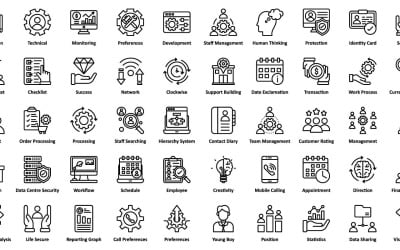
| Smart Business Icon Pack | AI | EPS | SVG | 2 | $8 |
| Face masks for children semi flat color vector character avatar set | 0 | $6 |
| Future Blue Tech Gradient Logo | 0 | $22 |
Adding the SVG Graphics to the WordPress
SVG Graphics FAQ
Is the SVG Graphics Better than the PNG?
It is impossible to find a winner here, as each of them has benefits and drawbacks. If you need high-quality images, detailed icons, and maintain transparency, so choose PNG. On the other hand, if you need a format for the visual element that can keep the quality on different screen sizes, SVG is exactly for you.
What is SVG Graphics Used for?
These are the vector graphic types, so it is impossible to create a highly detailed picture like photos. However, it is ideal for creating:
- logos,
- tables,
- charts,
- signs,
- animations,
- printing on paper and clothes, etc.
Is the Adobe Illustrator Good for Editing the SVG Graphics?
There is a lot of software that can perfectly edit the SVG. The most popular one is Adobe Illustrator, which can be used both with Windows and Mac. Nearly 37% of designers worldwide choose Adobe Illustrator. SVG tool is widely used in printing and publishing, poster book layout, professional illustrator, multimedia image processing, and internet page production. It will satisfy the needs of both small and large design projects.
Is the SVG Graphics a Vector or Raster?
SVG is a vector file format that uses geometric forms such as points, lines, curves, and shapes to create a high-quality picture and vivid boundaries.
Is it Possible to Create a Realistic Image with SVG Graphics?
Yes, you definitely can create realistic vector images, but first, think carefully about whether you need this. Such a process takes long hours of fatigable work. However, if you want to showcase your skills, go ahead. You can also use a grid. It will help you to easily set a color with a gradient transition for each crossing of lines. The more such sections you have, the more possibilities you have for creating a detailed picture.