 ES
ES RU
RU DE
DE PL
PL IT
IT TR
TR FR
FR BR
BR NL
NL CN
CN CZ
CZ UA
UA HU
HU SE
SE Unlimited Downloads
  Sale
Sale 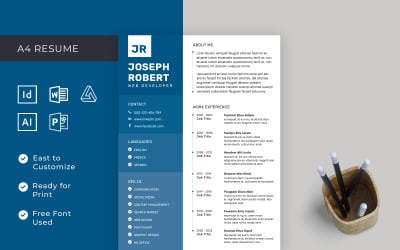
















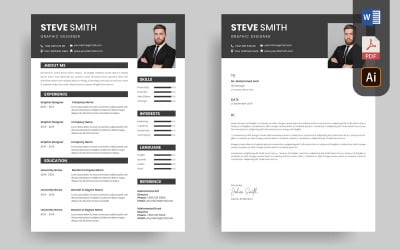
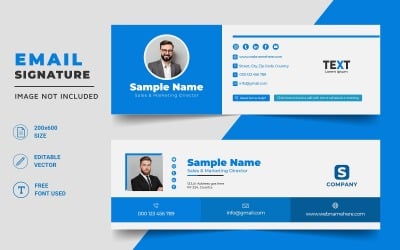


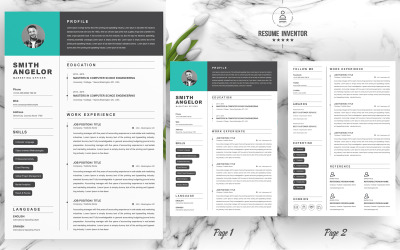

5 Best Vector Graphics and Graphic Design Elements 2026
| Template Name | Downloads | Price |
|---|---|---|
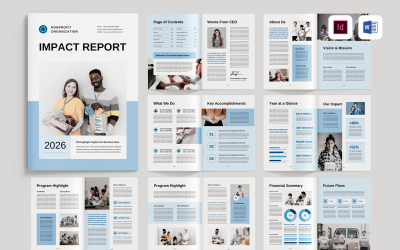
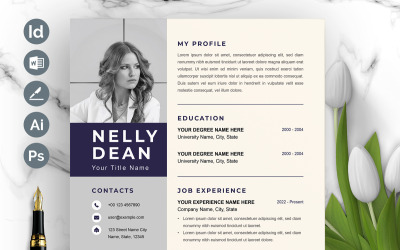
| Professional Resume Template InDesign, Word, Affinity Publisher | 19 | $5 |
| Modern & Creative Editable Word Apple Pages Resume Cv Template | 32 | $10 |
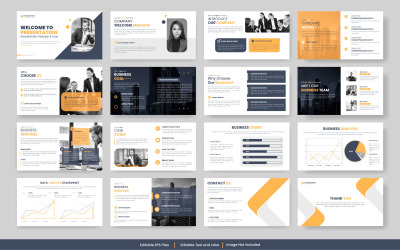
| Business Plan Template - 24pages | 2 | $15 |
| Elegant Resume / CV Template | 29 | $9 |
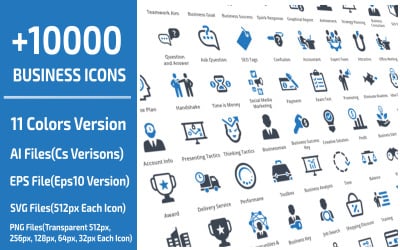
| 10000 Business Professional Icon Set | 83 | $18 |
Best Graphic Design Trends with the Vector Graphics Images
Vector Graphics Templates Q&A
Can I Sell My Vector Graphics Templates on Your Platform?
Yes, everybody can cooperate with the TemplateMonster platform. There’s one necessary option for every potential author. He needs to send an author’s application. We have a team of skilled professionals that will check the applications of all potential authors. They will approve the best candidates. This will make them eligible to sell their content on the platform. Doing such a business is very profitable for the designers. Many of them regularly generate solid amounts of money.
Are There Free Vector Graphics Software for Creating Professional Drawings?
Yes, there are many free graphics programs for creating & editing vector graphics templates. Our experts offer to visit this small checklist of the best free software for creating beautiful vector drawings. Please, consider analyzing this checklist before choosing software for editing & creating vector images:
- Vecteezy. It is a free SVG Editor for customizing old vector images or and creating brand new vector drawings. Vecteezy is user-friendly. It’s very easy to use for various business purposes. The user needs to create an account for saving his files. Joining the pro version will give him more effective advantages.
- Gravit Designer. This is a powerful piece of software. People can create a wide range of presentations, create animation, and work on illustration using this editor. Gravir designer has a user-friendly interface with a big choice of impressive features.
- Inkscape. An editor that focuses mainly on working with SVG files. This is a helpful piece of software that has many exclusive features. Skilled web designers like to use cloned objects, alpha blending, markers, and other cool features.
- SVG-Edit. People can use this piece of software to produce quality vector files. The users compare its functionality to Adobe Illustrator. SVG-Edit is considered one of the essential pieces of software for each kind of business.
Where Can I Get Additional Vector Graphics Templates?
Designers may use a wide range of web assets while creating layouts. They can create & edit different photographs, icons, illustrations, and other helpful images. People can receive the vector drawings using two simple ways.
- The first is to make a vector drawing using my skills and knowledge. The users can work with Adobe Illustrator, Corel Draw, and some other paid vector graphics software.
- Those who don’t want to pay may use Gravit Designer, Vecteezy, and other software pieces.
Anyway, the users think this way out is time-consuming. It requires special skills and knowledge. That’s why people prefer to download those vector drawings from such websites. They can find perfect vector drawings on such online resources:
- Free Online Resources. Pixabay, VectorStock, Flaticon, etc.
- Paid Websites. Shutterstock, DepositPhotos, Big Stock Photo, etc.
How to Save Vector Graphics to the Hard Drive From the Browser?
It’s a very simple task. Let’s imagine that you’ve found a perfect vector image. You need to click on this image and pick “Save Image As” from the pop-up menu. The next thing you need to do is to define the place for saving this image. Using this simple trick, people can download any other files.
What Are the Most Common Types of Vector Graphics?
There are many files that people use while creating & editing vector drawings. Web designers use them for creating web projects for various kinds of businesses. The most average file types are the following:
- .AI - This file class can be edited & created only with Adobe Illustrator. It’s a file format that is made from vector graphics that is contained on a single page. People use this format for creating graphics, logos, and illustrations.
- .SVG - This format works perfectly using animation and interactivity. SVG vector file format was created by W3C (World Wide Web Consortium) in 1998. This picture format is perfect for interactive graphics.
- .EPS - EPS supports diverse classes of drawing formats. Web designers are using this file class for the diverse types of drawing platforms.