 ES
ES RU
RU DE
DE PL
PL IT
IT TR
TR FR
FR BR
BR NL
NL CN
CN CZ
CZ UA
UA HU
HU SE
SE Unlimited Downloads
  Sale
Sale 





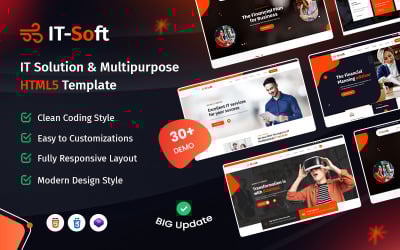

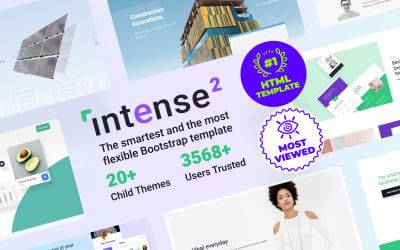
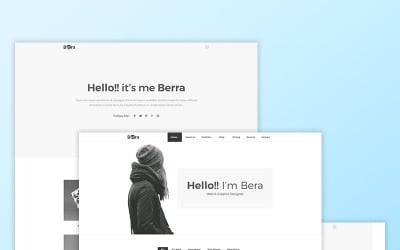

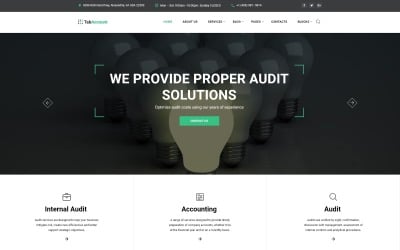




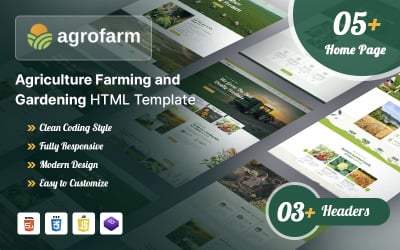
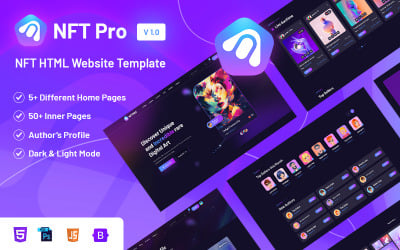

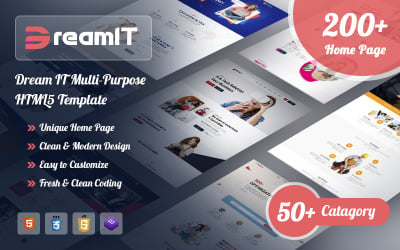






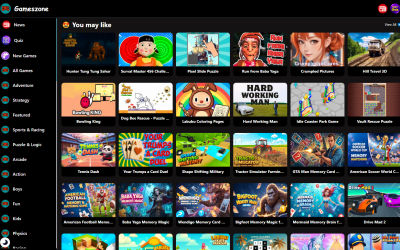


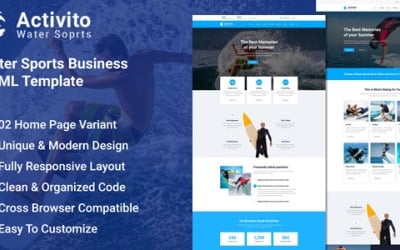
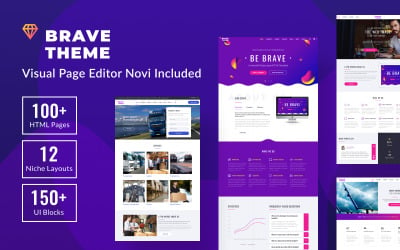
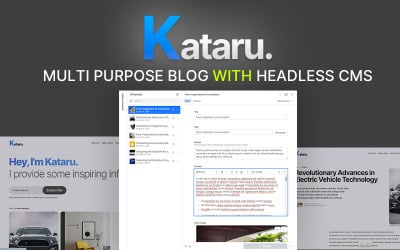
5 Best HTML Website Templates with Website builder 2026
HTML Website Maker Templates: Video
HTML Website Templates Builder FAQ
Can I change the pictures in the HTML website templates builder?
Yes. The images you see on the demo are for demonstration purposes. Replace them with your photos and pictures, or use images from other sources. Moreover, it's recommended to add your unique content and design elements. Using stock photos harm your resource's uniqueness and makes it less attractive.
Do I need coding skills to manage HTML website templates builder?
You can use these products even without coding skills and education. They are easy to edit, and the interface is user-friendly. Order installation and customization if you want to save time on site creation. The service includes the following:
- full installation and activation of the chosen item;
- logo implementation;
- color scheme fine-tune;
- replacement of the default images and texts with your content on up to 5 pages of the order;
- contact form activation and map configuration.
Is the HTML website templates builder SEO-optimized?
Yes, the source code is optimized for quick and efficient indexation by the bots. But you have to optimize your content to get results.
Can I use an HTML website templates builder with WordPress?
No, these items are unsuitable for WordPress CMS, but you can order the conversation in WP format. Within 6 to 8 business days, you will get an archive with a WordPress theme that matches the chosen design. It will have five basic pages (Home, About Us, Services, Gallery, Contacts) and a blog. All the pages are filled with sample texts and images.