 ES
ES RU
RU DE
DE PL
PL IT
IT TR
TR FR
FR BR
BR NL
NL CN
CN CZ
CZ UA
UA HU
HU SE
SE
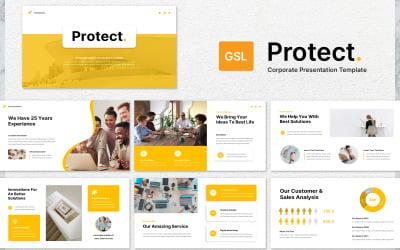


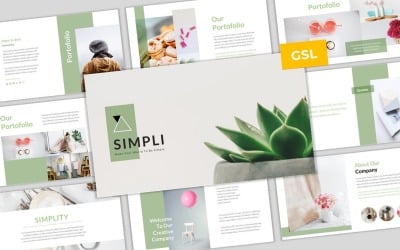

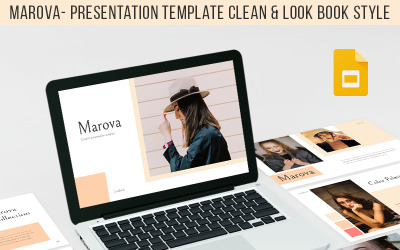
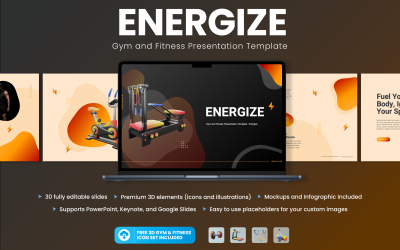
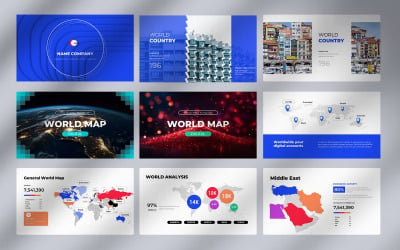
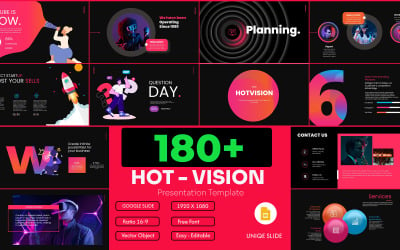
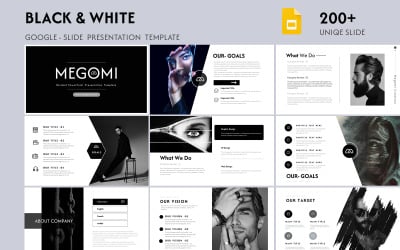
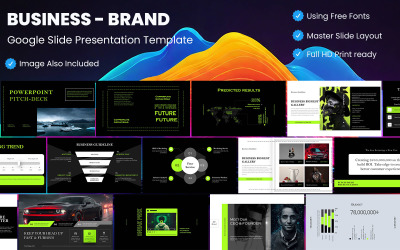
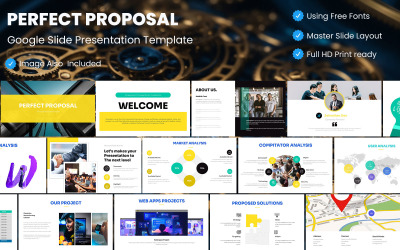



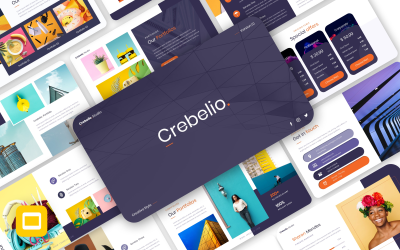
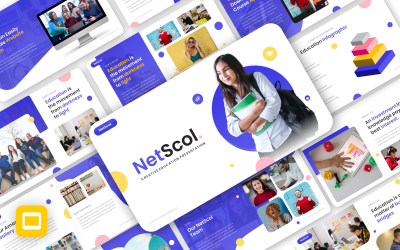


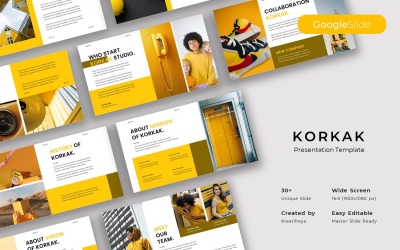


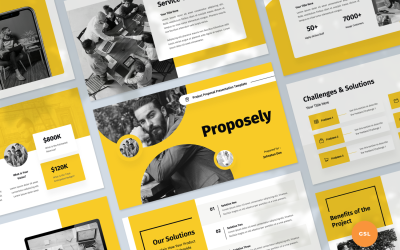
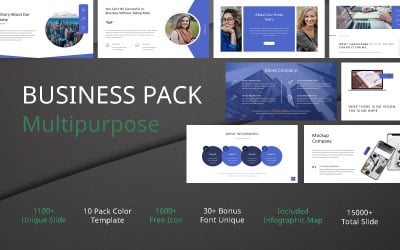
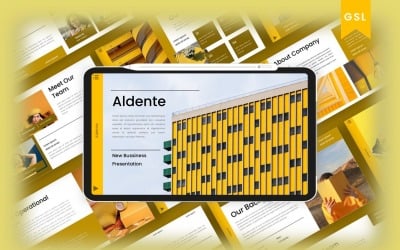
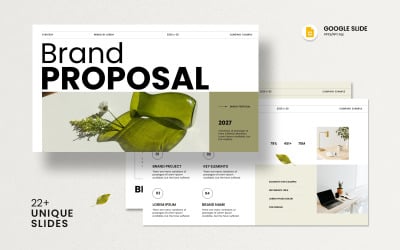
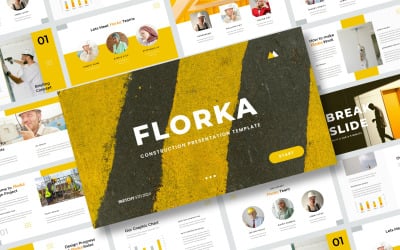
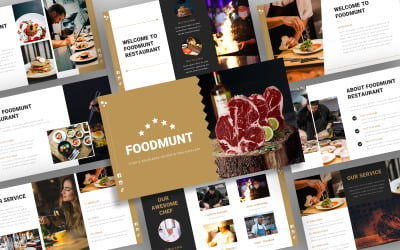
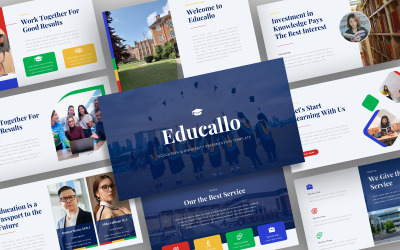

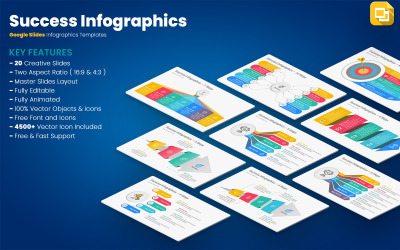
5 Best Best Yellow Google Slides Themes 2026 2026
| Template Name | Downloads | Price |
|---|---|---|
| Kombucha Tea Google Slides Template | 0 | $16 |
| Protect Corporate Business Google Slides | 0 | $9 |
| Creative Deck Template Google Slides | 0 | $23 |
| Visual Google Slides | 0 | $16 |
| Simpli - Simple & Modern Business Template Google Slides | 0 | $16 |
Present Your Company Effectively with Bright Yellow Google Slides Templates
Hundreds of companies compete for the customer’s attention and try to gain a place in the sun. Entrepreneurs use many methods and tactics to stay ahead of the race and surprise users with exclusive offers. It includes many aspects, from upskilling employees to implementing powerful marketing campaigns. How to counter this competition and differentiate your product or company? An effective presentation with eye-catching images and an influential speech is one solution. How does it work? Imagine that you have to talk about the release of a new product or demonstrate your business plan at a webinar. There are not enough beautiful words to convince the audience and make your performance memorable. Support your speech with a bright visual with yellow Google Slides templates, and enjoy top results!
The bottom line is that themes are the best foundation for your presentation. They have pre-designed pages with a modern design, high-quality graphics, and a placeholder for images. With this approach, you don't have to worry about developing from scratch. Customize the pages, embody your corporate style, add content, and get a wow effect! How to work with assets, and what is their highlight? It's time to figure it out!
Briefly about Yellow Google Slides Themes
Google Slides is a feature-rich and flexible tool that has revolutionized content building. The point is that the system allows the development of projects online in collaboration with other users. Everything is straightforward: you and your team have access to editing and communication, regardless of location. So, several people may work on the project simultaneously and exchange ideas without leaving the editor. Moreover, with easy access across devices, you improve your slideshows on the go from your tablet or laptop. Can't wait to get home so you add that crucial detail to one of your pages? Take out your smartphone and do it right now!
In addition, the system has many tools for creating and customizing content. At your service are a convenient editor, color palette, and fonts that help you achieve a unique result and convey a bright and catchy style. Moreover, the platform offers a simple, intuitive interface. It makes the program easy to use and learn for IT beginners. Are you a professional looking for top tools or a newbie without extensive experience? Feel free to use the system, as it is ready to satisfy any request.
What simplifies the process of constructing slideshows are ready-made themes. Mockups provide pre-designed pages for your images and text. You don’t waste time on lengthy creation from scratch since all the necessary parts are at your fingertips. Another highlight is the yellow color. A bright background and contrasting graphics are the best solutions to highlight your speech and catch the focus. Do you like to be the center of attention and want to broadcast it with your presentation? Then this collection is a real find! Use the editor to add new shades and get great results with your style. Try it and see for yourself!
Google Slides Templates - Top Features & Benefits
Mockups include the best features flavored with the developers' efforts. Thanks to this, they combine a trendy appearance, comfortable structure, and high performance. So, in addition to excellent graphics, modern icons, and top-notch buttons, you get a bug-free operational slideshow. It doesn't lag or have long loading times, so you may be confident about your upcoming performance and not worry about technical issues.
Moreover, you have many widgets at your disposal that complement your project. Want to organize your numbers and show your results visually? Use tables, charts, and graphs to visualize all material. Moreover, thanks to attractive icons, you share your profiles on social networks and expand your communication horizons.
See more benefits here:
- responsive layout - all elements look correct on any device, including smartphones, tablets, and laptops;
- fully customizable - bring your ideas to life by choosing shades and adding graphics with a convenient visual editor;
- free fonts - ensure clean and readable typography with the best free fonts;
- color palette - create unique shades for your background to make the project bright and exclusive;
- premium - all layouts have premium quality with excellent appearance and optimized pages;
- multipurpose - thanks to different designs and concepts, layouts are suitable for many purposes and companies, from an accessories store to a sports club;
- portfolio - share your projects, skills, and knowledge to attract employers and convince them of your expertise;
- regular updates - the authors work on assets and release innovative updates regularly for free.
Top-Notch Typography Trends
Yellow Google Slides Templates FAQ
What are yellow Google Slides templates?
These are ready-made layouts for developing a full-fledged slideshow. They have a catchy appearance and a convenient editor with which you build your project successful and unique.
Why is a presentation with yellow Google Slides templates necessary for my speech?
Effective visual accompaniment is a crucial element in performance, as it will help make your words memorable and place the emphasis. In a nutshell, this is the best solution to achieve these goals:
- organize information conveniently and accessible;
- visualize a product or phenomenon;
- activate the visual memory of listeners;
- an impact and positive impression;
- establish effective communication;
- emphasize advantages;
- show numbers in a statistical view or diagram;
- present boring information interestingly and excitingly.
How to choose the best yellow Google Slides templates?
Follow these simple tips:
- Define your niche, goals, and target audience.
- Set your preferences in the sidebar to see options for your criteria.
- Study all the material about the asset, including a demo and description.
- Contact pre-sales managers if you have additional questions or doubts.
- Proceed to purchase when you are confident in your choice.
What if I have problems with yellow Google Slides templates?
Don't worry. Contact the author team to fix the issue as soon as possible.