 ES
ES RU
RU DE
DE PL
PL IT
IT TR
TR FR
FR BR
BR NL
NL CN
CN CZ
CZ UA
UA HU
HU SE
SE Unlimited Downloads
  Sale
Sale 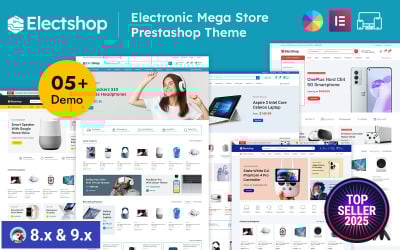
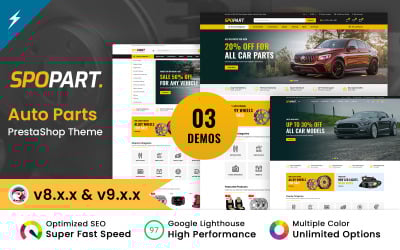


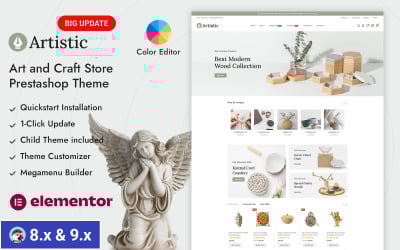
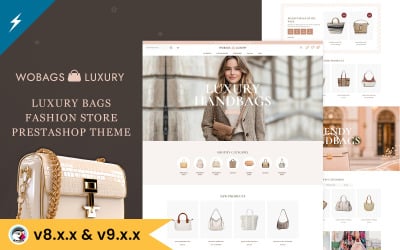
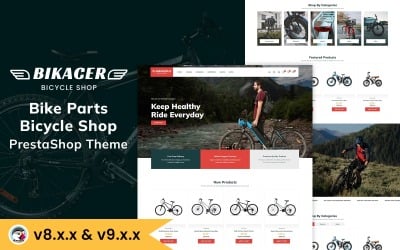
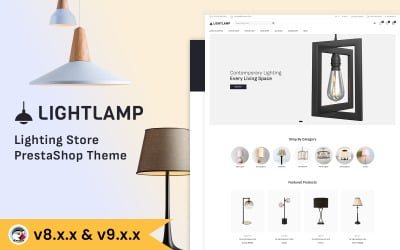
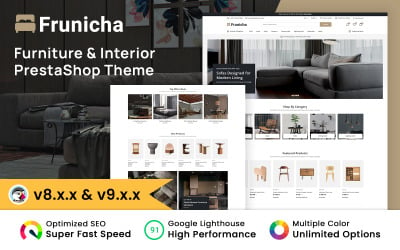
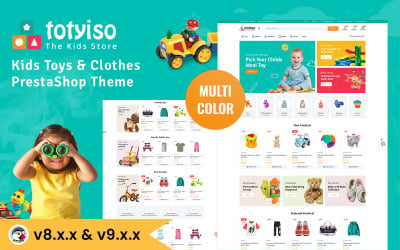

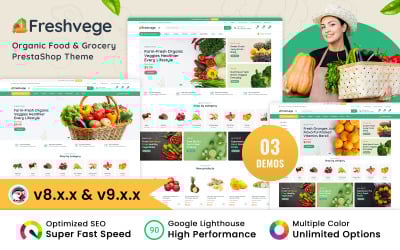
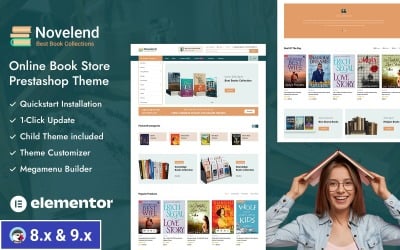
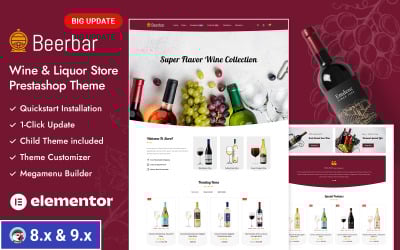
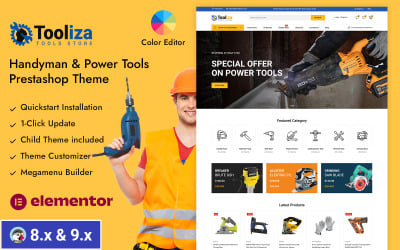
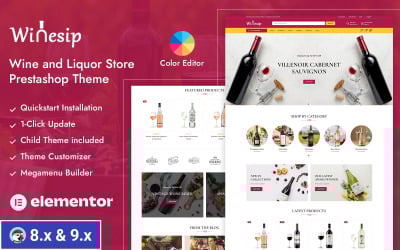
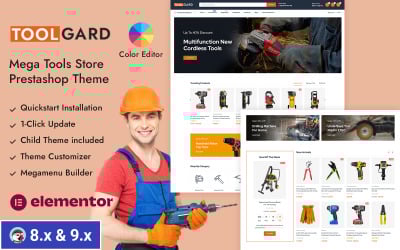
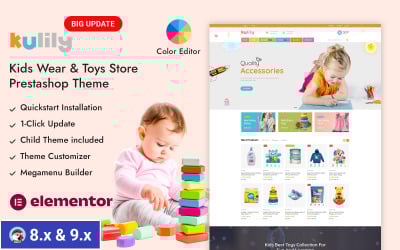
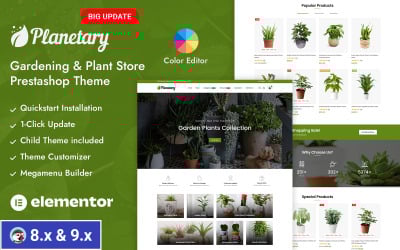
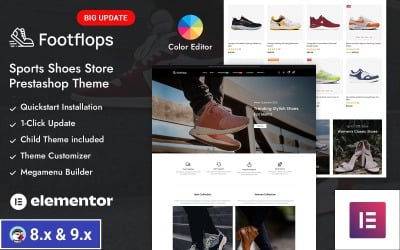
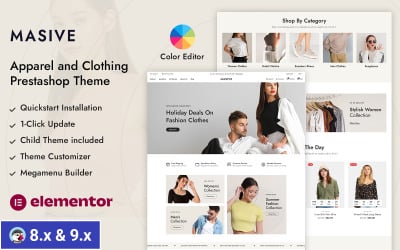
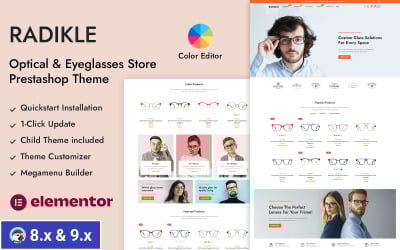
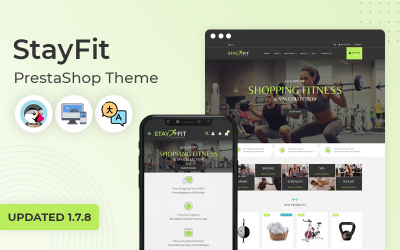
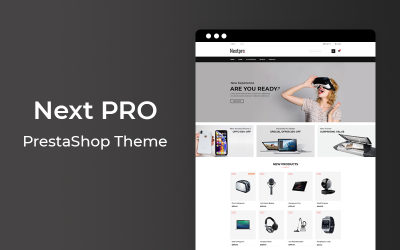
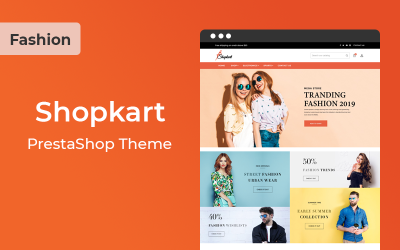
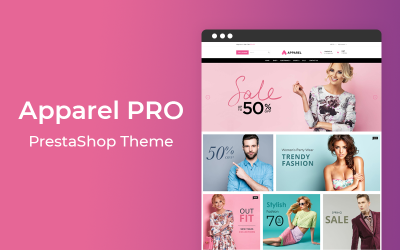
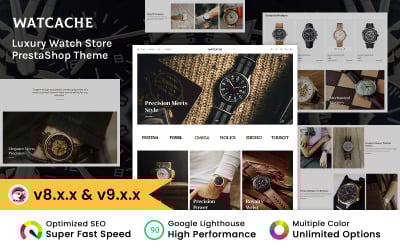
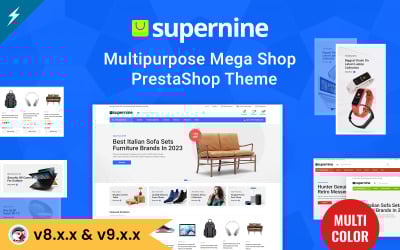
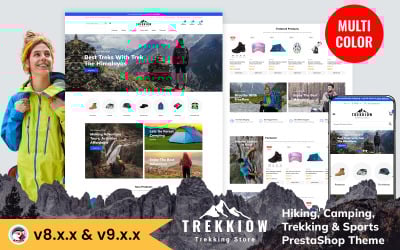
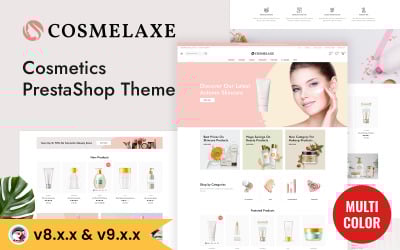

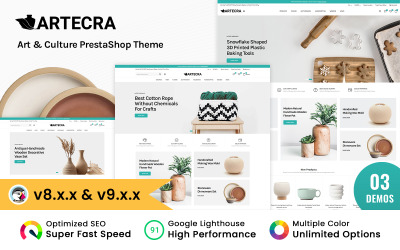
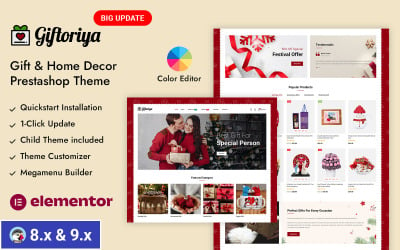
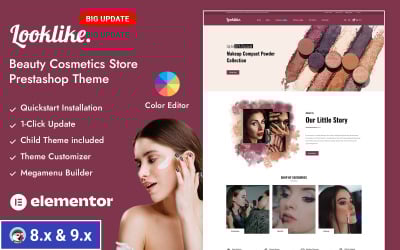
5 Best Advanced Theme Options PrestaShop Themes 2026
PrestaShop Theme Configurator Administration Guidelines
Advanced Theme Options PrestaShop: Questions and Answers
Which advanced theme options PrestaShop come with templates?
You can customize basic things like colors, fonts, and logos as well as advanced things like exporting products and/or creating custom fields. The settings are also easy to change for every webpage, including navigation elements in the header and footer or adjustments to blog posts or product descriptions.
How do I use advanced customization PrestaShop options for my store?
Extra features let you tweak every part of your website's design to fit your tastes or branding needs. You can do this with built-in drag-and-drop visual builders and coding editors.
Do I need any special skills to work with advanced theme options PrestaShop?
It is helpful to understand the CSS/HTML code structure and how software components interact when editing the layout to work comfortably within the framework. However, expert help is always available.
Is there an alternative to visual editors when doing customization?
Of course, you can also directly change the HTML and CSS code without using a drag-and-drop interface. But you have to know more about coding languages, and it might take more time compared to visual editors.