 ES
ES RU
RU DE
DE PL
PL IT
IT TR
TR FR
FR BR
BR NL
NL CN
CN CZ
CZ UA
UA HU
HU SE
SE Unlimited Downloads
  Sale
Sale 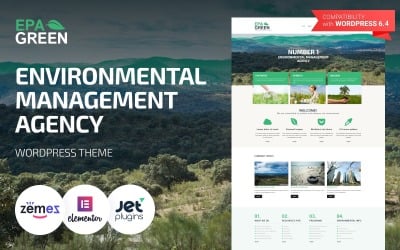









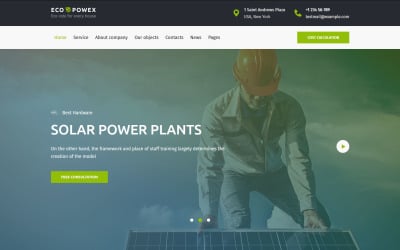
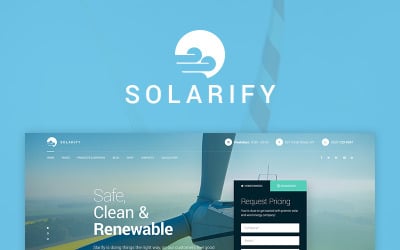


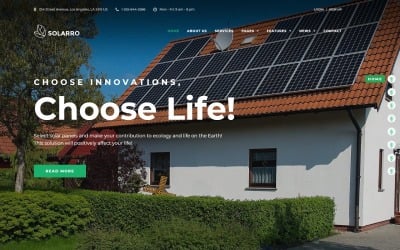
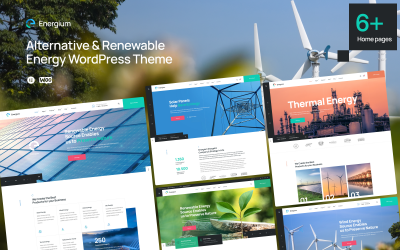

5 Best Biofuel WordPress Themes & Templates 2026 2026
| Template Name | Downloads | Price |
|---|---|---|
| Epa Green - Environmental Responsive WordPress Theme | 832 | $59 |
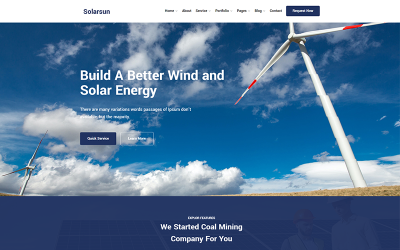
| Strongo - Solar & Wind Energy WordPress Theme | 51 | $59 |
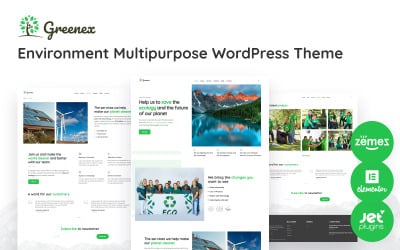
| Greenex - Green Energy & Environment WordPress Elementor Theme | 20 | $59 |
| Organixine - Biofuel Company WordPress Theme | 185 | $59 |
| JunkTruck - Waste Services & Garbage Removal WordPress Theme | 158 | $59 |
Biofuel WordPress Themes FAQ
How to reset a Biofuel WordPress theme?
- Install the plugin WordPress Database Reset.
- Go to Tools > Database reset. The Database Reset plugin will delete all content on your WordPress site. Choose the tables that you'd like to reset or Select All to reset your site completely.
How does a Biofuel Company WordPress theme install?
- Login to your WordPress admin area.
- Next, click on Appearance >> Themes.
- Look for the needed theme using an advanced search.
- Next to the theme's preview, there is an install button.
- As soon as the theme is installed, activate it.
Which Bio Petrol WordPress themes are responsive?
All WordPress themes in the TemplateMonster digital marketplace are made to be responsive.
Why should I update my Biodiesel WordPress theme?
The top reason to update your WordPress site is security. WordPress updates are essentials to secure your website and plugins to avoid unwanted attacks.
Where to install Biofuel Company WordPress theme?
In order to install a WordPress theme, take the following steps:
- In your WordPress dashboard, go to Appearance > Themes > Add New.
- From there you'll see an option for 'Upload' at the top of the screen. Click the 'Browse' button, navigate your computer files and select the .ZIP file for your downloaded extension.
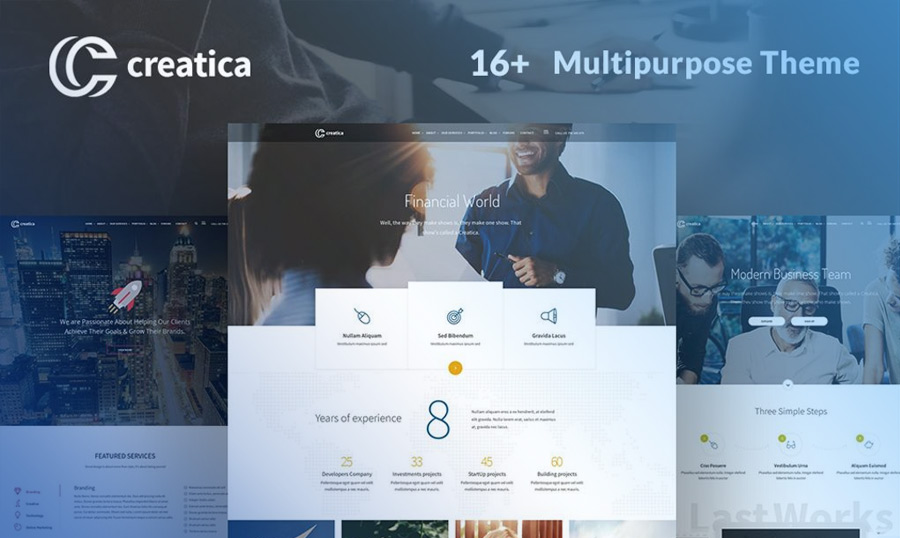
9 Premium WordPress Templates for Selling Digital Products
If you are a big WordPress fan, you can build your e-сommerce store with a responsive WordPress theme! This free, easy to use, SEO friendly content management system has multiple templates for online stores and plugins for basic e-сommerce functionality.
Read me
Why Do Web Professionals Choose WordPress For Their Clients?
If you are a big WordPress fan, you can build your e-сommerce store with a responsive WordPress theme! This free, easy to use, SEO friendly content management system has multiple templates for online stores and plugins for basic e-сommerce functionality.
Read me![WordPress Editor of My Dreams, or Nightmares? [Gutenberg by WordPress]](https://s.tmimgcdn.com/wp-content/uploads/gutenberg-3.jpg)
WordPress Editor of My Dreams, or Nightmares? [Gutenberg by WordPress]
If you are a big WordPress fan, you can build your e-сommerce store with a responsive WordPress theme! This free, easy to use, SEO friendly content management system has multiple templates for online stores and plugins for basic e-сommerce functionality.
Read me
How to Drive Traffic to Your New Website? A Comprehensive Guide
If you are a big WordPress fan, you can build your e-сommerce store with a responsive WordPress theme! This free, easy to use, SEO friendly content management system has multiple templates for online stores and plugins for basic e-сommerce functionality.
Read me