 ES
ES RU
RU DE
DE PL
PL IT
IT TR
TR FR
FR BR
BR NL
NL CN
CN CZ
CZ UA
UA HU
HU SE
SE Unlimited Downloads
  Sale
Sale 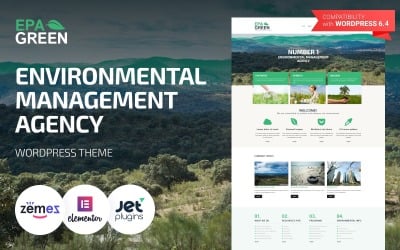








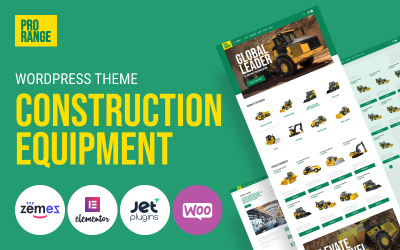
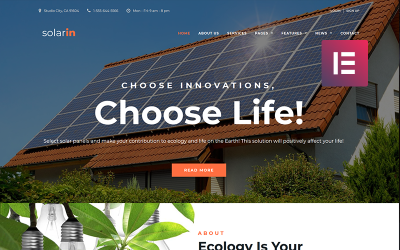


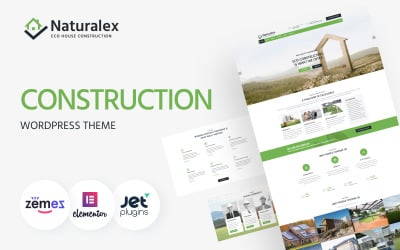
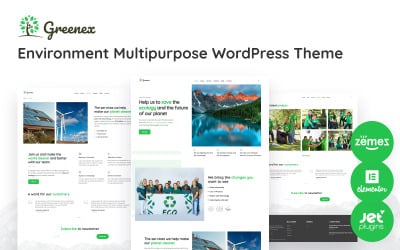
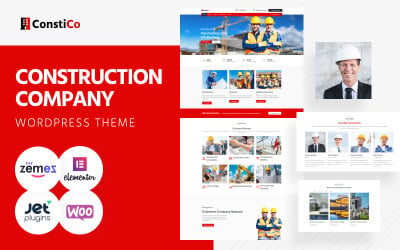
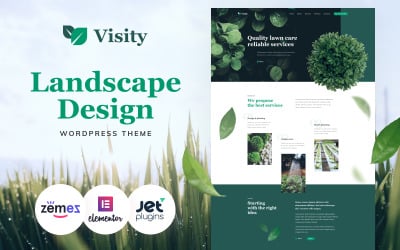


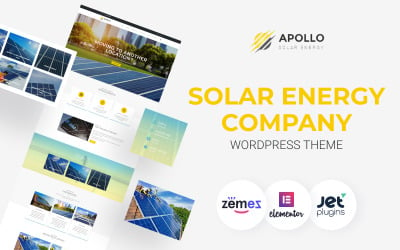
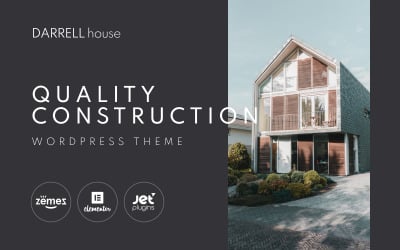



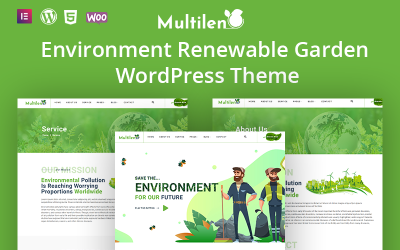
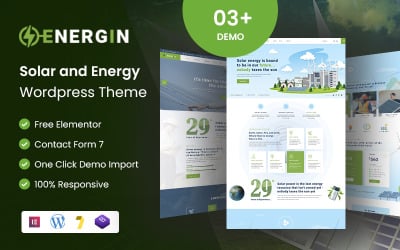

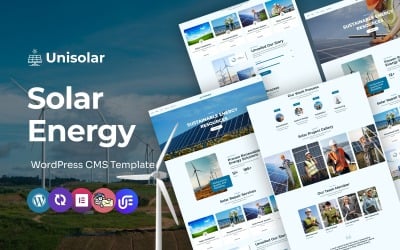
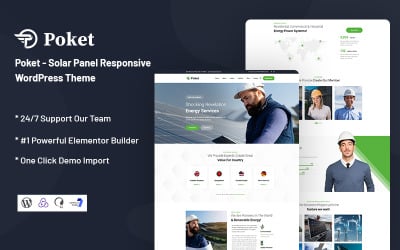
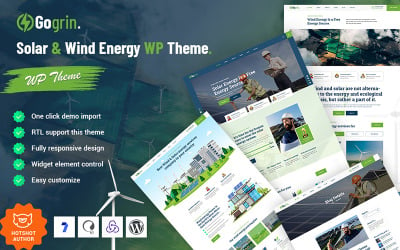
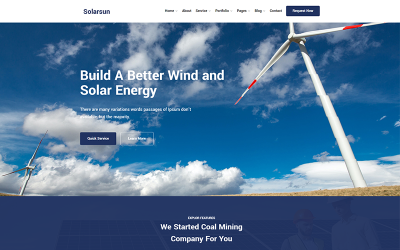
5 Best Environmental WordPress Themes & Templates 2026 2026
| Template Name | Downloads | Price |
|---|---|---|
| Epa Green - Environmental Responsive WordPress Theme | 832 | $59 |
| Contractor - Architecture & Construction Company WordPress Elementor | 898 | $59 |
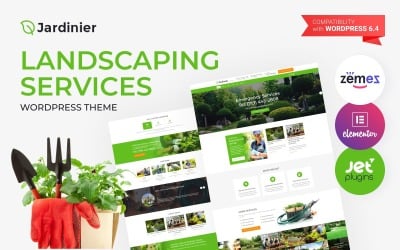
| Jardinier - Landscaping Services WordPress Theme | 325 | $59 |
| Mataleel - Industrial Construction WordPress Theme | 291 | $59 |
| JohnnyGo - Multipurpose Home Services WordPress Theme | 1,028 | $59 |
5 Premium Environmental WordPress Themes 2026
| Template Name | Price | Sales | Collections |
| EcoPower - Alternative Power & Solar Energy WordPress Theme | $75 | 42 | 42 |
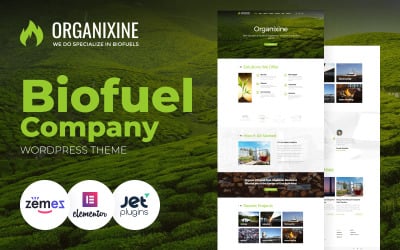
| Organixine - Biofuel Company WordPress Theme | $75 | 71 | 66 |
| LifeisWild - Wild Life WordPress Theme | $75 | 72 | 91 |
| Helilar - Solar & Renewable Energy WordPress Theme | $75 | 71 | 70 |
| Apollo - Solar Energy Company Responsive WordPress Theme | $75 | 145 | 87 |
Responsive Environment Theme Video Tutorial
Dream to gain big achievements with your solar energy company? Build your website using this SEO-friendly theme with fully responsive layouts
Environmental WordPress Themes FAQ
How can I update my Environmental Protection Agency WordPress theme?
The majority of WordPress themes offer automatic updates. In order to update your current WordPress theme, navigate Dashboard >> Appearance >> Themes, pick the current theme, then simply click the button 'Update Now' to attempt the upgrade.
How can I translate my Environmental Protection WordPress theme?
In order to translate a theme, make sure that the WordPress product that you have chosen is translation-ready. Next, get Poedit software installed on your computer.
- Open Poedit and select Create new translation.
- Select a language you want to translate your theme to.
- Highlight any string you want to translate.
- Once you have translated your theme, save the file (lt_LT in this example) in the same directory as the original template.
WordPress theme vs page builder - what's a better option?
As a rule, WordPress themes of the last generation include built-in drag-and-drop builders, which allow you to modify the pre-designed layouts effortlessly.
Can you combine Environmental WordPress themes?
Combining the entire WordPress themes or some of their elements is one of the major characteristics of Monstroid2. The theme contains a Magic Button, which provides you with the access to all modules, widgets, pages, layout elements, and skins that can be found in all child themes from the pack.
How does a Environmental News WordPress theme install?
- Login to your WordPress admin area.
- Next, click on Appearance >> Themes.
- Look for the needed theme using an advanced search.
- Next to the theme's preview, there is an install button.
- As soon as the theme is installed, activate it.
9 Premium WordPress Templates for Selling Digital Products
If you are a big WordPress fan, you can build your e-сommerce store with a responsive WordPress theme! This free, easy to use, SEO friendly content management system has multiple templates for online stores and plugins for basic e-сommerce functionality.
Read me
High Bounce Rate? One-Sided Content Might Be Responsible
If you are a big WordPress fan, you can build your e-сommerce store with a responsive WordPress theme! This free, easy to use, SEO friendly content management system has multiple templates for online stores and plugins for basic e-сommerce functionality.
Read me![WordPress Editor of My Dreams, or Nightmares? [Gutenberg by WordPress]](https://s.tmimgcdn.com/wp-content/uploads/gutenberg-3.jpg)
WordPress Editor of My Dreams, or Nightmares? [Gutenberg by WordPress]
If you are a big WordPress fan, you can build your e-сommerce store with a responsive WordPress theme! This free, easy to use, SEO friendly content management system has multiple templates for online stores and plugins for basic e-сommerce functionality.
Read me
20 Free WordPress Widgets You’ll Love to Have on Your Website
If you are a big WordPress fan, you can build your e-сommerce store with a responsive WordPress theme! This free, easy to use, SEO friendly content management system has multiple templates for online stores and plugins for basic e-сommerce functionality.
Read me