 ES
ES RU
RU DE
DE PL
PL IT
IT TR
TR FR
FR BR
BR NL
NL CN
CN CZ
CZ UA
UA HU
HU SE
SE Unlimited Downloads
  Sale
Sale 



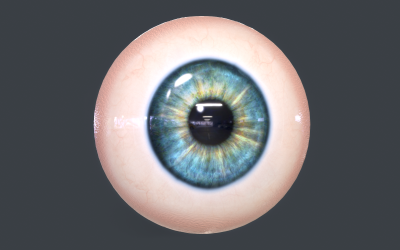
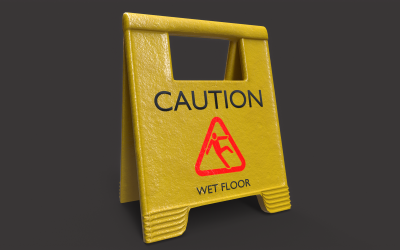

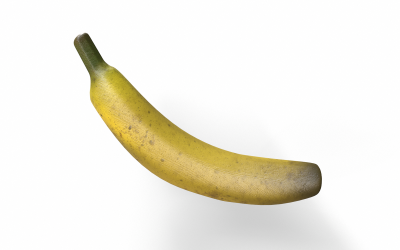
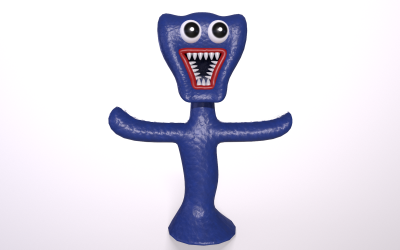
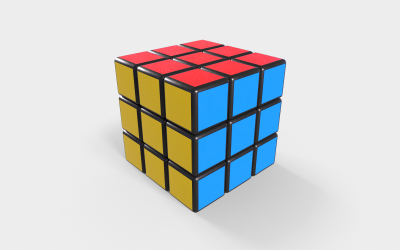
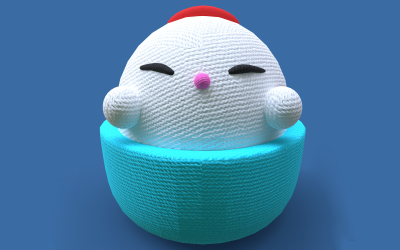
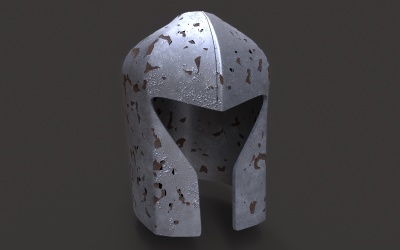
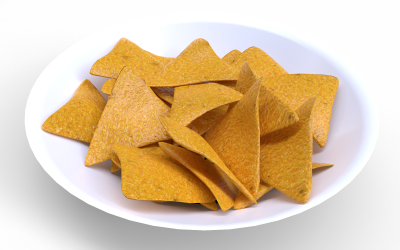
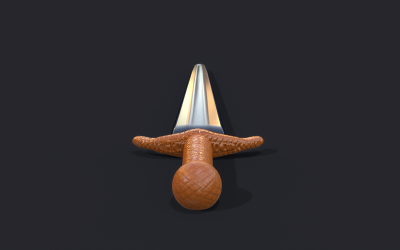
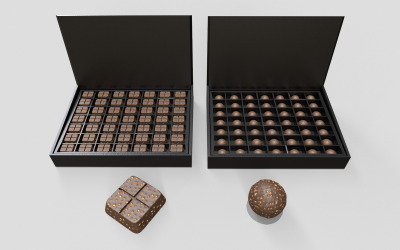
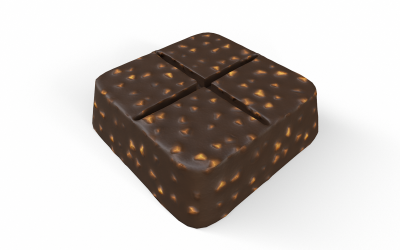
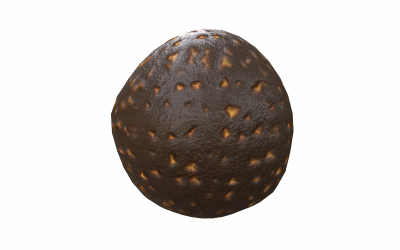
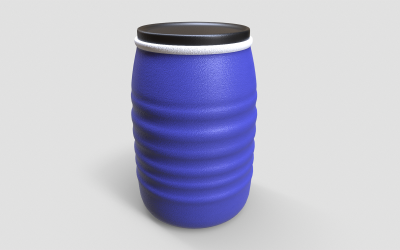
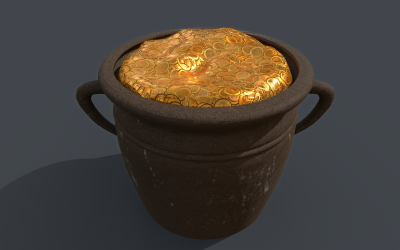
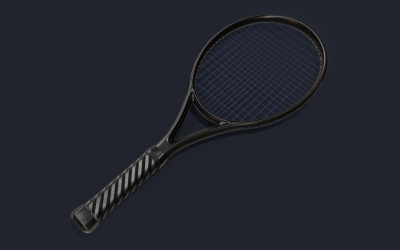
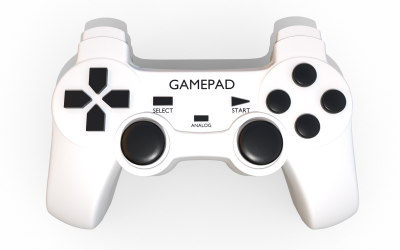
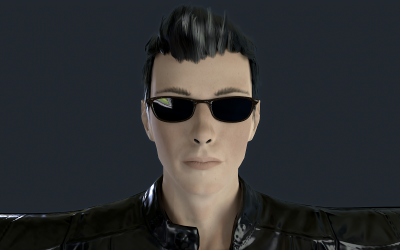
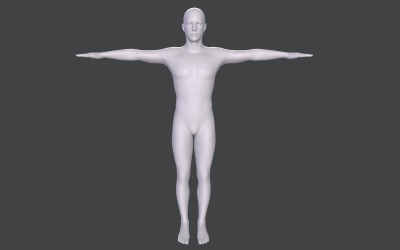
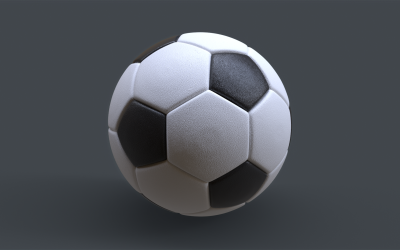
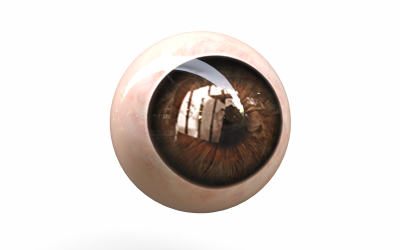
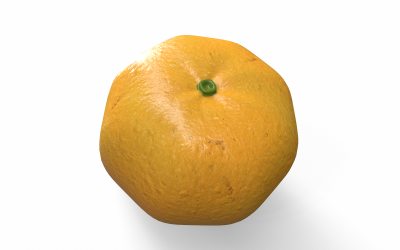

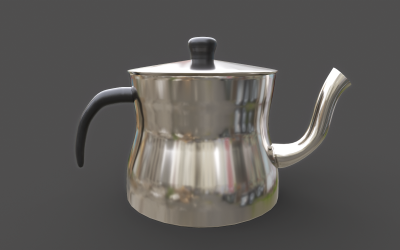
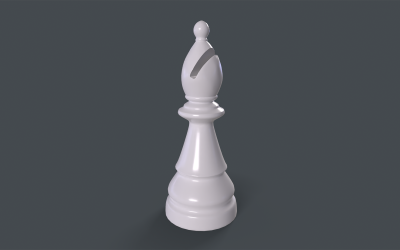
5 Best Best Games 3D Models 2026
| Template Name | Downloads | Price |
|---|---|---|
| 3D Toy Icon Set Bundle Design | 0 | $35 |
| Sistine Chapel Interior Low Poly 3D Model | 10 | $31 |
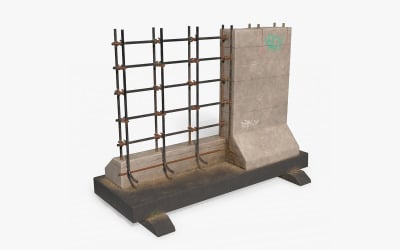
| Street Barrier PBR Low Poly 3d Model | 0 | $16 |
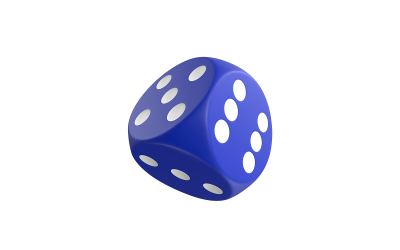
| Dice X High Poly 3D model | 0 | $20 |
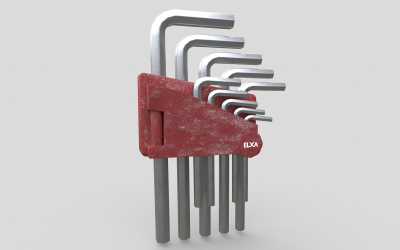
| Allen Key Tool Set Low-poly 3D model | 0 | $20 |
How to Use and Edit Game 3D Models Video
3D Game Models FAQ
What Stages Does TemplateMonster Use to Create 3D Game Models?
In the first stage, we create the object's geometry according to the specified parameters. For this, we use various tools to achieve a professional result. To add realism, we reproduce the physical properties of a character, an object of flora, fauna, or interior. All textures or materials have colors and surfaces; we always care about them. They also can absorb and reflect light. In the third stage, we select lighting. It can be artificial or natural. This step greatly affects the appearance of the result. It is critical to determine the brightness and depth of shades and add shadows.
Where Can You Use 3D Game Models?
Gaming 3D Modeling implies specific tools to create a three-dimensional object. You develop such an element automatically or manually using some program packages. Professions that favor such technologies are more likely to deal with the development of consumer products, automotive design, industrial equipment, architecture, design, entertainment, and healthcare. Conditionally, it is possible to divide the spheres of activities that will use 2-dimensional graphics as follows:
- Entertainment industry: movies, animations, games, and metauniverses.
- Creation of prototypes: presentation and visualization of interiors, plastic surgery, and other projects.
- Production: jewelry, clothes, prostheses, parts of gadgets, and cars.
How to 3D Game Models Download?
Register on the TemplateMonster website. Choose the 3D Game Model that you liked the most. Fill out the billing form and choose a convenient payment method: PayPal, Stripe, or card. Make payment and wait for verification by email or phone. After this step, you get a link to download the product.
You can also get some graphics for free. To do this, you should register on the MonsterOne website and choose the Creative, All in One, or Lifetime plan. Then you take any 3D item and use it for free.
What Programs Can You Use for Game 3D Models Editing?
If you are just starting, choose the Blender program. It is free and has many tutorials. There are also many other programs for beginners.
Autodesk TinkerCAD is one of the easiest tools for teaching even children. You can also export the final result to print.
DesignSpark Mechanical is a lightweight application for designing engineering parts. It is suitable for both simple elements and precise structures. But there it is impossible to implement complex texture and dynamics.
Choose SketchUp if you need to visualize an architectural idea quickly. Here you can create a model of a building or an entire city.
For those who have little experience in 3D graphics, we recommend using such programs.
For example, Cinema 4D has a simple interface and extensive abilities for sculpting, rendering, texturing, and animation.