 ES
ES RU
RU DE
DE PL
PL IT
IT TR
TR FR
FR BR
BR NL
NL CN
CN CZ
CZ UA
UA HU
HU SE
SE Unlimited Downloads
  Sale
Sale 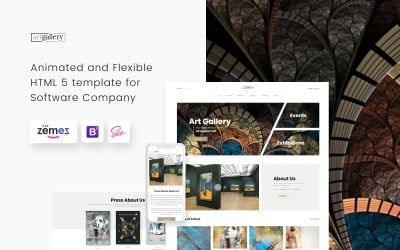



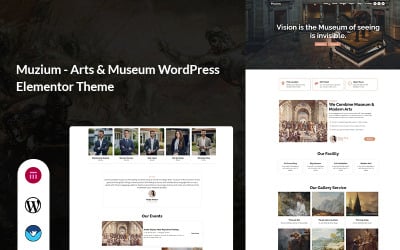
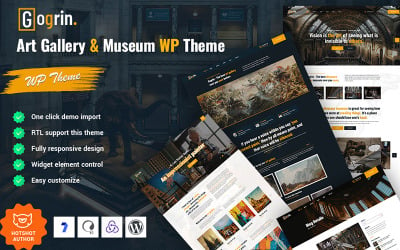
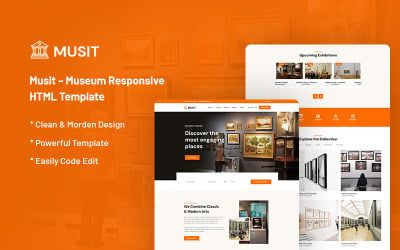
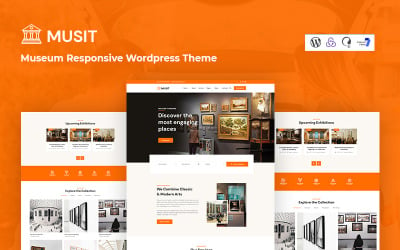
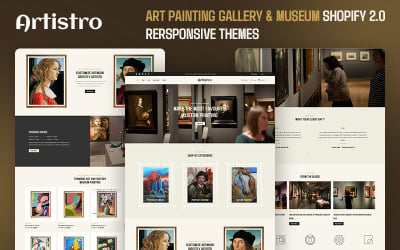
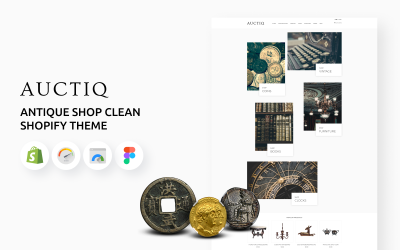
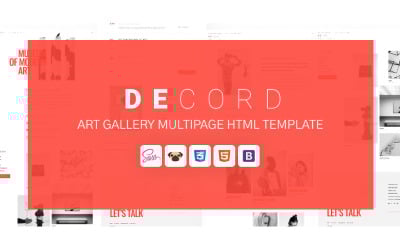
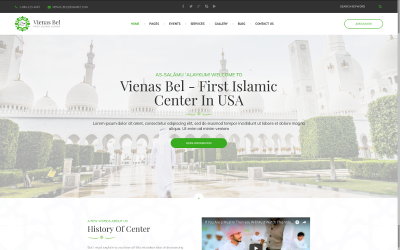
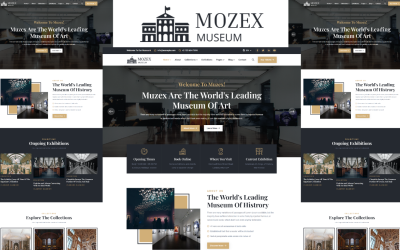
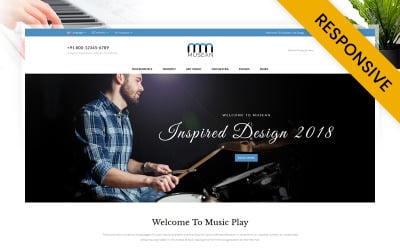
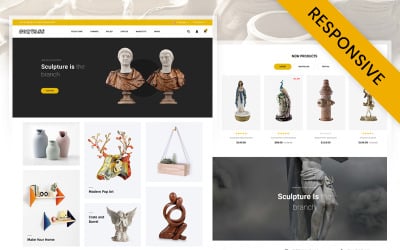


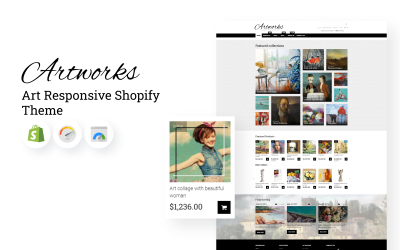
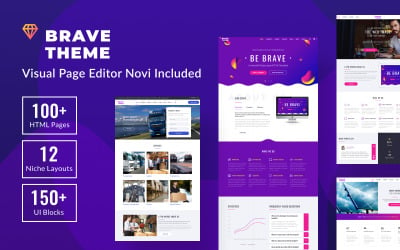
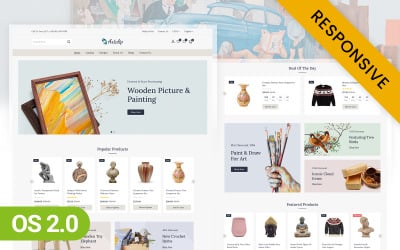
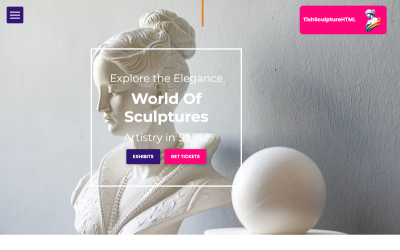
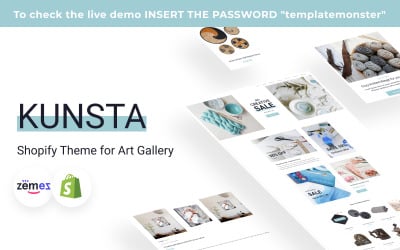
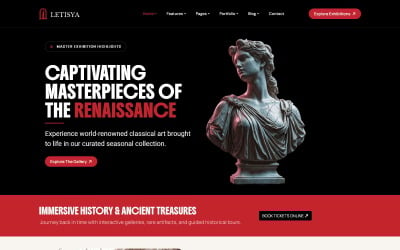

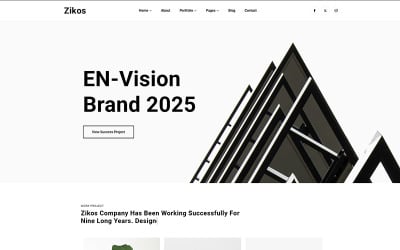
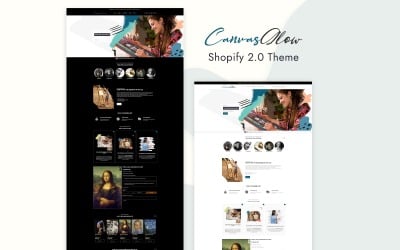
5 Best Museum Bootstrap Templates 2026
| Template Name | Downloads | Price |
|---|---|---|
| Art Gallery Multipage HTML5 Website Template | 165 | $29 |
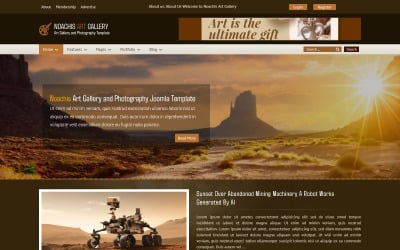
| Noachis Art Gallery and Photography Joomla Template | 11 | $73 |
| Pawnique - Antique Store & Auction Vintage Gallery Shopify Theme | 2 | $38 |
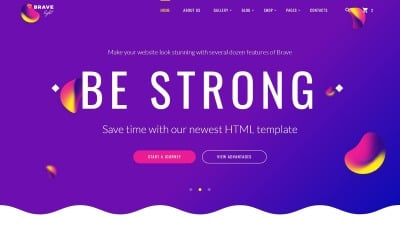
| Brave Light - Creative Universal Multipurpose Website Template | 59 | $17 |
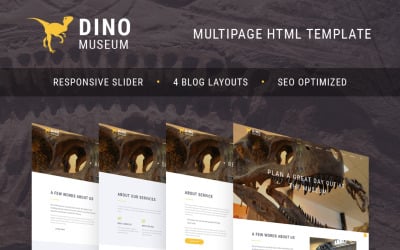
| Dino Museum Website Template | 55 | $17 |
Best Museum Bootstrap Templates
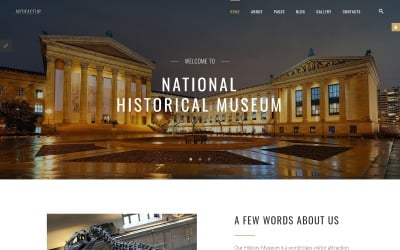
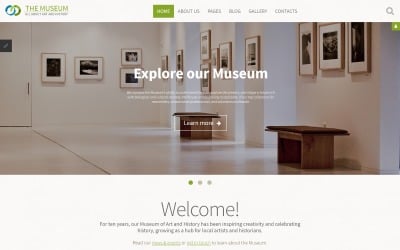
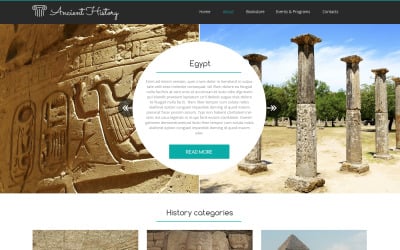
Art galleries and museums use online marketing as an effective way to reach potential visitors and donors. You're ready to enter the world of website design but are unsure where to start. With TemplateMonster, you can find and buy beautiful museum Bootstrap templates straight from the marketplace. Your site will be up in a jiffy!
It is worth noting that the themes of this collection are built on Bootstrap. This is a popular and flexible toolkit for faster and easier web development. With its flexible grid system, mobile experience, HTML5 features, and CSS3 enhancements, this framework is the perfect tool for any web project.
Top Features of Exhibition Bootstrap Themes
These are pre-made web designs and, at the same time, a starting point for site creation. They come in various shapes and sizes, so they can be tailored to fit your needs. Templates also come with many customization options and features, including the following:
- A clean and minimal design that is easy to edit and customize.
- Responsive design that can be accessed from any device.
- W3C valid code helps with SEO as it is optimized for search engines such as Google and Bing.
- The drop-down menu allows users to navigate through different pages easily without annoyingly scrolling down or clicking on each link individually.
- Retina support lets users view a webpage on high-resolution screens such as Retina displays on MacBooks or iPads.
- 14-day free trial version for MotoCMS design samples to try out before buying.
Who Can Use Museum Bootstrap Templates?
These templates are perfect for any academic, historical, or cultural museum that needs to go above and beyond. With them, businesses will be able to focus on other aspects of their operations while still providing excellent exhibits, events, and programs. The ready-made themes assist exhibition organizers by providing them with ideas that they can implement on their own without the time and effort required to create them from scratch.
Tips to Create a Perfect Exhibition Bootstrap Website
- Set up the site's main navigation bar. Make sure it is clear and concise, with the most important links at the top.
- Set up social media accounts (Instagram, Facebook, Twitter, etc.) and contact information (typically in the footer or/and on the contact page).
- Create an event page with information about your museum or hermitage and a link to purchase tickets.
- Include a gallery of images from past and current events.
- Add an introductory video that overviews your work and the company.