 ES
ES RU
RU DE
DE PL
PL IT
IT TR
TR FR
FR BR
BR NL
NL CN
CN CZ
CZ UA
UA HU
HU SE
SE Unlimited Downloads
  Sale
Sale 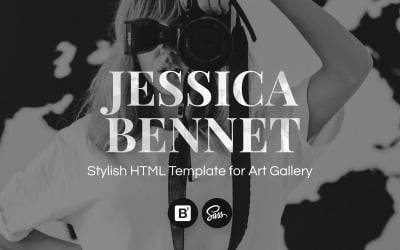


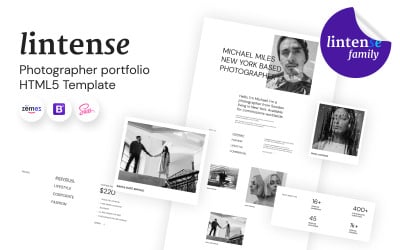
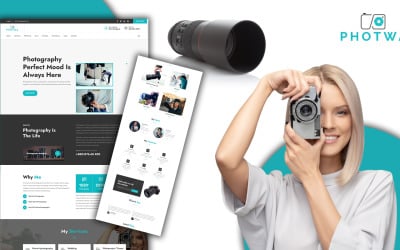


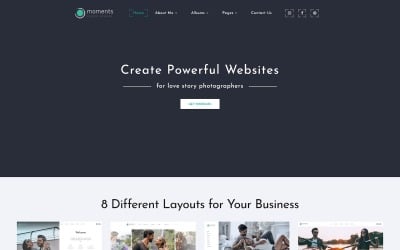
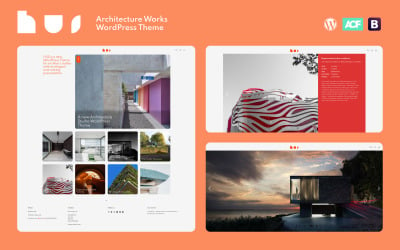
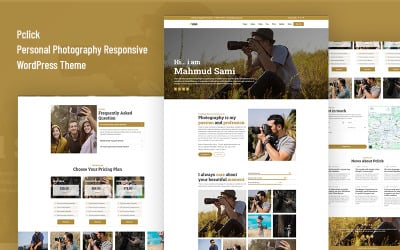
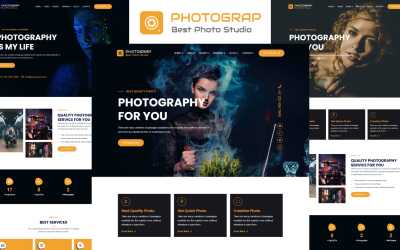
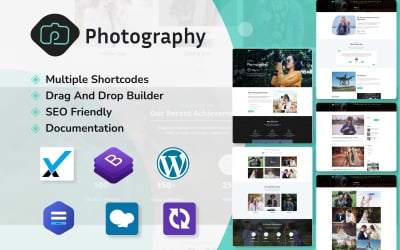
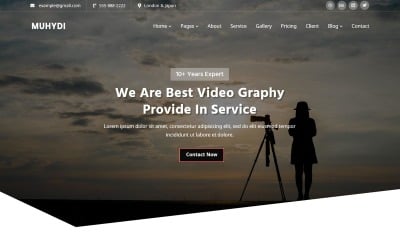
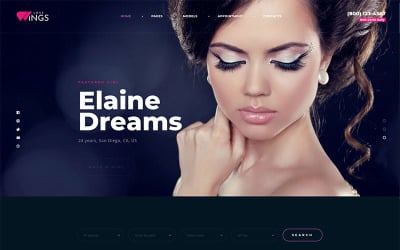
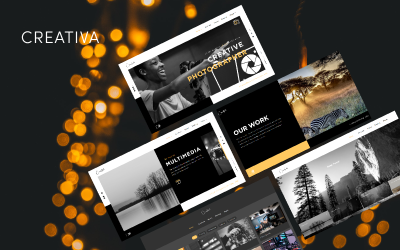
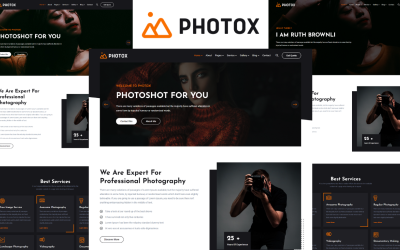
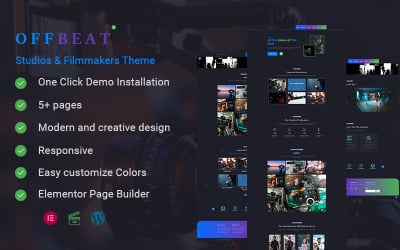
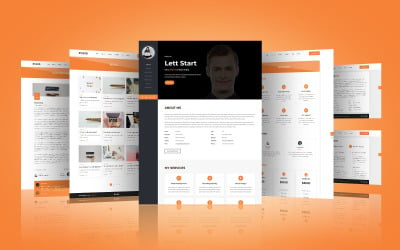
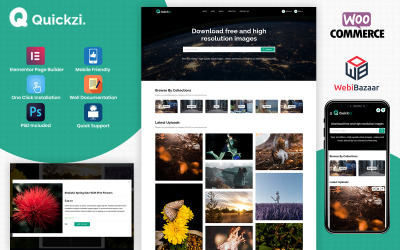

5 Best Photo Studio Bootstrap Templates 2026
| Template Name | Downloads | Price |
|---|---|---|
| Jessica Bennett - Photographer Portfolio HTML5 Website Template | 334 | $29 |
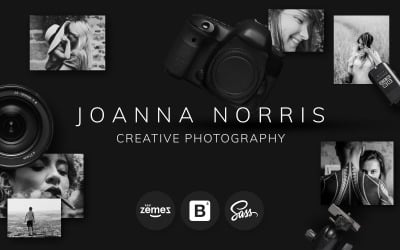
| Joanna Norris - Photographer Portfolio Website Template | 64 | $29 |
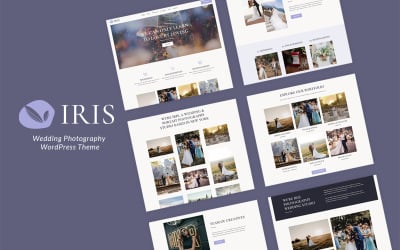
| Iris - Wedding Photography WordPress Theme | 37 | $62 |
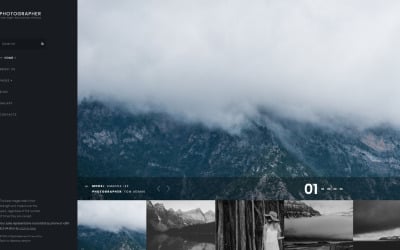
| Photographer Joomla Template | 22 | $55 |
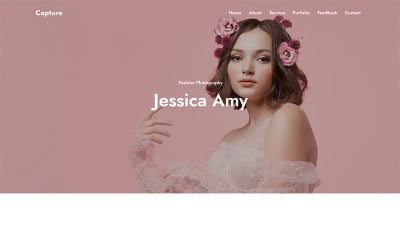
| Capture - Photography HTML Landing Page | 2 | $21 |
Best Photo Studio Bootstrap Templates
Do you want to impress your audience with a professional web resource? There are many nuances that a photographer must consider when creating a website. TemplateMonster offers ready-made themes consisting of CSS and JavaScript snippets. They are a first-class alternative to generating a platform from scratch. You benefit greatly by choosing one of the photo studio Bootstrap templates. Ready-made sets of options and interface elements find a place on the multipage sites and landing pages. They are perfect for an attractive portfolio, blog, or online store. All themes have a unique design - you'll be able to create a distinctive appearance and visually stand out from the crowd. Hurry up to choose a worthwhile offer for your needs!
Top Features of Photography Studio Bootstrap Themes
The advantage of ready-to-use photo studio Bootstrap templates is their bundling. Powered by the Bootstrap framework, they offer modern utility classes to implement any task. These are plural buttons, menus, boards, panels, and tools. In addition, they have a power grid that makes customization intuitive and accessible. Themes include the most sought-after options and key features. For example:
- Responsive design: a mobile-first strategy in action. The templates optimize the platform for mobile devices. They successfully adapt all interface elements to any screen resolution.
- SEO: there is no faster promotion on the web! Aimed at effective indexing, themes create a flexible site structure. It contributes to higher rankings and increased traffic.
- Unlimited colors: play with color schemes. If necessary, boldly combine shades on your own. It helps to personalize the product. However, applying ready-made ideas is also cool. It saves plenty of time.
- E-commerce kit: sell online without hesitation. Apply the user registration form, customize the shopping cart, and activate multi-currency and payment systems. Fast checkout can be your edge!
- Google typography: take care of every letter on the page. Applying fonts accentuates the reader's attention or visually hides data. You're sure to find the perfect fit with more than 100 different fonts to choose from.
- Mega menu: build a logical site structure. It allows you to create product categories and subcategories and divide content into groups. It provides access to the material through pull-out blocks.
- Clean and clear code: meets all W3C standards. You will have no problem with the product's functioning as it is built with the latest technology.
- Regular updates: say no to old-fashioned pages. Constantly upgraded templates are perfectly matched to the CMS and function seamlessly.
Who Can Use Photo Studio Bootstrap Templates?
Completely user-friendly cameramen Bootstrap templates play a key role for beginners. The latter often use content management systems to generate their web platforms. TemplateMonster presents digital products for such CMSs:
- WordPress;
- Joomla;
- PrestaShop;
- VirtueMart;
- Shopify;
- OpenCart;
- MotoCMS.
Look for the perfect theme here if you know firsthand about the art of photography. Thus, multifunctional layouts are good for:
- Professional and novice photographers;
- Photo studios;
- Freelancers;
- Cameramen;
- Models.
Templates have a flexible organization, allowing the developer to build interfaces of any complexity. You could implement them into electronic portfolios and galleries. Thanks to the advanced admin panel, they are suitable for people without experience with code, so they are the optimal solution for many.
Tips to Create a Perfect Photography Studio Bootstrap Website
- Impress your customers! The first thing to do is to choose a design style. You could select minimalism for understated portfolios or pick a bright palette of hues to surprise from the first seconds. You can develop a professional-looking resource in short order by employing customization tools.
- People involved in the arts profession know the value of quality content. First and foremost, you should provide a bank of high-quality photos. It is the best proof of your professionalism.
- Consider the structure of the website. It is important to maintain a comfortable user experience. Use horizontal and vertical panels, informative header and footer, categories, sections, pages, and other divisions.