 ES
ES RU
RU DE
DE PL
PL IT
IT TR
TR FR
FR BR
BR NL
NL CN
CN CZ
CZ UA
UA HU
HU SE
SE Unlimited Downloads
  Sale
Sale 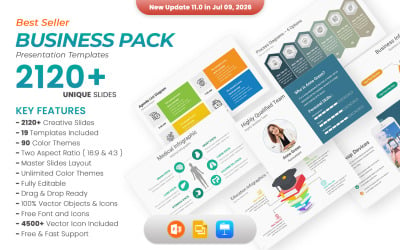



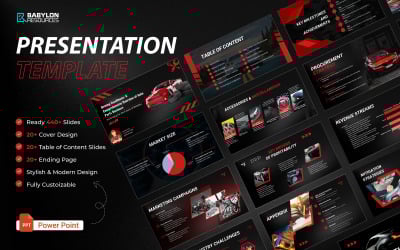
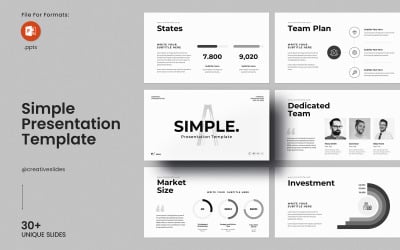
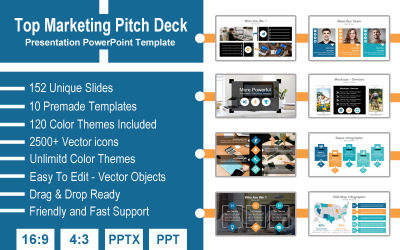

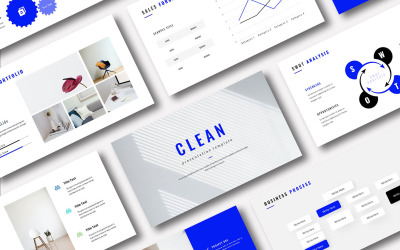

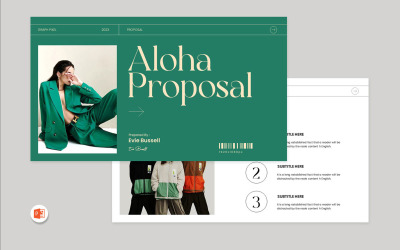
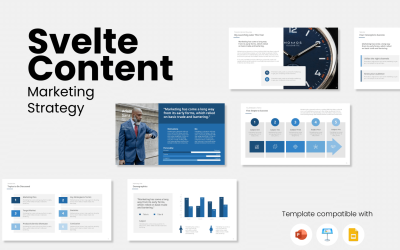
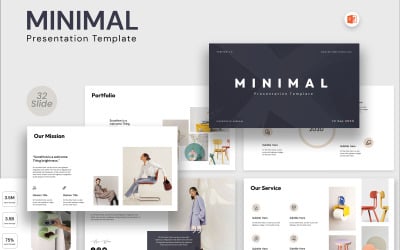
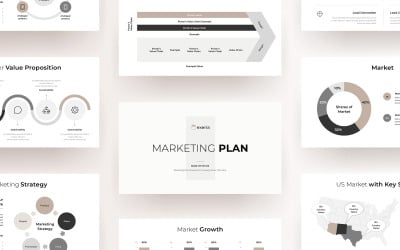

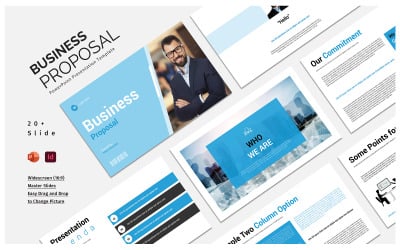
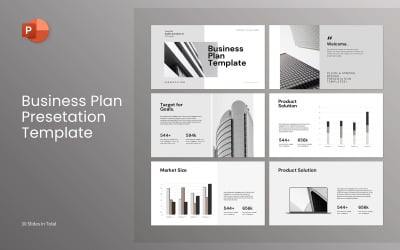
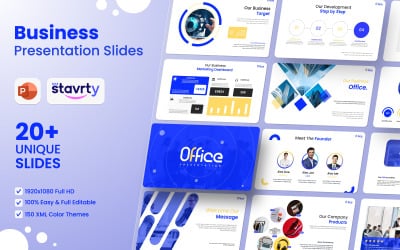
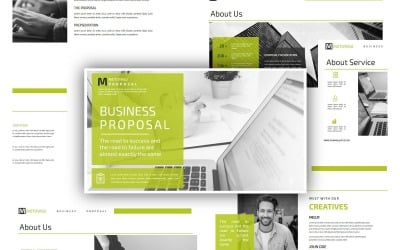
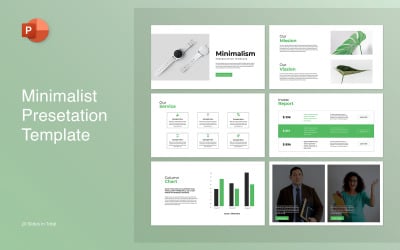
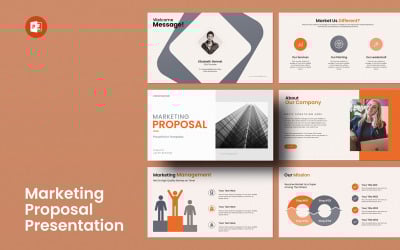
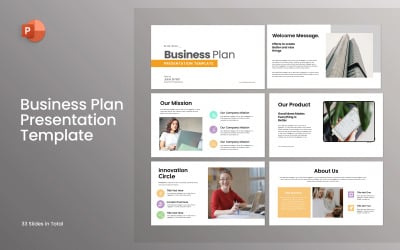
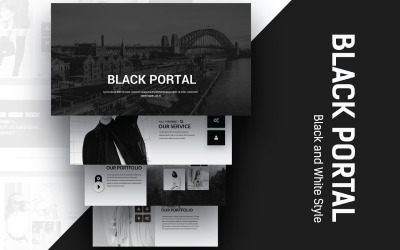
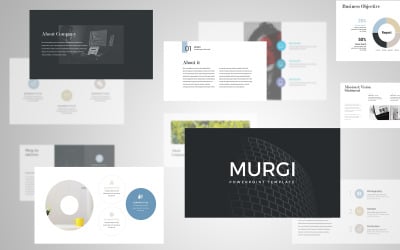
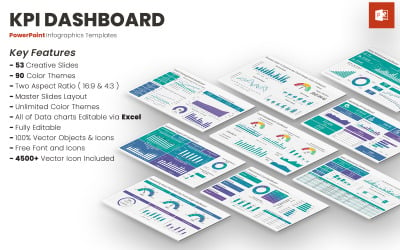

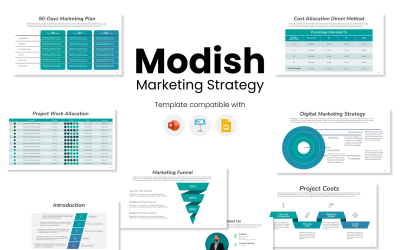
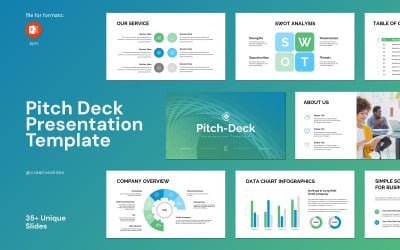
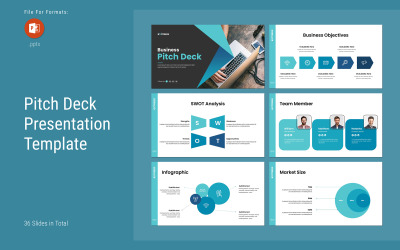
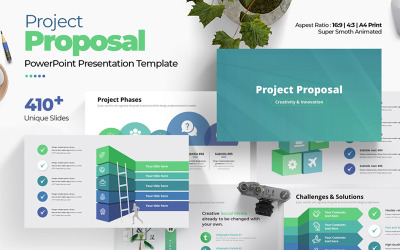
5 Best professional powerpoint presentation themes 2026
| Template Name | Downloads | Price |
|---|---|---|
| Business Pack PowerPoint templates | 1,260 | $25 |
| Pack of 19 Professional PowerPoint Templates with Morph Transition | 158 | $21 |
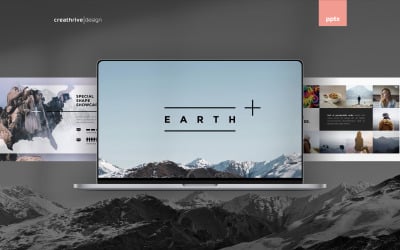
| Earth PowerPoint Presentation Template | 107 | $15 |
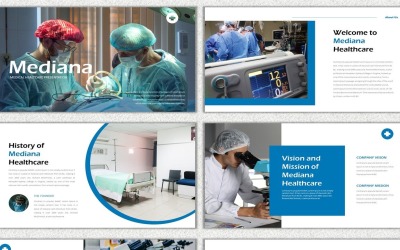
| Mediana PowerPoint template | 2 | $18 |
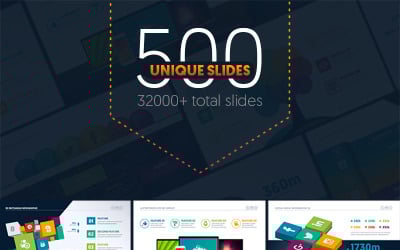
| Multipurpose Business Infographic Presentation - PowerPoint template | 198 | $21 |
What is One by TemplateMonster?
PowerPoint Themes from Professionals Questions and Answers
How to download Pro PowerPoint templates?
- Browse the products you see on this page. Use the filter on the left as needed. Choose from a wide range of Pro PowerPoint templates in a variety of styles and themes. Here are creative presentations, slides to promote startups, business, marketing, education, eCommerce, etc. Likewise, there are slideshows for a single product or a whole portfolio.
- Check out previews and product descriptions. Pay attention to compatibility with the version of PowerPoint (do you have the same?). Carefully consider the features of the slides: what are they about, do they fit your speech?
- Put the selected template in the shopping cart. There may also be a Get in Subscription offer next to the Add to Cart button. What is it for? It is an offer to subscribe to MonsterONE for unlimited downloads of thousands of presentations and more. In other words, you don't have to pay for each template separately. You buy a monthly/yearly/lifetime plan and start downloading as many products as your heart desires. However, not all items on TemplateMonster.com's marketplace support a MonsterONE subscription. So, look for the ONE tag next to the product!
- That's it – you've successfully downloaded the file. Congratulations.
How to customize Pro PowerPoint templates?
You can customize the slides to fit your speech. Add text, upload photos, your logo, and other branding elements. Leave as many slides as you need. There's no need to add animations, experiment with layouts, look for the right combination of fonts and color schemes – everything is already on the slides. After that, add your content to complete your presentation.
Can I change the colors of the Pro PowerPoint templates?
Yes, you can! It is at the core of the design, and it's easy to do. Authors create graphics using vector objects. There is the option of scaling, recoloring, and editing without losing authenticity. So, the slides look great in any format: on-screen or in print.
Do Pro PowerPoint templates include fonts and images?
TemplateMonster policy does not allow authors to include fonts and pictures in downloadable files. But there's no problem with that. If a designer left a link (usually in the documentation), click it and download the fonts and images. If not, contact them, and they will send the necessary files via email to you.
Are there any other tools to work with Pro PowerPoint templates?
Google Slides is the most popular alternative to PowerPoint. A presentation created in the cloud service is a simple and convenient solution for those who do not have office packages. Most importantly, all the necessary tools are always at your fingertips. A clear advantage is the possibility of sharing the intermediate results with colleagues and listeners. In addition, it is possible to discuss project details online and save presentations in the virtual file manager.
Apple Keynote is the main rival of MS PowerPoint. Therefore, it is predicted to dominate both the business sphere and online education soon. This powerful yet easy-to-use service allows you to create stunning presentations on Apple devices (Mac, iPad, and iPhone).