 ES
ES RU
RU DE
DE PL
PL IT
IT TR
TR FR
FR BR
BR NL
NL CN
CN CZ
CZ UA
UA HU
HU SE
SE Unlimited Downloads
  Sale
Sale 





5 Best Steakhouse WordPress Themes & Templates 2026 2026
| Template Name | Downloads | Price |
|---|---|---|
| Ricardo - Gourmet Restaurant Responsive WordPress Theme | 156 | $59 |
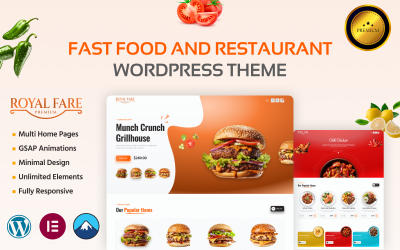
| Royal Fare – Fast Food & Restaurant WooCommerce WordPress Theme | 3 | $36 |
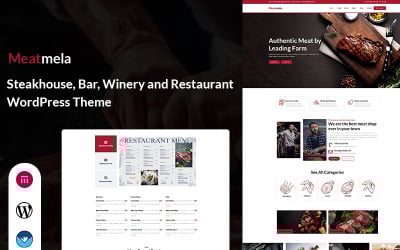
| Meatmela - Steakhouse, Bar, Meat, Winery and Restaurant WordPress Theme | 1 | $35 |
| Bettaso - Cafe & Restaurant WordPress Theme | 465 | $59 |
| Red Hot Grill - Restaurant WordPress Theme | 112 | $59 |
Great Video Tutorial for Best Butcher WordPress Themes
Redesign your restaurant website with our new stylish WordPress theme.
Steakhouse WordPress Themes FAQ
How to handle Steakhouse WordPress theme customization?
There are multiple ways to customize WordPress themes. To the biggest degree, this depends on the functionality that any specific theme stores under the hood. If your theme includes a drag-and-drop builder, then go ahead and customize it in the visual mode. If you follow the traditional scenario, then open your WordPress dashboard and navigate Appearance > Themes > Customize.
What are premium Steakhouse Grill WordPress themes?
Premium WordPress themes are the fully-fledged web designs featuring sets of custom tools and customization options, which are included in the themes' download packs.
WordPress theme vs page builder - what's a better option?
As a rule, WordPress themes of the last generation include built-in drag-and-drop builders, which allow you to modify the pre-designed layouts effortlessly.
Where to install Steak Bar WordPress theme?
In order to install a WordPress theme, take the following steps:
- In your WordPress dashboard, go to Appearance > Themes > Add New.
- From there you'll see an option for 'Upload' at the top of the screen. Click the 'Browse' button, navigate your computer files and select the .ZIP file for your downloaded extension.
How does a Steakhouse WordPress theme install?
- Login to your WordPress admin area.
- Next, click on Appearance >> Themes.
- Look for the needed theme using an advanced search.
- Next to the theme's preview, there is an install button.
- As soon as the theme is installed, activate it.