 ES
ES RU
RU DE
DE PL
PL IT
IT TR
TR FR
FR BR
BR NL
NL CN
CN CZ
CZ UA
UA HU
HU SE
SE Unlimited Downloads
  Sale
Sale 



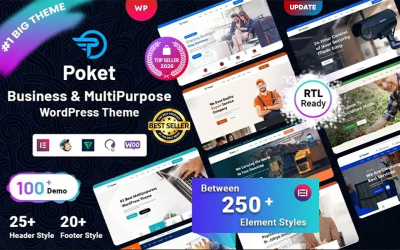

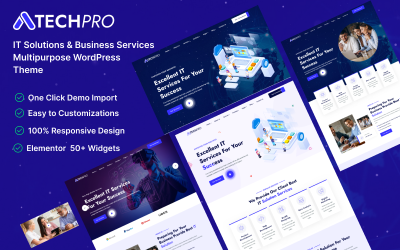




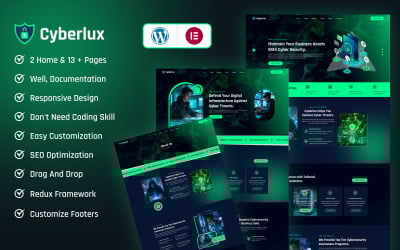


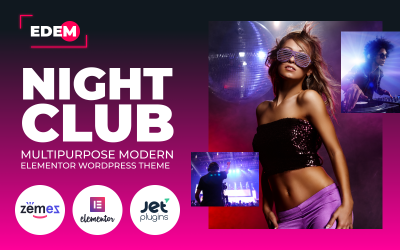


















5 Best Elementor Advanced Theme Options Themes & Templates 2026 2026
How to Use Themes from TemplateMonster Video
Advanced Elementor Themes FAQ
Do advanced Elementor templates include the constructor for free?
You get the basic free version along with the WordPress design. It includes the necessary features: live editing, sections, 30+ elements, customization of page layouts, columns, content, styles, extensions, adaptability for different gadgets, change history, section divider, animations, free positioning, typography, etc. You can upgrade to Pro at any time. In this case, the functionality will expand. You get an additional 30+ elements, a Popup builder, a contact form, the creation of a header and footer, the store using Woocommerce elements, motion effects, parallax, mouse effect, integration with services, the ability to add your fonts, CSS, 24/7 updates and support.
Do you need coding skills to edit advanced Elementor templates?
No, you don't need to be a programmer or developer. You use the drag-and-drop system when editing a skin.
Do you get free support for advanced Elementor themes?
Yes, you get product support from the marketplace. Within six months, the template author will help you create a website. You create a help ticket and receive a response by mail. The marketplace also provides documentation with instructions for using the item.
How to download advanced Elementor themes from TemplateMonster?
Add the skin to your shopping cart. If necessary, try a service to set up the website. Then enter your credentials and make a payment. Pay with PayPal, Stripe, or a card. After verifying your order, you will receive a download link to your account.