 ES
ES RU
RU DE
DE PL
PL IT
IT TR
TR FR
FR BR
BR NL
NL CN
CN CZ
CZ UA
UA HU
HU SE
SE Unlimited Downloads
  Sale
Sale 
























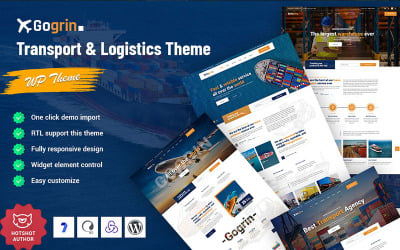
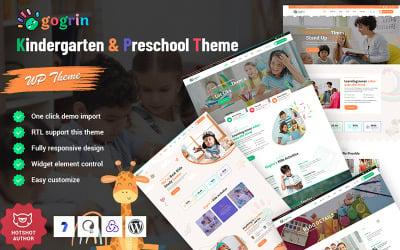
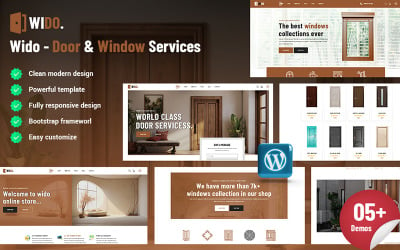
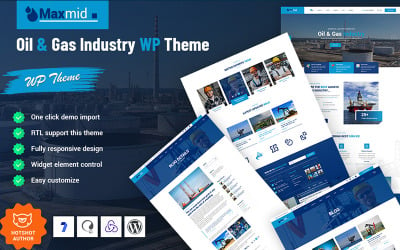
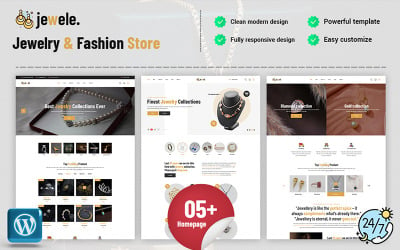





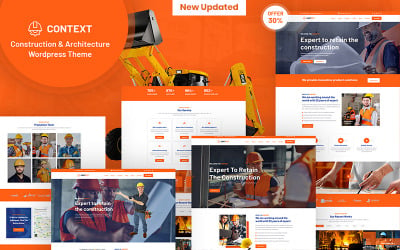
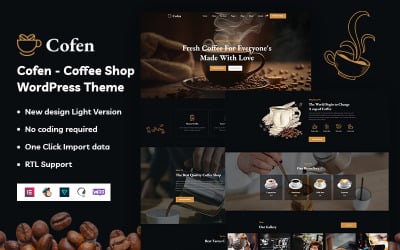
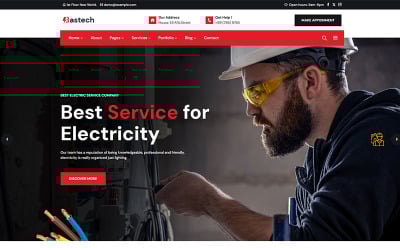
5 Best Elementor Completely JS Themes & Templates 2026 2026
Elementor JS Templates FAQ
Who needs themes from this collection?
The products are trendy among online clothing and accessories stores, children's toys and food manufacturers, restaurants and food establishments, bars, and clubs. In general, we don't limit the collection by subject. So, use the filter on the left and choose your activity type there. Also, pay attention to the Multipurpose theme. They are suitable for all companies and are easily adaptable to different purposes.
How to configure Elementor JS templates?
Clients are happy to know that they receive detailed documentation for a successful installation and setting. It describes editing options, from the simplest to the most complex. At the same time, the actions programmers describe are clear and step-by-step. Therefore, look for the section with the necessary setting in the instructions, open the manual, and start. TemplateMonster visitors can order the installation and configuration service via the link to save time.
How to download themes from TemplateMonster?
After you have filled out the order form and completed your purchase, receive an email. Open the letter and click on the file or link with the archive. Upload and immediately save it on your laptop. Also, clients may download the file with the layout and instructions on other devices or memory cards, which are more comfortable for installing, editing, and uploading a new product.
Is there support for Elementor JS templates?
Yes, you receive a service. It's free for customers for six months. Support is one of the differences between paid and free themes. So, write any questions about the layout's work and receive the answer soon. Qualified specialists help with the problem. Create a ticket with the question. Almost all support work 24/7.