 ES
 RU
 DE
 PL
 IT
 TR
 FR
 BR
 NL
 CN
 CZ
 UA
 HU
 SE
 Unlimited Downloads
 Sale

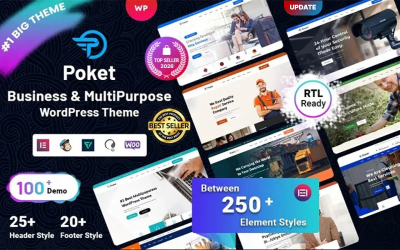




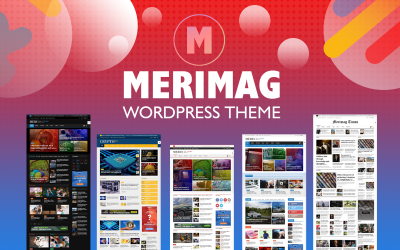

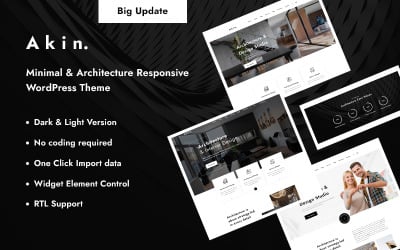
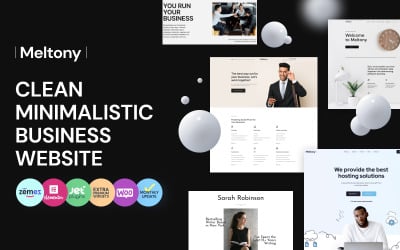



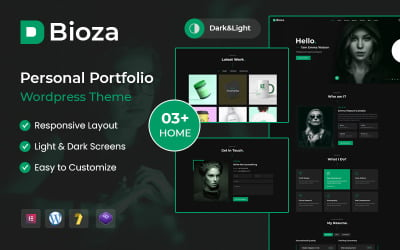


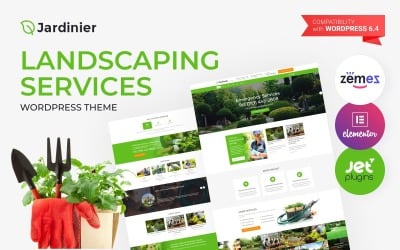
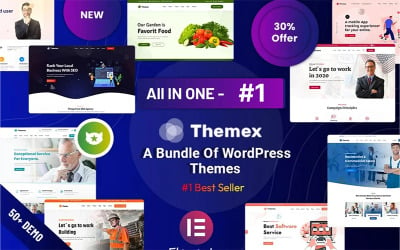

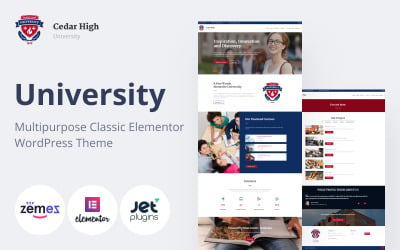



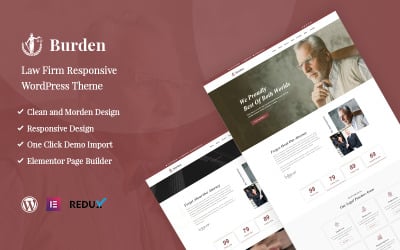



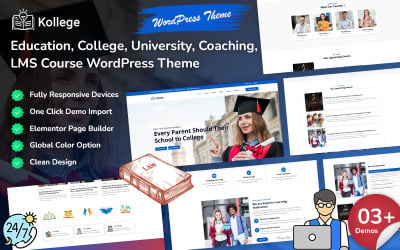


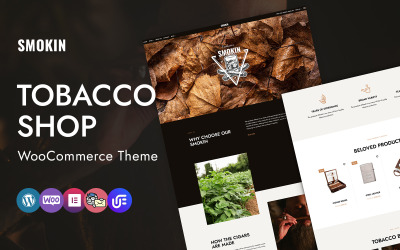
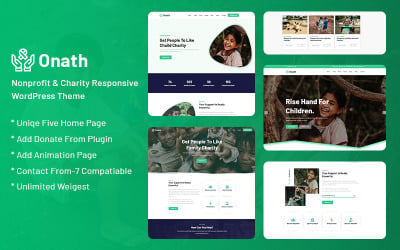



5 Best Elementor Single Product Themes & Templates 2026 2026
Elementor Single Product Templates FAQ
How to choose Elementor single product templates?
We recommend seeing the external view from the beginning by clicking the demo button. The purchase only makes sense if the style and idea suit your assortment. Pay attention to the top of the demo version. There are three icons; click on which you discover a preview on various devices (laptop, smartphone, and tablet.) If the demo suits you, read the characteristics. In a short presentation, the author of the layout talked about the strengths and superior technologies he used while creating. Then, you may conclude and order the best option for yourself.
Is there support?
Yes, buyers enjoy the excellent service offered by the web development company. Most specialists work in shifts 24/7. Therefore, buyers may create a ticket with a question or write to an online consultant at a convenient time. Remember, the author offers you a gift in the form of six months of free support. It's a beautiful bonus to a high-quality layout.
How to configure Elementor single product templates?
We advise clients to read the instructions and try to edit it yourself. Some small goals you can achieve by following simple steps from the manual. Therefore, find the correct description and adjust the color, fonts, and other appearance details. If you need more time for editing and want to launch the site quickly, we recommend ordering the configuration and installation service at TemplateMonster.
How to see more Elementor single-product templates?
Check the link for the complete list of the layouts. There is also a selection of particular themes suitable for sellers of a small assortment. Follow the link and see this collection.