 ES
ES RU
RU DE
DE PL
PL IT
IT TR
TR FR
FR BR
BR NL
NL CN
CN CZ
CZ UA
UA HU
HU SE
SE Unlimited Downloads
  Sale
Sale 































5 Best Lazy Loading Effect Plugins and Extensions 2026
| Template Name | Downloads | Price |
|---|---|---|
| Advanced Comparison Table for Elementor | 8 | $14 |
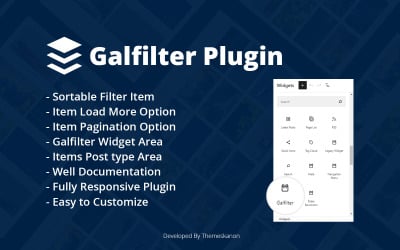
| Galfilter Wordpress Plugin | 0 | $10 |
| Preloader WordPress Plugin - Easyloader | 1 | $25 |
| Aero for WordPress - Image Hover Effects WordPress Plugin | 2 | $22 |
| Aero - Image Hover Effects JavaScript | 4 | $15 |
Video About TOP WordPress Themes
Lazy Load Plugins FAQ
Can I sell modules and extensions on TemplateMonster?
Yes, we'll happily introduce new goods and unique works from the new company. So please register on our marketplace and add your creative proposals for optimizing different businesses.
How to download lazy load plugins?
Go to the element page. Click on Add To Cart. Write an email in the contact form where you want to receive the purchase. Pay online. In a few minutes, receive an email with a file or a download link.
How to install lazy load plugins?
Take just a couple of steps to enjoy the result. First, go to the dashboard of your CMS. Find the Plugins section there. Next, click on the big button Download new. After that, make sure to activate the new element.
How to configure modules and extensions?
After installation, you'll be waiting for the customization of the purchased product. Use helpful, meaningful, and simple instructions for this purpose. Web developers created it specifically for customers. First, find the section in the documentation describing the desired setting. Then, follow the steps described in the manual. Happy using!