 ES
ES RU
RU DE
DE PL
PL IT
IT TR
TR FR
FR BR
BR NL
NL CN
CN CZ
CZ UA
UA HU
HU SE
SE Unlimited Downloads
  Sale
Sale 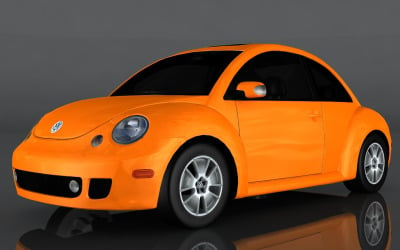






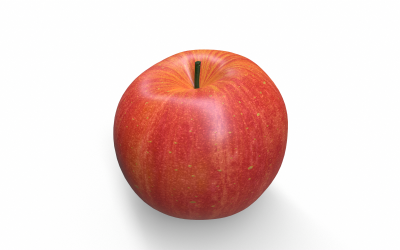
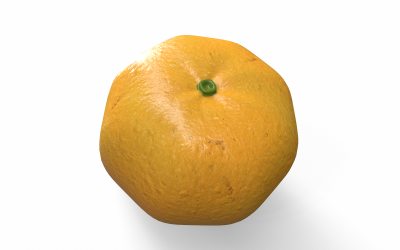
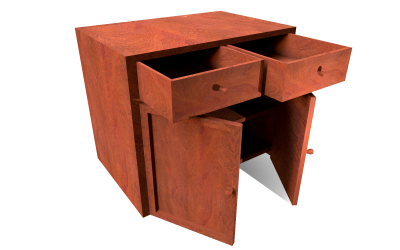
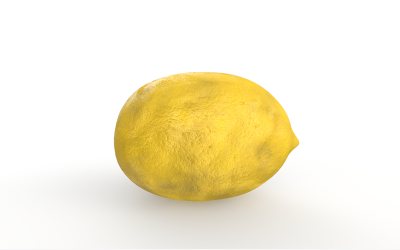
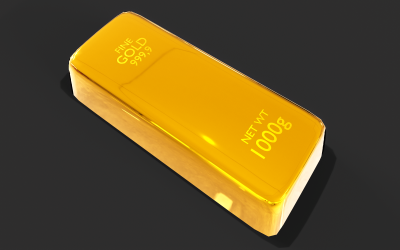
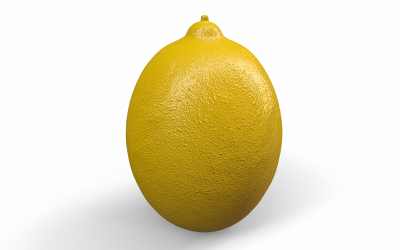
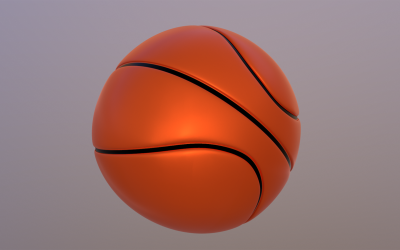



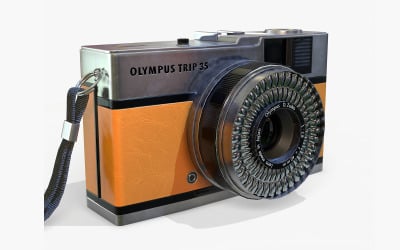
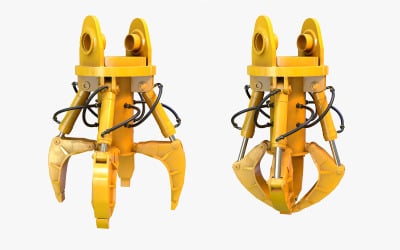
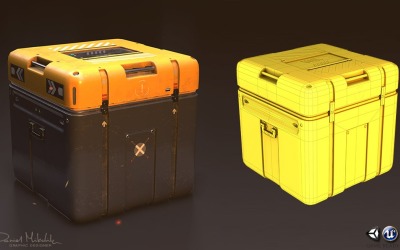
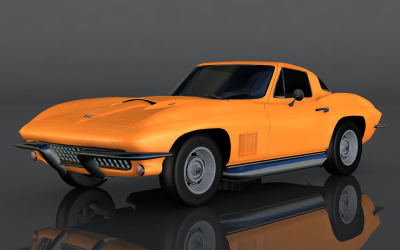



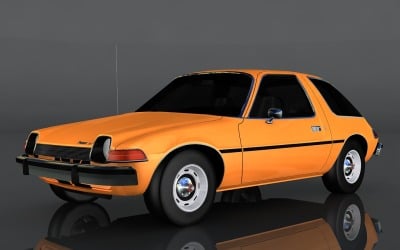

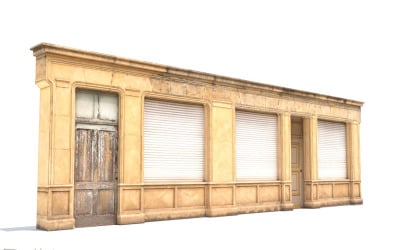
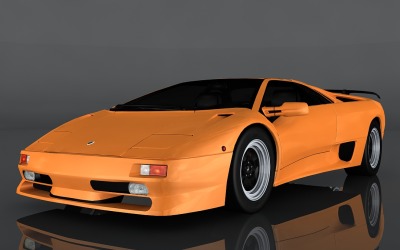
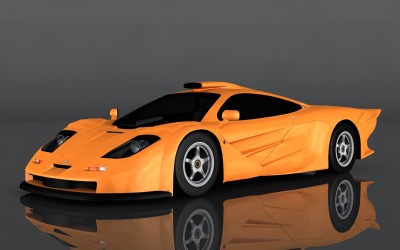

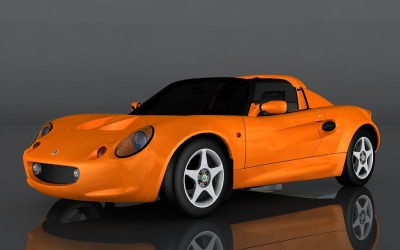



5 Best Best Orange 3D Graphics 2026
| Template Name | Downloads | Price |
|---|---|---|
| Volkswagen Beetle Turbo 3d model | 0 | $26 |
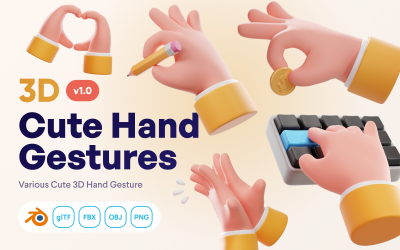
| Handfluffy - Cute 3D Hand Gestures Icon Pack | 0 | $35 |
| Spacey - Space 3D Icon Set | 0 | $35 |
| Hobbly - Hobby and Entertainment 3D Icon Set | 0 | $35 |
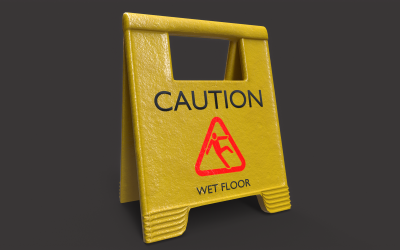
| Wet Floor Sign Low Poly 3D model | 0 | $13 |
Orange 3D Graphics Video
Do you want to get to know three-dimensional graphics face-to-face? Do you prefer to customize the element according to your needs and idea without contacting a specialist? It is possible with TemplateMonster. We have prepared interesting and comprehensive video tutorials for you. Use them at any time for free and without limits. Follow this link.
Orange 3D Graphics FAQ
Is It Possible to Customize Orange 3D Graphics from TemplateMonster?
You customize any design to suit your needs. You should choose the product you need that supports the program you know well. TemplateMonster provides different file formats: fbx, obj, stl, 3ds, max, blend, or dae. You can also choose the software with which you will customize the project: ZBrush, Unreal, Unity, SketchUp, Maya, Cinema 4D / C4D, Blender, and 3DS Max.
How to Choose Orange 3D Graphics from TemplateMonster?
- Determine the niche for which you need to improve the design.
- Choose what you want to depict or what object you should draw.
- Read the psychology of colors and shapes. Choose the necessary shades.
- Make several sketches to understand how you imagine the finished result.
- Pay attention to the possibility of an animated item.
- Choose a program that you are familiar with so that you customize the design.
- Use the filters for a quick search on the TemplateMonster website.
How to Get Orange 3D Graphics from TemplateMonster?
Register with us on the TemplateMonster website. Choose the required hero. Add it to your cart. Go to the checkout page and fill in your billing details. After that, choose a payment method and pay. I will call you or send you an email for verification. After that, you start the three-dimensional character download process.