ES
ES RU
RU DE
DE PL
PL IT
IT TR
TR FR
FR BR
BR NL
NL CN
CN CZ
CZ UA
UA HU
HU SE
SE Unlimited Downloads
  Sale
Sale 3D Shape Presentation Template
 With a product you will get 6 months of support from the author. To know more about what is included, please read the support policy.
 Sales:
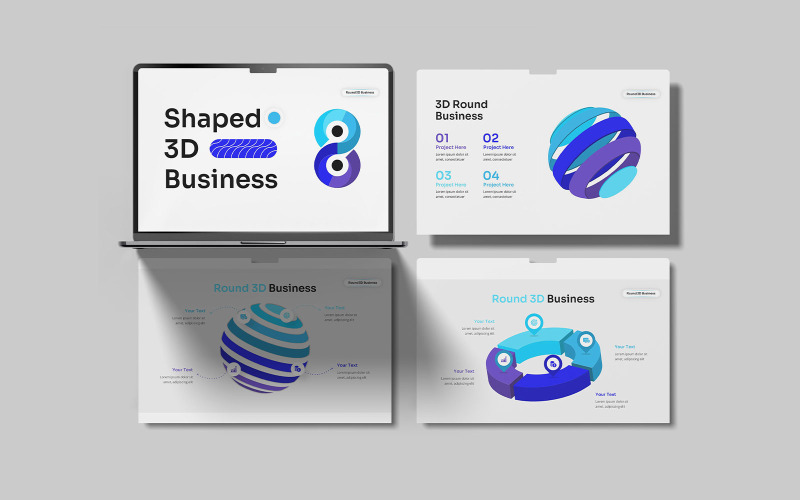
A 3D shape presentation describes solid figures with three dimensions (length, width, height/depth), focusing on properties like faces (flat surfaces), edges (where faces meet), and vertices (corners). Presentations introduce common shapes like cubes, spheres, cones, cylinders, and prisms, using everyday examples and sometimes exploring volume, surface area, or how to build them from nets. They often differentiate 3D shapes from 2D shapes and can use interactive elements for engagement.
Key Elements of a 3D Shape Presentation
- Introduction: Define 3D shapes as solid figures that occupy space, unlike flat 2D shapes.
- Key Terms:
- Face: A flat surface (e.g., the side of a cube).
- Edge: The line where two faces intersect (e.g., the line where two sides of a cube meet).
- Vertex (plural: Vertices): A corner where edges meet.
- Common Examples:
- Cube/Cuboid: Six rectangular faces, 12 edges, 8 vertices.
- Sphere: A perfectly round ball with no faces, edges, or vertices.
- Cone: One circular face, one curved surface, one edge (at the base), one vertex (the tip).
- Cylinder: Two circular faces, one curved surface, two edges (around the circles).
- Prism: Two identical, parallel bases connected by rectangular faces (e.g., triangular prism, pentagonal prism).
- Pyramid: A base (polygon) with triangular faces meeting at a single vertex (apex).
- Properties: Discuss volume (space occupied) and surface area (total area of faces).
0 Reviews for this product
0 Comments for this product
Related Topics:
Maintenance Services Templates, Law Templates, Industrial Templates, IT Templates, Hotels Templates
Tags:
Features:
Images included:
Requirements for software and hosting:
 PowerPoint 2003 or 2007 (better)