5 Best Red PrestaShop Themes 2026
| Template Name | Downloads | Price |
|---|---|---|
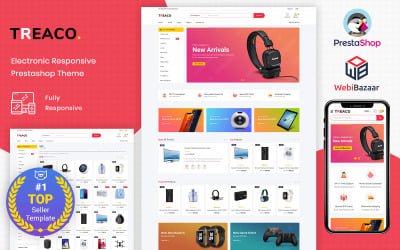
| Treaco - Electronic Multipurpose Store PrestaShop Theme | 30 | $71 |
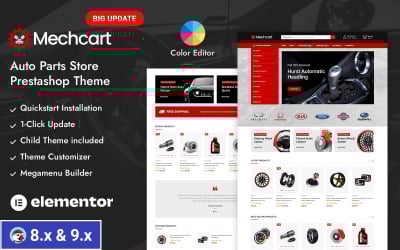
| Mechcart - Auto Parts Store Prestashop Responsive Theme | 34 | $81 |
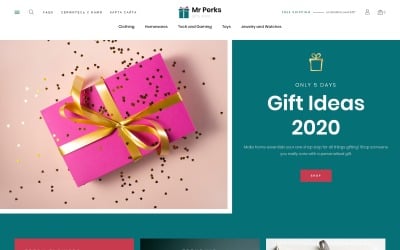
| Mr Perks - Gifts Store Template PrestaShop Theme | 0 | $71 |
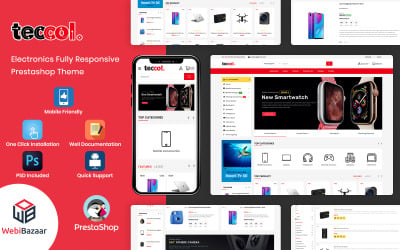
| Teccol - Multipurpose Responsive PrestaShop Theme | 1 | $99 |
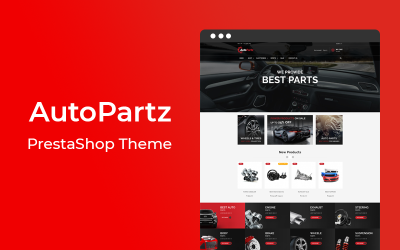
| AutoPartz - Responsive Prestashop Theme | 0 | $50 |
Effective Red PrestaShop Themes for a Strong Digital Identity
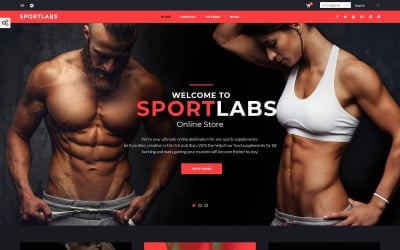
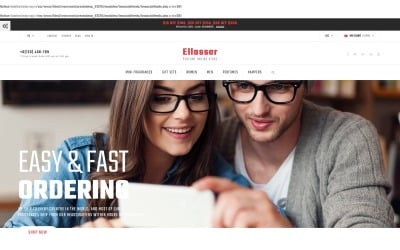
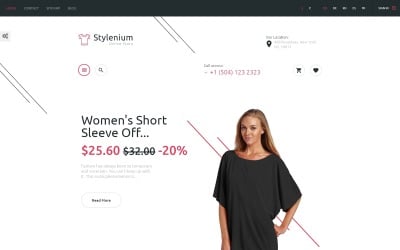
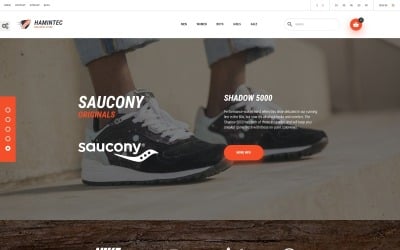
Red is a very ambiguous color. It can both repel and attract, as well as irritate and excite. Since it evokes strong yet different emotions, its use should be carefully considered. Allow TemplateMonster, a seasoned digital product provider, to do all of the legwork and introduce you to an amazing selection of new red PrestaShop themes. The marketplace brings you the most creative solutions when it comes to web submission. These tools provide customizable layouts with endless possibilities for online stores of any size. They help them showcase their creativity in web design without sacrificing features and appeal. What's more, seamlessly integrating branded content into pages is easier than ever before! Get started today!
Advantages of Red-Color PrestaShop Templates
Discover the benefits of these pre-made layouts:
- Professional Look and Feel: Red-colored backgrounds create an aesthetically pleasing look with a professional touch while conveying a sense of warmth and energy.
- Higher Visibility: With bright tones, red-based designs draw attention to certain elements on a webpage.
- Accessible Design: Using red-toned templates allows for easier navigation due to eye-catching contrast levels between different elements without losing any essential content or information.
- Emotionally Engaging: Color psychologists agree that hues like scarlet influence emotions such as passion. This could help convince customers to buy from online stores.
- Brand Recognition: Sticking to a color scheme on a storefront page and elsewhere helps companies stay recognizable even when users leave the homepage.
Who Wins From Reddish PrestaShop-Powered Themes?
What kind of websites would benefit from a palette with a lot of red? For e-commerce sites, the best use of its hues is to create a sense of urgency or limited availability of an offer. Therefore, in this case, it is beneficial to opt for reddish tones to highlight calls to action or offers of sales and discounts.
In particular, this color is well suited for sports websites and auto & motorcycle websites because it is associated with speed and adrenaline, among other things. It may also be appropriate in the case of dating sites, apparel shops, IT agencies, art galleries, and travel sites.
However, when using maroon and crimson on websites for household services, financial institutions, and energy companies, be cautious, as these shades are associated with emergencies.
Scarlet PrestaShop-Based Layouts: Key Features
These PrestaShop samples have features to help your brand stand out online.
- Simple drag & drop layout options make customization painless. Dynamic shop pages are effortlessly created using pre-installed modules and widgets.
- The templates feature an intuitive and flexible structure, enabling you to effortlessly customize the layout of each webpage. In particular, you can add or adjust vibrant visuals, content blocks, and fonts with ease.
- Furthermore, website demos are ready for SEO to make it easy for customers to find you. Nevertheless, your content also plays an important role!
- With responsive integration across all modern devices, shopping carts always run smoothly on any device. Even when switching between desktop, tablet, and mobile screens while browsing products.
- To top it off, users will get loads of helpful features. For example, Quickview options, customer reviews & ratings capabilities, and wishlist creation abilities enable personalized email campaigns.
A Step-by-Step Guide to Template Customization
The step-by-step guide to customizing your purchased item:
- Log into your admin panel and click on the “Design” tab on the left side of the dashboard. Select “Theme & Logo” then choose "Add New.". From here, upload the file you downloaded.
- Once it's done, customize a template by clicking on "Pages Configuration", to make further modifications according to the needs and preferences stated.
- The next step is determining exactly what this particular layout should look like once completed. Modify the font type/size/color and logo to achieve a desirable appearance.
- Finally, make sure you have applied every desired change correctly by double-checking the settings previously selected within each menu and section. Looks good? Good! Now just hit the save button available underneath all formatting menus. The setup is now complete!
Unlock the Latest Web Trends: 10 Must-Have Ideas
Red PrestaShop Themes: Frequently Asked Questions
Do red PrestaShop themes support multiple languages?
Yes. The web samples support both RTL and LTR languages. Furthermore, they accept multiple currencies as well.
Are red PrestaShop themes compatible across devices?
Yes, all of them are mobile-friendly and appear nice on any device type or screen size.
Can I customize the design further after purchase?
Absolutely! You have complete control over its look and can customize it to your liking. You also do not need to know how to code.
Does TemplateMonster provide technical support in case I get stuck?
TemplateMonster prioritizes customer satisfaction highly. That's why the customer support team is always available 24/7 in case you face technical issues.