 ES
ES RU
RU DE
DE PL
PL IT
IT TR
TR FR
FR BR
BR NL
NL CN
CN CZ
CZ UA
UA HU
HU SE
SE Unlimited Downloads
  Sale
Sale 
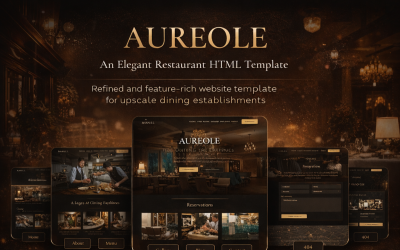


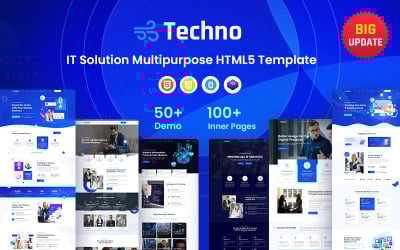
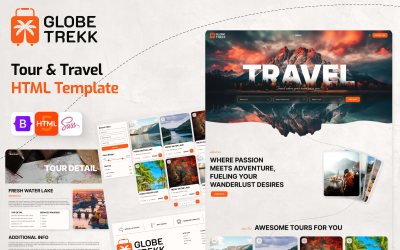

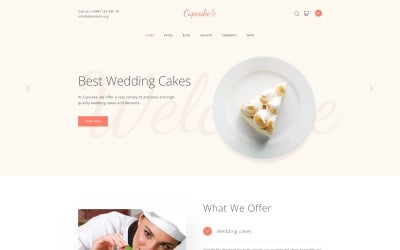







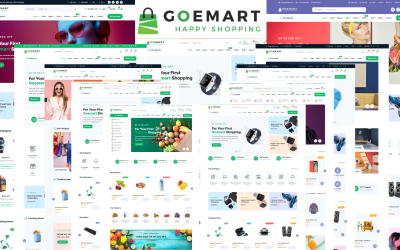
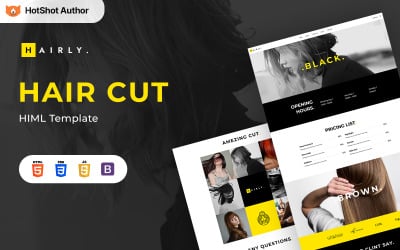
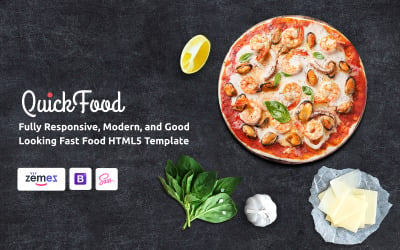

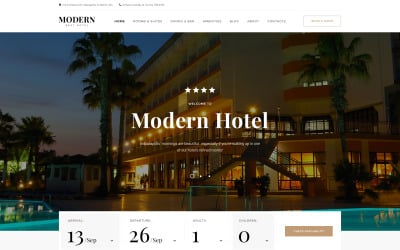
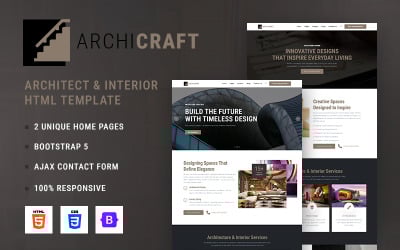
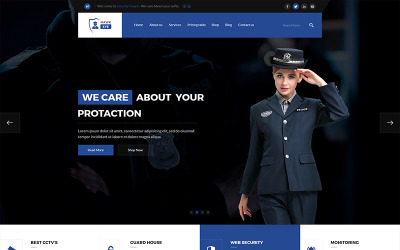
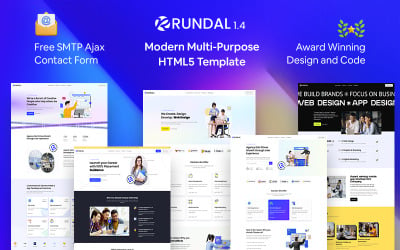


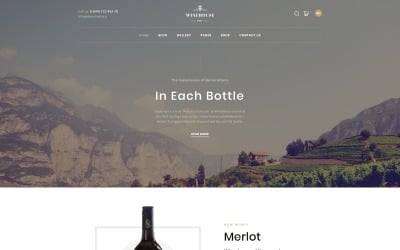





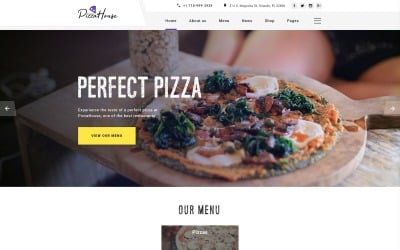
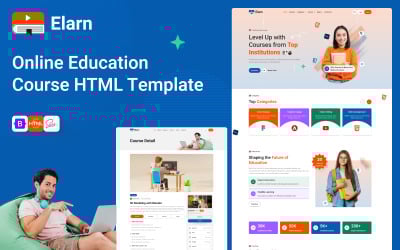

5 Best HTML Website Templates with Tabs 2026
How to Edit Tabs HTML Templates Tutorial
Configure your site and launch the project yourself. We provide your tutorials, instructions, and steps toward your goal. Follow the link and operate.
Tabs HTML Templates FAQ
What are tabs HTML templates?
These are static layouts that have pages and links to them. You can choose the information you need on the website and familiarize yourself with it. This capability offers many advantages for any project, as you show the full range of material the client needs to see.
When is it better to avoid using HTML template content panes?
- It is more convenient to view related content grouped. This design forces you to scroll the page to study it, and clickable search interrupts work.
- Content is consistent. Content panes should not be used on customer support pages when they search for answers rather than topics to view.
- If you're short on space, vertical sections and scrolling make more sense.
What are the main tips for using them?
- Sometimes, beginners operate DOM content to format text in the columns form on a website template, so use <div> elements and position them as needed using CSS.
- You use tables to organize tabular data.
- If you operate CSS, use percentages to define the indent width. It improves responsiveness since the width value plays a critical role in the website presentation on the screen.
How to get tabs HTML themes?
Register on the TemplateMonster website. Then choose the desired theme and add it to the cart. Enter your billing information and choose a payment method. Pay for the product. After that, go through the verification stage by email or call. Download your skin using the link in your account.