 ES
ES RU
RU DE
DE PL
PL IT
IT TR
TR FR
FR BR
BR NL
NL CN
CN CZ
CZ UA
UA HU
HU SE
SE
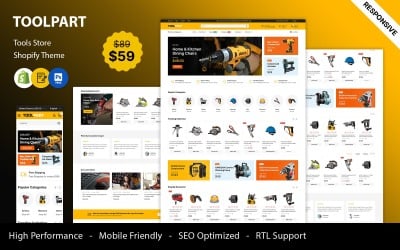
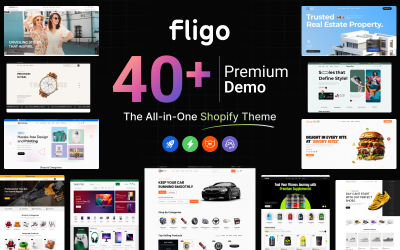
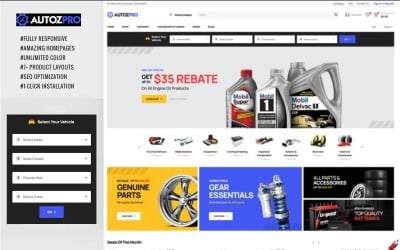
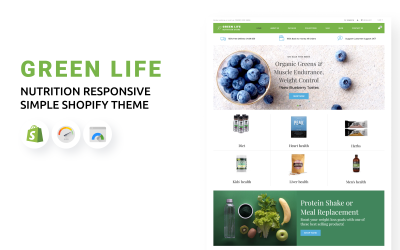
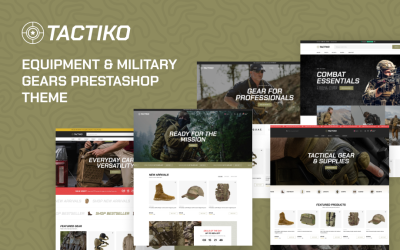
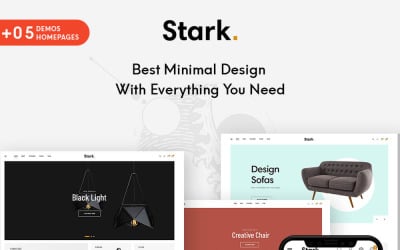
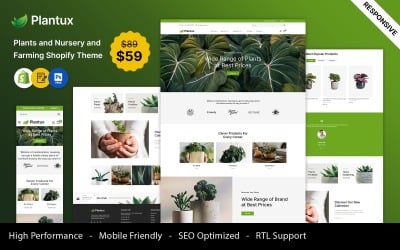
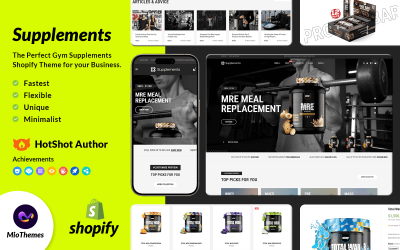
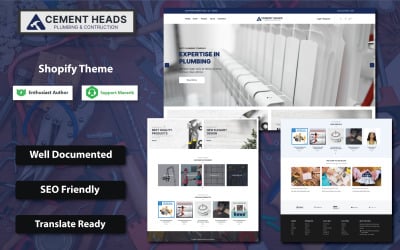
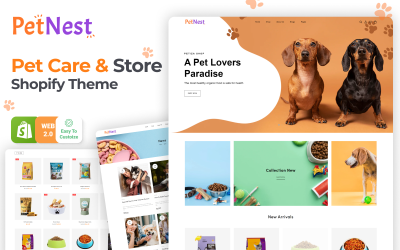
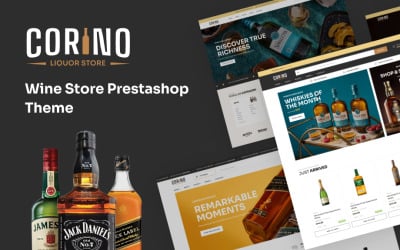
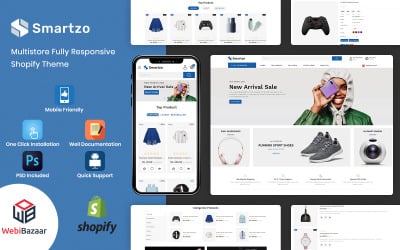
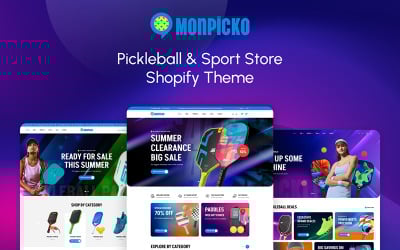
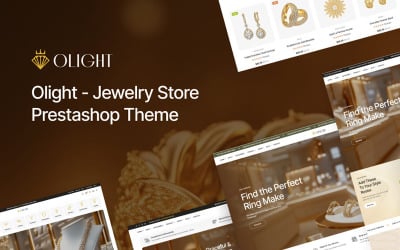
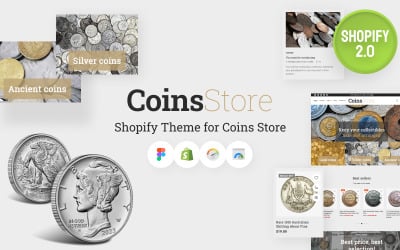
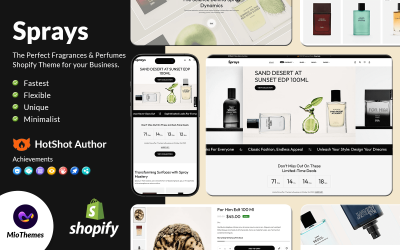

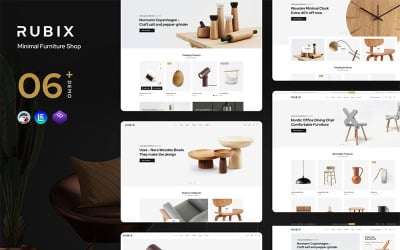
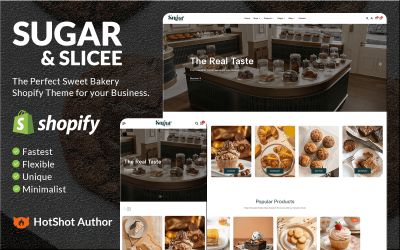
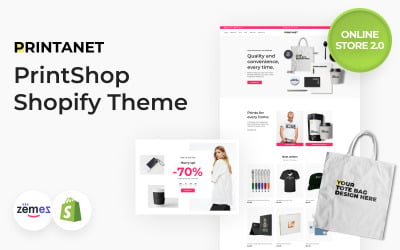
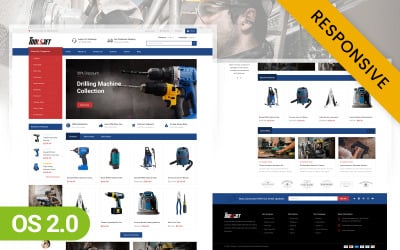
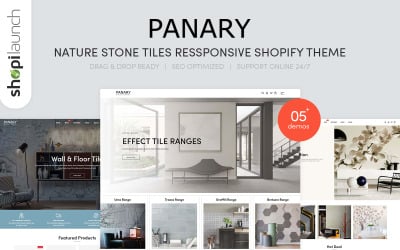
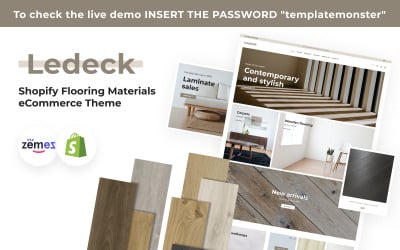

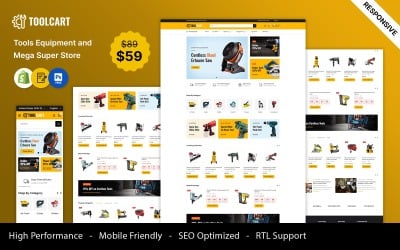
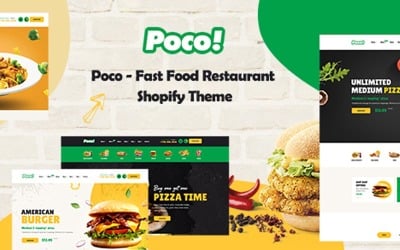
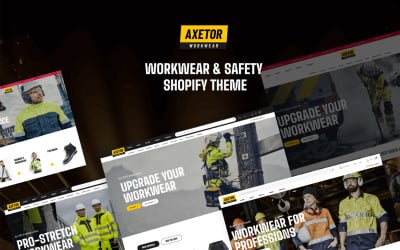
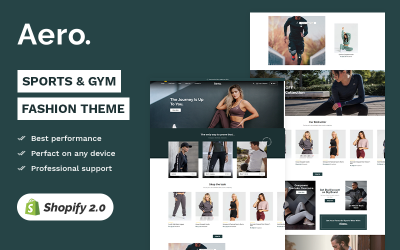
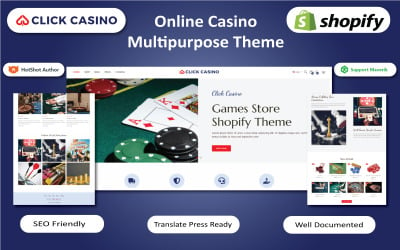
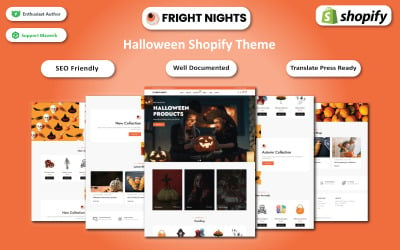
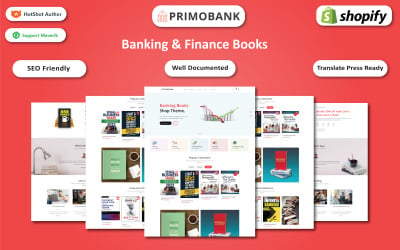
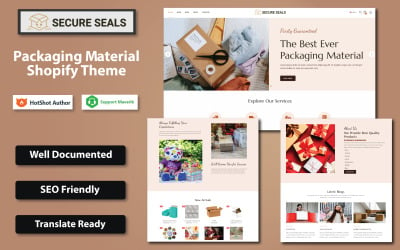
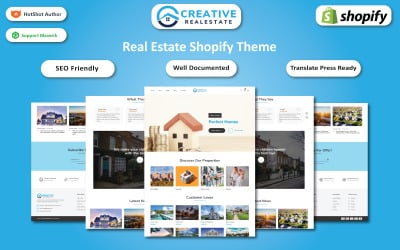
5 Best Website builder Ecommerce Website Templates 2026
E-Commerce Website Builder Theme: How to Choose Appropriate One
An online store is a new opportunity for your business. It is the most effective way to expand your audience and get more customers. It could cost you money. However, the investment will not be so valuable compared to renting offline space and a warehouse. Do you want to learn how to choose a CMS platform E-Commerce website builder theme? Then hold on to this page.
Why Do You Need E-Commerce Website Builder Theme
The main argument of supporters of offline shops was the level of trust of customers who were afraid to buy something online. The need for prepayment and many fraudsters hampered the development of trading platforms. Everything has changed today. Let's look at the main advantages of this possibility.
Budget savings
- Space rental costs: An online store does not require a sales floor, a sales office, or a warehouse if the business uses drop shipping. The need for such investments is especially detrimental to a startup.
- Regular expenses for maintaining the shop: utility payments, cleaning of the premises, and other necessary expenses for ensuring the operation of the enterprise are burdensome for the owners. The system requires a minimum fee. Usually, these are hosting, domain, plugins, templates, and temporary specialists.
- Entry threshold: launching a site can cost up to 1,000 dollars. In most cases, it is enough to create, populate, and start working with your web resource.
- Advertising budget: SEO promotion does not require a lot of money. It can even be completely free. You will have to wait several months for the first results, and at the start, in any case, you need to buy advertising. Only its costs are much lower than attracting customers to an offline store.
Saving time
- Start of sales: the first orders from the site may appear in 2-3 weeks after you start creating the project.
- The speed of reaching self-sufficiency: The main reason is the low investment at the start of the idea when creating the project and the quick start of sales. Under these conditions, you cover all expenses and make a profit in the first weeks.
Efficiency
- Automation: the functioning of the project can be fully or partially automated. It allows you to save time, effort, and money. In small ideas, almost all duties can be performed by one person.
- Audience coverage: This is one of the most critical features that differentiate a shop from a regular one. You manage sales virtually from anywhere in the world.
- Analytics: This advantage of an idea increases business efficiency. Setting up analytics services makes it possible to collect detailed information about system visitors, features of their behavior, etc. All this is the basis for more effective work with the target audience.
- Time constraints: The 24-hour mode of operation requires financial costs, and the set schedule may not coincide with the customers' capabilities. Orders in the online store are accepted at any time, regardless of the busyness of the owner, operators, or managers.
- Assortment: Within the framework of the online project, there are practically no restrictions on expanding the range of goods.
What E-Commerce Website Builder Theme Does TemplateMonster Include
Any CMS platform has a control panel with tools that simplify setting up and launching the site. E-Commerce Website Builder Themes include the following functionality. Let's use the example of the most popular systems to analyze the features you manage.
Shopify
According to the information provided by the platform, about 1 million online projects work based on Shopify. If you find a simple universal solution for a business, do not hesitate. Just test Shopify. In the first stage, you need to create an account through which you will work with the designer. The program offers a 2-week free trial period to understand whether this system is suitable for you. During this period, the use of the platform is free. Download the start page and use the Start Free Trial link.
By default, the template contains standard modules for the idea. Many offered tools allow you to customize it without much time and effort. You change this template after going to the Visit template link, which is located in the Template section of the Online Store menu. All options are grouped in collections.
Main Tools
You activate several templates in your account at once and designate one. You change templates at any time. You can also download your design options. You customize all layouts using the following options:
- color scheme;
- printing house;
- position of the panel with social network icons;
- favicon.
The program has a convenient control panel with the following elements:
- home - the initial page, from where you go to the interface for choosing a tariff plan, setting up product items, sales channels, etc.;
- orders – a list of the orders, invoices, etc;
- products – the setting of categories and goods;
- customers – customer base;
- analytics – reports and analytics;
- marketing – promotion;
- discount – a module in which you generate discount coupons;
- sales channels – setting up sales channels;
- online store – a large block with various parameters;
- apps – directory of plugins and applications;
- setting – basic project settings;
The program shop hosts extensions that allow you to expand the site's functionality. Dashboard groups all options by category to find the right solution faster:
- marketing;
- management of balances in the warehouse;
- catalog navigation;
- security, etc.
The promotion aspect of the system is well-developed in Shopify. For this, you have a list of special tools. All SEO parameters are filled in automatically for the user's convenience, but it is possible to change them on any product item or category page.
In addition to setting the URL, Title, Description, and Alt are available for editing. Projects are well-indexed by search engines, which subsequently generate free traffic.
PrestaShop
The PrestaShop administration panel has an intuitive user interface that facilitates navigation and access to various functions. The developers used a traditional side menu that provides quick access to several sections. Here are the main parameters for displaying pages and goods:
- General: enabling and disabling SSL for the entire store and individual pages, choosing the main template of the project, how to round sums when calculating the cost of the product and shipping, recommended and most popular goods, etc. And there is a switch Set up multistore. If you enable this mode, you can create several shops on one PrestaShop engine;
- Order Settings: allow unregistered users to make purchases, minimum order amount, or require the visitor to agree to the terms and conditions of service when making a purchase, etc.
- Product settings: show on the page whether to consider product stocks, the maximum size of the product description, the number of goods on the page, the text used to indicate goods not available for sale, etc.
- Client settings: save authorization or send a confirmation letter after registration, allows you to organize registered users by categories, allows you to adjust the appeal to users depending on their gender, etc.
- Contacts: you specify the contact details of the administrator of the project or several contacts if more than one store is configured;
- Traffic and SEO: allows you to configure addresses for all static pages of the shop, set parameters of GET requests for various search engines, manage indexing parameters;
- Search: setting up the built-in search engine and tags;
- Advanced options: engine performance management, automatic module update settings, downloadable file characteristics management, built-in mail service settings, product import, adding employee users and assigning them access rights to various sections of the administrative panel, database management, event log viewing, etc.
OpenCart
It is one of the most popular free platforms for creating shops. It is a great option for web resources of any level. You develop one-page landing pages, large-scale information portals, and sites with hundreds of pages. The system code is open. You create any shop regardless of the specifics of the industry and the presence of specific functionality.
Features:
- the seller can set various prices, options, and characteristics, and operate different currencies;
- system integration with CRM programs;
- ready-made store templates will help managers quickly create informative newsletters about new goods and promotions;
- the basket includes standard blocks: photo and name of the product, choice of color and size, etc.;
- generate discounts for various goods, brands, and customers.
E-Commerce Website Builder Theme Video
E-Commerce Website Builder Theme FAQ
How to Choose E-Commerce Website Builder Theme?
You should determine how many goods you will have on the site, what hosting you afford, what tools you need to get started, etc. The platform you should select depends on these parameters. We also recommend checking the availability of the designer. If you do not have professional knowledge of the developer, use this opportunity.
Who Can Use E-Commerce Website Builder Theme?
Such options for creating a site using e-commerce website builder themes are suitable for everyone. If you don't have professional developer skills but want to save money, select these templates. They have convenient administrative panels. In some cases, you don't even need to know the code.
How to Get E-Commerce Website Builder Theme from TemplateMonster?
First, you should register on the TemplateMonster marketplace. You now have your account. Select the necessary item and add it to the shopping cart. You chat if you have any questions about the layout functionality. Our specialist sends a direct link to purchase the template. After that, you fill out the billing form with payment data. Choose a convenient payment gateway and transfer money. You will then receive an email or call to verify the process. It may take a few minutes. You get a link to the skin in your account. Download and enjoy!
How to Get E-Commerce Website Builder Theme for Free?
TemplateMonster provides premium store themes. You get support from professionals, documentation, and extensive support. You get some items for free. It is available with a MonsterOne subscription. If you choose an ALL-IN-ONE annual or lifetime plan, you download templates, plugins, photos, audio, and other graphics from the membership for free.