 ES
ES RU
RU DE
DE PL
PL IT
IT TR
TR FR
FR BR
BR NL
NL CN
CN CZ
CZ UA
UA HU
HU SE
SE Unlimited Downloads
  Sale
Sale 






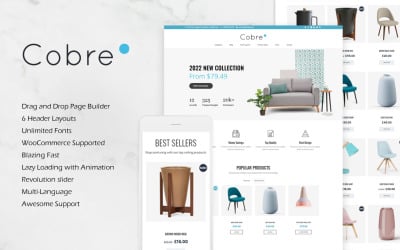




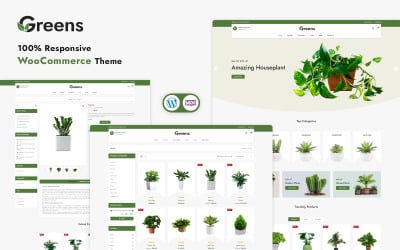





5 Best VisualComposer WooCommerce Themes and Templates 2026
| Template Name | Downloads | Price |
|---|---|---|
| Gloria - Responsive WooCommerce Template | 1 | $64 |
| Moxo - Watch Responsive WooCommerce Template | 0 | $71 |
| Affix - Medical WooCommerce Template | 3 | $79 |
| Comfy - Responsive WooCommerce Template | 2 | $63 |
| Petty - Responsive WooCommerce Template | 0 | $79 |
WooCommerce Visual Composer Themes Related Videos
WooCommerce Visual Composer Themes FAQ
On how many websites I can use the WooCommerce Visual Composer Themes?
The quantity of websites depends on the type of license. You can buy a license for 1 site, use the template with one domain name, buy a different kind for five websites, and use the theme on five other domains. If you need more licenses, please, check our ONE Membership offer or contact us for custom solutions.
Can I set up my local payment gateways on WooCommerce Visual Composer Themes?
Yes, you can do it with the help of additional software. You need to install the required WooCommerce extension of the payment gateway you want.
How can I edit WooCommerce Visual Composer Themes?
You can edit them easily via the WordPress admin panel, Visual Composer elements with an easy drag&drop technology, and editing the source files with any compatible text editor. You can check tutorials here.
What kind of support do I get with WooCommerce Visual Editor themes?
We provide long-term support for our all our Premium templates. You can contact the support team via chat, email, or ticket system. For extended support offers, you can also check our Premium Support plans.