 ES
 RU
 DE
 PL
 IT
 TR
 FR
 BR
 NL
 CN
 CZ
 UA
 HU
 SE
 Unlimited Downloads
 Sale








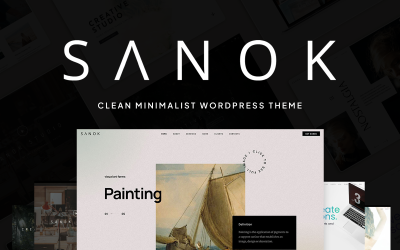



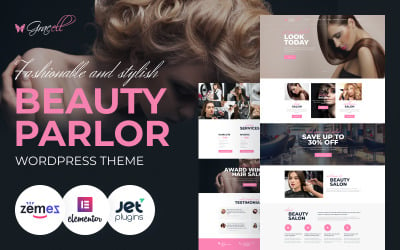







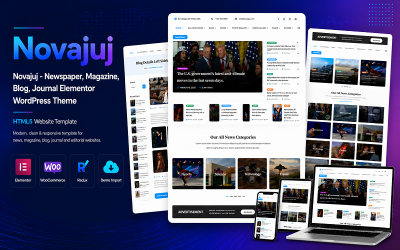
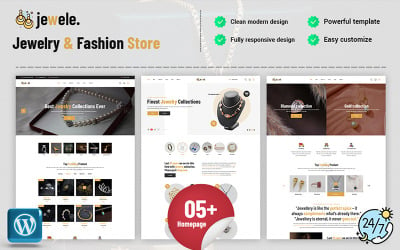


5 Best Fashion and Beauty WordPress Themes & Templates 2026 2026
| Template Name | Downloads | Price |
|---|---|---|
| Hazel - Clean Minimalist Multi-Purpose WordPress Theme | 4,069 | $89 |
| Deep – Creative Elementor AI-Powered WordPress Theme | 4 | $69 |
| Kraft - Minimalist Agency & Portfolio WordPress Theme | 680 | $79 |
| Oneup - Modern Agency & Portfolio WordPress Theme | 113 | $79 |
| NewsZ - Newspaper, Blog, Journal and Magazine Elementor WordPress Theme | 106 | $48 |
5 Premium Fashion & Beauty WordPress Themes 2026
| Template Name | Price | Sales | Collections |
| Chantalle - Multipurpose Woman Fashion Elementor WordPress Theme | $75 | 649 | 110 |
| Sprout - Personal Blog WordPress Theme | $75 | 15 | 57 |
| Bolt - Creative One page Portfolio WordPress Theme | $85 | 3 | 23 |
| MaBelle - Beauty Salon WordPress Theme | $75 | 97 | 91 |
| Olins Multi Niche WordPress Theme | $72 | 97 | 137 |
Responsive Fashion and Beauty WordPress Theme Video Tutorial
Fashion & Beauty WordPress Themes FAQ
Can Beauty WordPress themes be edited in Photoshop?
All WordPress themes that are available in TemplateMonster inventory include layered PSD files. So, you can modify any design using the popular photo editor.
What is Fashion & Beauty News WordPress theme customization?
The process of customization of any WordPress theme involves its personalization and adaptation as per your needs or the requirements of your brand. The theme's customization involves changing colors, fonts, layout styles, adding custom extensions, and uploading it with your own content.
How can I translate my Fashion & Beauty Store WordPress theme?
In order to translate a theme, make sure that the WordPress product that you have chosen is translation-ready. Next, get Poedit software installed on your computer.
- Open Poedit and select Create new translation.
- Select a language you want to translate your theme to.
- Highlight any string you want to translate.
- Once you have translated your theme, save the file (lt_LT in this example) in the same directory as the original template.
Where to install Fashion & Beauty Blog WordPress theme?
In order to install a WordPress theme, take the following steps:
- In your WordPress dashboard, go to Appearance > Themes > Add New.
- From there you'll see an option for 'Upload' at the top of the screen. Click the 'Browse' button, navigate your computer files and select the .ZIP file for your downloaded extension.
How does a Fashion & Beauty WordPress theme install?
- Login to your WordPress admin area.
- Next, click on Appearance >> Themes.
- Look for the needed theme using an advanced search.
- Next to the theme's preview, there is an install button.
- As soon as the theme is installed, activate it.

Best Fashion WordPress Themes of 2018 to Stay in Vogue
Do you know what can be more powerful than a classic black dress? Take a few minutes to think it through, because we are sure that you know the answer.
Read me
6 Down and Dirty Secrets for Great SEO on WordPress
Do you know what can be more powerful than a classic black dress? Take a few minutes to think it through, because we are sure that you know the answer.
Read me
Some Wiki & Knowledge Base Plugins for WordPress Website
Do you know what can be more powerful than a classic black dress? Take a few minutes to think it through, because we are sure that you know the answer.
Read me
How to Make a Cool Website Using WordPress
Do you know what can be more powerful than a classic black dress? Take a few minutes to think it through, because we are sure that you know the answer.
Read me