 ES
 RU
 DE
 PL
 IT
 TR
 FR
 BR
 NL
 CN
 CZ
 UA
 HU
 SE
 Unlimited Downloads
 Sale



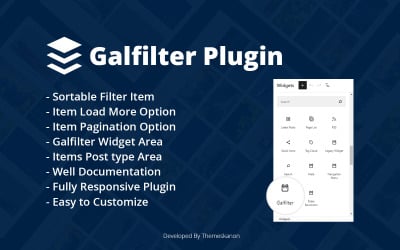
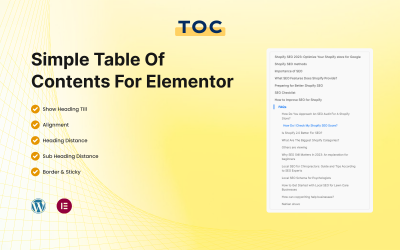


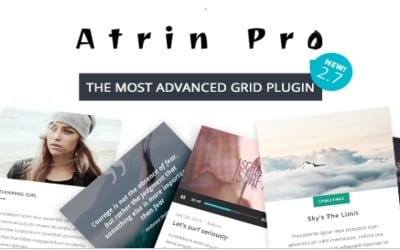
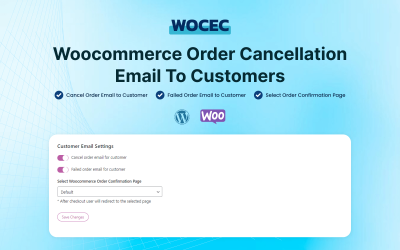
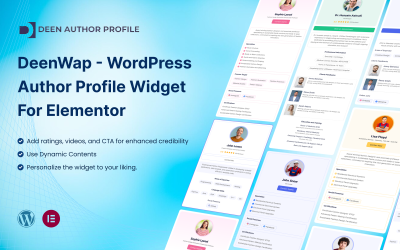
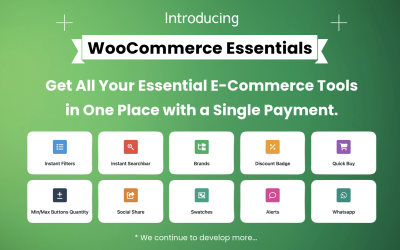

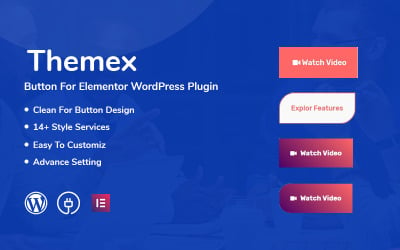

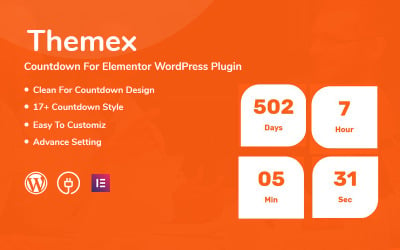
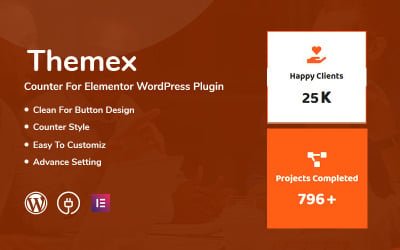
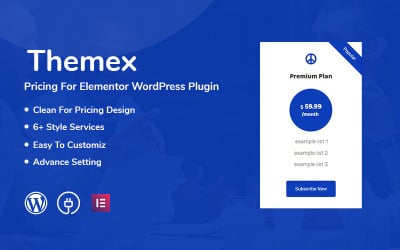
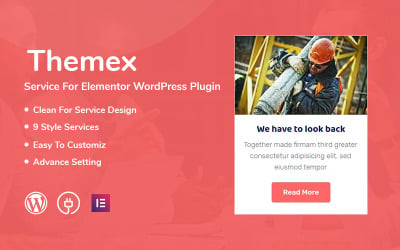








5 Best WordPress Development Plugins 2026
Steps for Manually Reinstalling a WP Plug-in: Video
WordPress Development Plugins Q&A
What are WordPress development plugins?
These are WordPress core software components that allow you to add new features and functionality.
How do I install WordPress development plugins?
You need to log in to your dashboard and then go to the “Plugins” tab. From there, click on “Add New” and select the plugin that you saved on your computer. Once you upload it, click on the “Install Now” button and wait for it to be installed.
What should I look for in a plug-in before installing it?
It is important to know what the development plugin is compatible with and if it will work with your system's requirements. You should also take into account the number of active installations. This will give you an idea of how popular the plugin is and how many people are using it. And of course, it is worth reading user reviews.
What are the different types of WP plug-ins?
There are different types, including the following categories: page builders, SEO, social media, advertising, commenting systems, and product management.