 ES
ES RU
RU DE
DE PL
PL IT
IT TR
TR FR
FR BR
BR NL
NL CN
CN CZ
CZ UA
UA HU
HU SE
SE Unlimited Downloads
  Sale
Sale 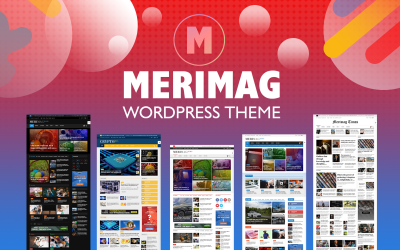




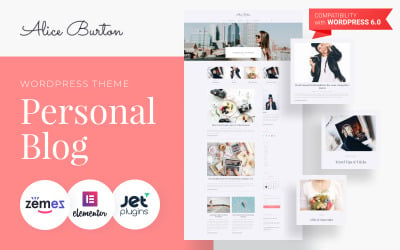
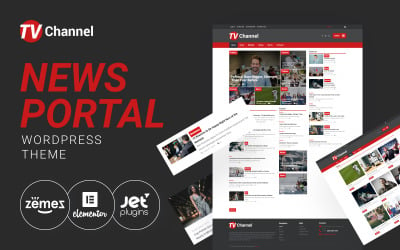

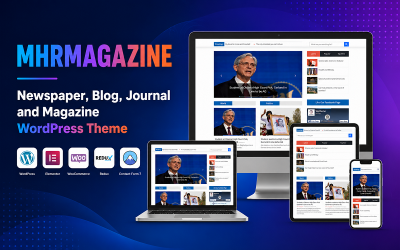


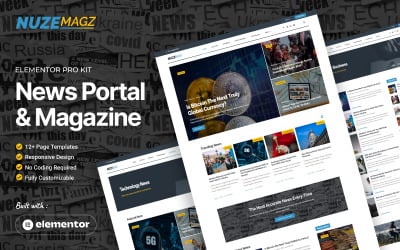








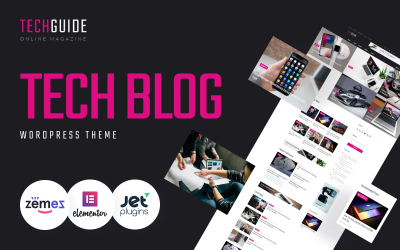


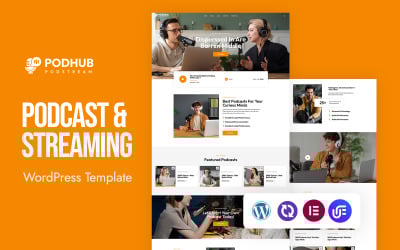

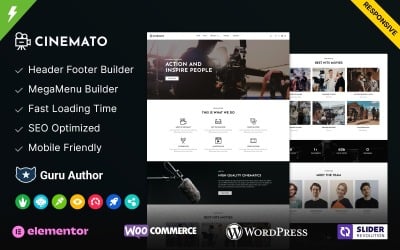
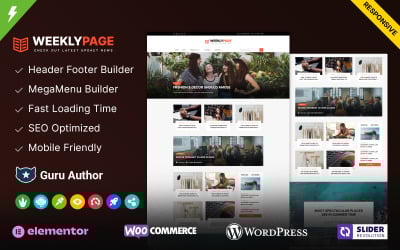
5 Best Best Media Website Designs - Digital Multimedia Website Builder 2026
| Template Name | Downloads | Price |
|---|---|---|
| Merimag - Elementor Blog Magazine and News Wordpress Theme | 408 | $74 |
| Oneup - Modern Agency & Portfolio WordPress Theme | 112 | $79 |
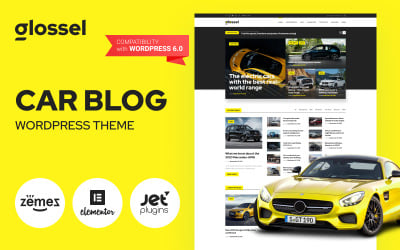
| Glossel - Car Blog WordPress Elementor Theme for Automotive Website | 45 | $59 |
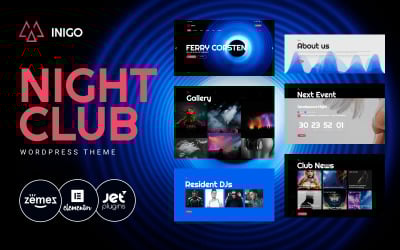
| Inigo - Night Club WordPress Theme | 166 | $59 |
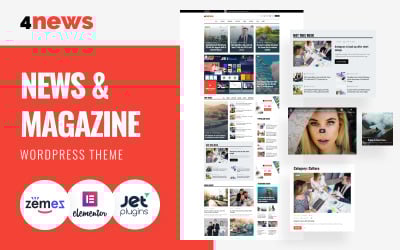
| Satellex - News Blog Multipurpose WordPress Theme | 23 | $59 |
Get Ideas for Your Website's Social Media Menu
Would you want the social network menu to pop up on your portal? Look no further! Immerse yourself in this video of great design tips to place social buttons on your Contacts page. The expert will show you various impressive widgets that will make that page a standout feature.
Best Social Media Website Builder: Frequently Asked Questions
How easy is it to use media website builder templates?
Simple as pie. You don’t need to be a techie to realize that they are user-friendly. These page constructors are meant for people with no coding knowledge. Particularly, customization is effortless thanks to the drag-and-drop features. Simply choose a web theme, customize it with your content, and you’re done!
Will I be able to modify them to fit my brand?
Totally! That is why these assets are wonderful. Change colors and fonts and add your logo—that’s your way.
What content can I display with a media website builder?
Pretty much anything! The multimedia-rich layouts that these themes provide emphasize your photos, videos, audio, podcasts, and articles well.
Are these templates responsive?
Yes, they are all mobile-friendly and cross-browser-compatible. Thus, your page will still look nice when someone is surfing through it on a laptop, phone, or even through Safari or Chrome.