 ES
ES RU
RU DE
DE PL
PL IT
IT TR
TR FR
FR BR
BR NL
NL CN
CN CZ
CZ UA
UA HU
HU SE
SE Unlimited Downloads
  Sale
Sale 



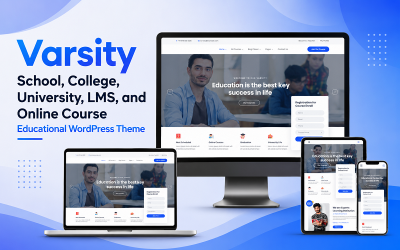
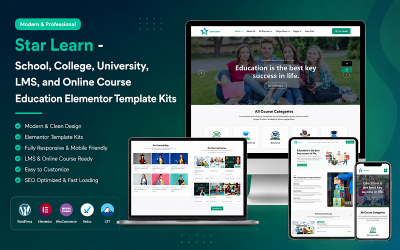
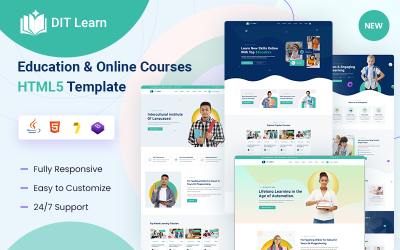
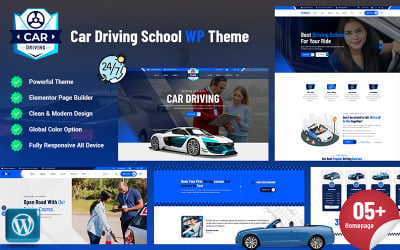
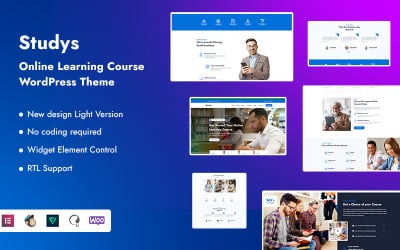
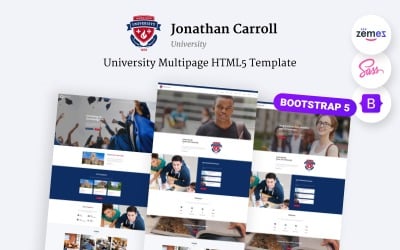
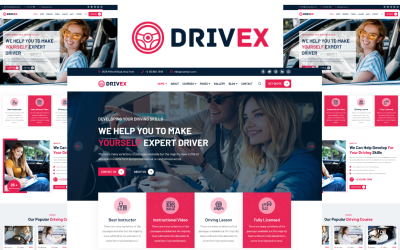
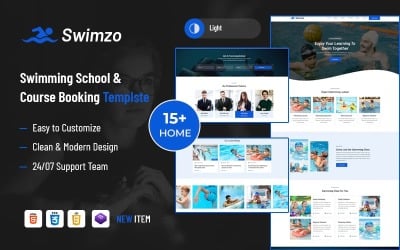
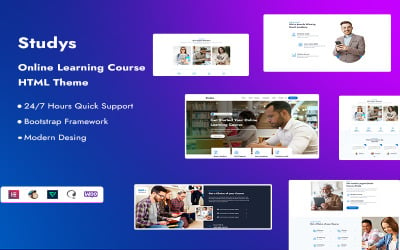
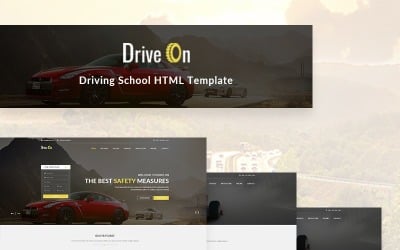
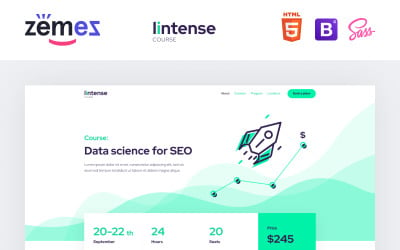
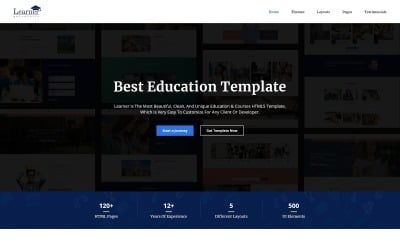
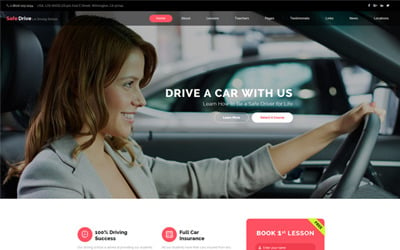
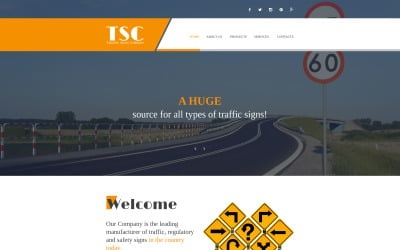
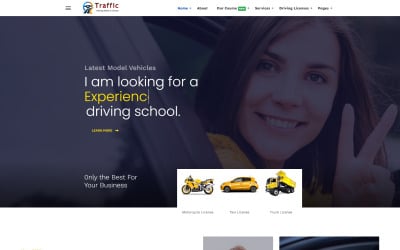
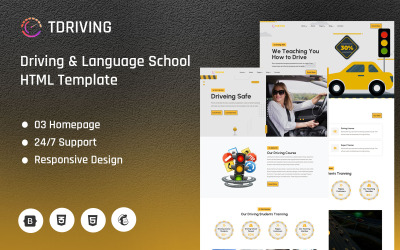
5 Best Traffic School Bootstrap Templates 2026
Best Traffic School Bootstrap Templates
These days, it is y crucial to stay mobile and get to anywhere in the city as quickly as possible. In this regard, people strive to master the driving skill to give up public transport. Of course, in this case, they cannot do without traffic schools that are ready to teach all the intricacies of driving a car. Do you want your educational institution to be the choice of many clients? Traffic school Bootstrap templates will help you with this.
Ready-made layouts allow you to launch a full-fledged website without specialists and long coding. By purchasing a theme, you get the basis for a future resource and avoid long development from scratch. Such a web page will become your calling card and make it possible to conduct online lessons. What else do Bootstrap templates offer, and how to work with them? It's time to figure it out.
Top Features of Driving School Bootstrap Themes
Ready-made templates provide all the tools to launch a web resource quickly. They have features to help you present your team of traffic instructors, stay in touch with clients and advertise your school online. The main characteristic that makes website creation accessible to everyone is the Bootstrap framework. It offers tools for working with HTML, CSS, and JavaScript and speeds up resource building several times. With the framework, you modify typography, buttons, navigation, and other interface elements to get the perfect result. More features are listed here:
- responsive layout;
- SEO-friendly;
- dropdown menu;
- Google Maps;
- cross-browser compatible;
- 24/7 technical support;
- team members;
- blog;
- gallery;
- Parallax;
- documentation.
Who Can Use Traffic School Bootstrap Templates?
Driving school Bootstrap themes are perfect for you if you are one of the following companies:
- traffic school;
- driving instructor;
- drivers education organization;
- car repair services;
- auto wash;
- car showroom.
Tips to Create a Perfect Driving School Bootstrap Website
Here are some tips to make it easier for you to customize your Bootstrap template:
- Make sure that the design matches the concept of your business and attracts users. Choose background colors, fonts, and images, and think of every detail.
- Post information about your activities, including materials for team members, work schedules, and price lists.
- Keep a blog. Interesting articles allow you to increase traffic and provide customers with all the news.
- Promote your business with different methods, including SEO and Google Ads.