 ES
 RU
 DE
 PL
 IT
 TR
 FR
 BR
 NL
 CN
 CZ
 UA
 HU
 SE
 Unlimited Downloads
 Sale





















5 Best BreezeBuilder WordPress Plugins 2026
| Template Name | Downloads | Price |
|---|---|---|
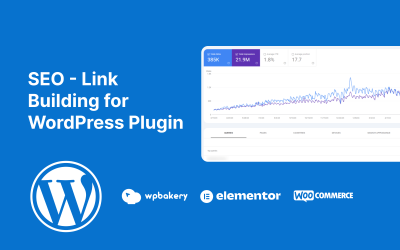
| SEO - Link Building for WordPress Plugin | 0 | $11 |
| Article Guard - Protect Your Hard Work And Creativity | 0 | $13 |
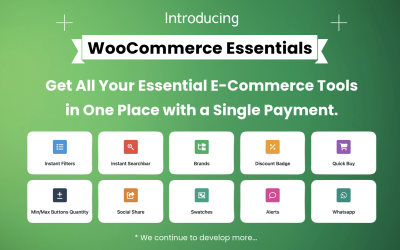
| WooCommerce Essentials24 (All in One) | 0 | $19 |
| WooCommerce Gift Suggestion WordPress Plugin | 2 | $15 |
| Folder Fox - Media Folders And Search For Wordpress | 0 | $29 |
How to Choose The Best Breeze WordPress Plugins: Video
Breeze WordPress Plugins FAQ
How many projects can I do with breeze WordPress plugins?
You can use the product to add the desired feature to your or your client's project. If you need the same tool for another resource, you must purchase it one more time.
Can you offer additional site promotion with breeze WordPress plugins?
You can select a directory submission and link-building option in the pre-sale menu. Many websites will get notified about your resource, and you will receive mentions on quality sites. You also get to share on social media.
How to install breeze WordPress plugins?
In your WordPress dashboard, find "Plugins" and click "Add New." Select the desired file in the opened window. After the installation, activate it with the "Activate" button. You can edit the file if you have enough experience and programming skills.
Can I use breeze WordPress plugins with other CMSs?
No, you can use these plugins only with WordPress. If you prefer another CMS, search for plugins or extensions for your platform.