 ES
ES RU
RU DE
DE PL
PL IT
IT TR
TR FR
FR BR
BR NL
NL CN
CN CZ
CZ UA
UA HU
HU SE
SE Unlimited Downloads
  Sale
Sale 



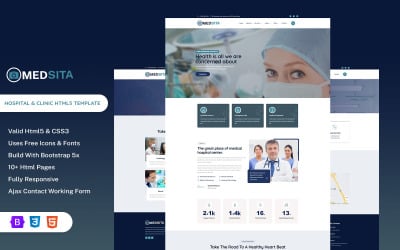
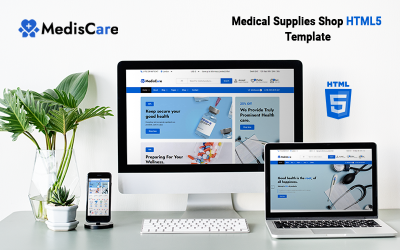
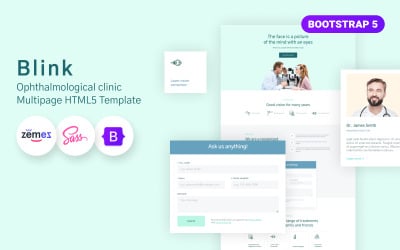
5 Best Pediatrician Bootstrap Templates 2026
Best Pediatrician Bootstrap Templates
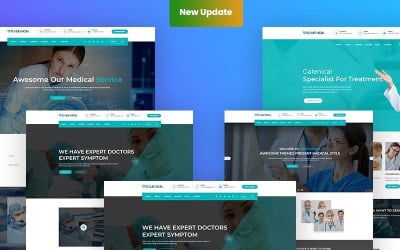
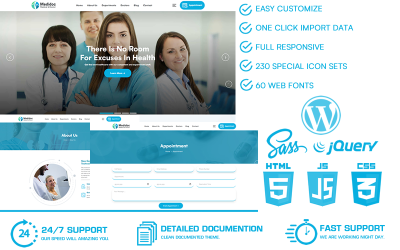
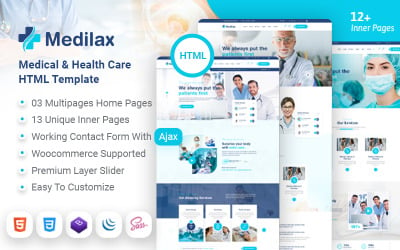
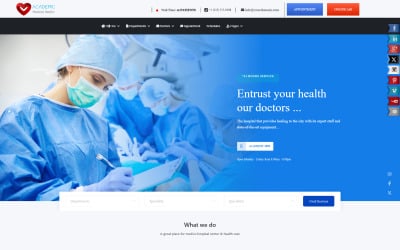
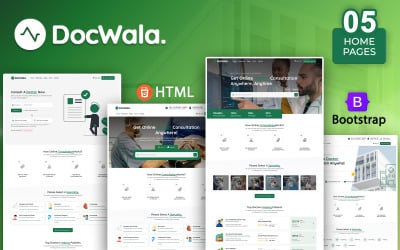
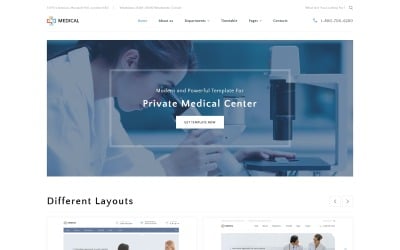
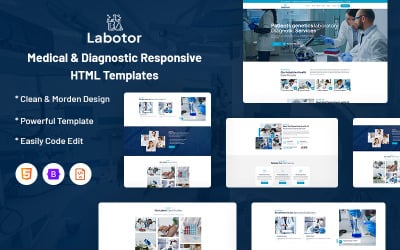
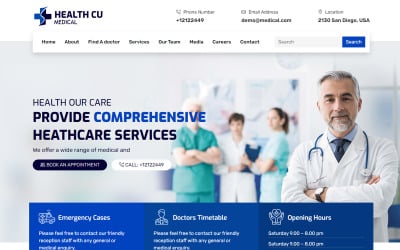
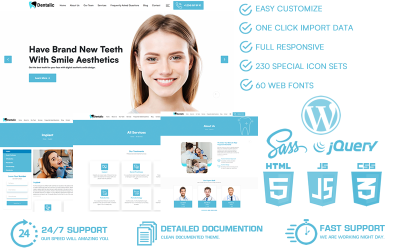
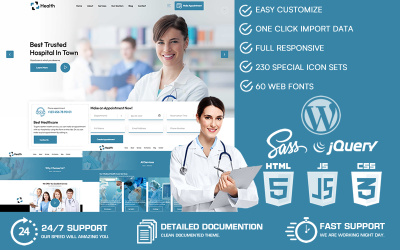
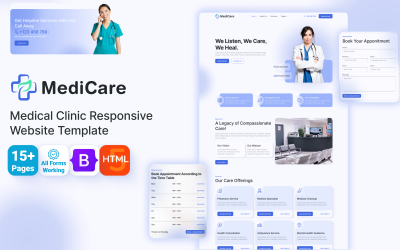
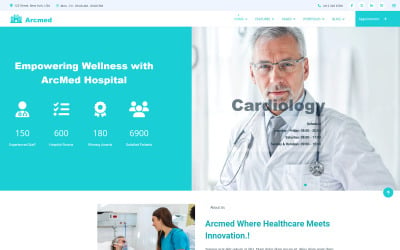
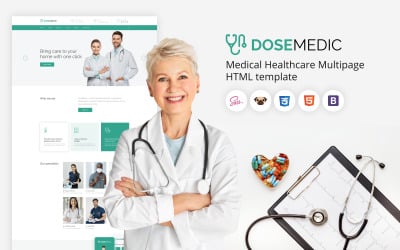
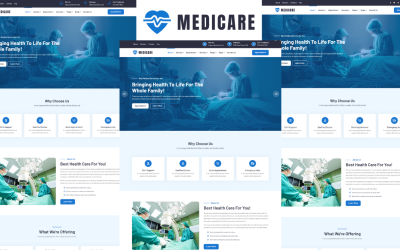
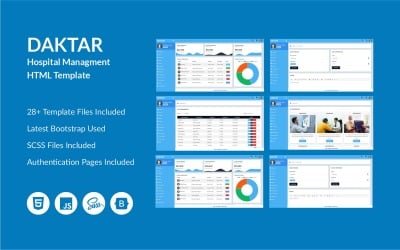
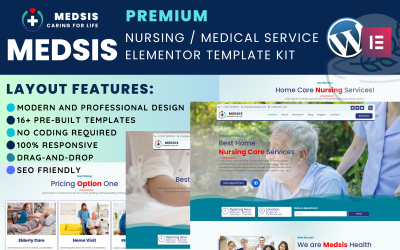
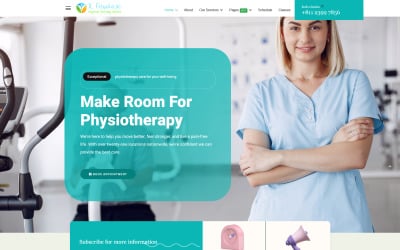
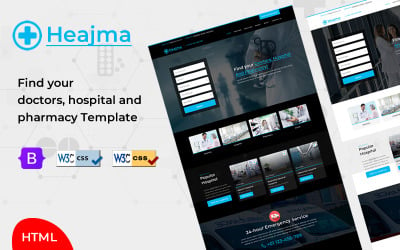
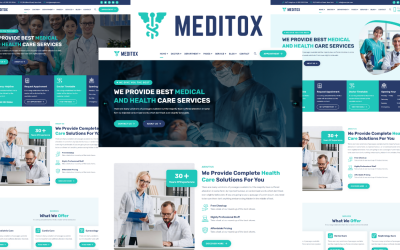
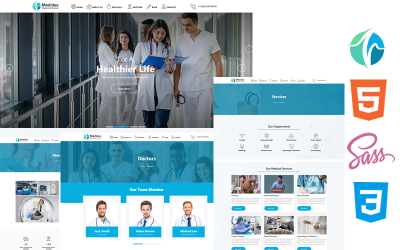
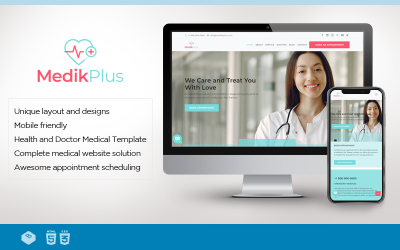
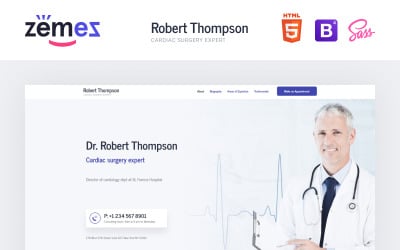
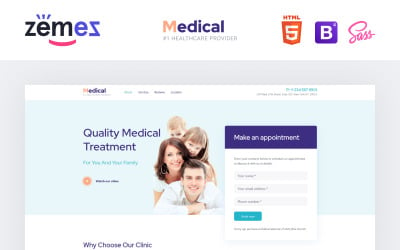
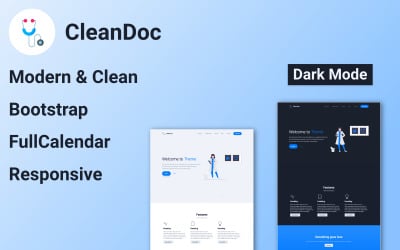
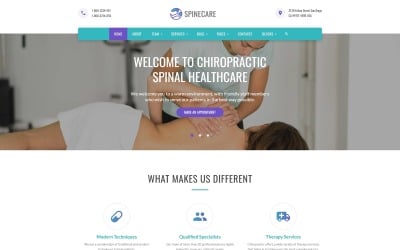
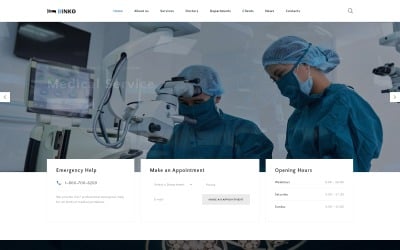
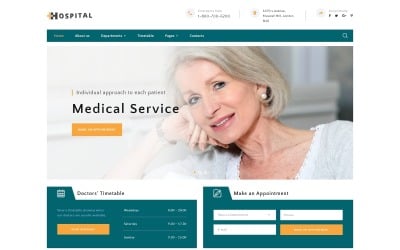
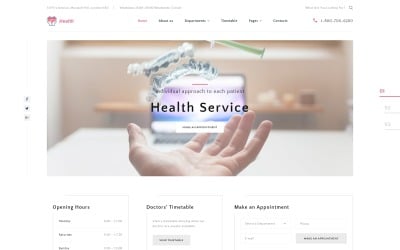
We have an idea of how to develop a business for doctors treating babies, children, teenagers, and young adults. For you to have more patients, it's worth launching your website. Of course, the portal is also helpful if you promote a clinic with a different direction of specialists. First, you should learn about competitors and design trends so your website looks relevant, modern, and credible. A clinic that invests in such innovations will always be successful. No business can exist without development. Above, you see a good selection of pediatrician Bootstrap templates. You get a new, fashionable, and simply stunning portal appearance by installing and configuring such a product. See what other functions buyers will have and ensure the product is perfect.
Top Features of Pediatrics Bootstrap Themes
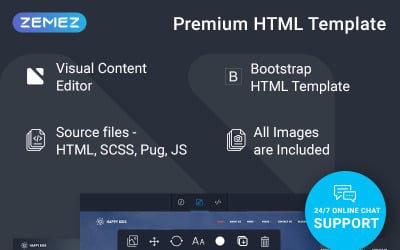
In the selection, you see design proposals based on one of the most famous frameworks. Thanks to it, the new site will receive many improvements in addition to appearance. After all, design is one of many essential things. Each theme has its list of features. However, there are a number of the most interesting:
- Responsive layout. Thanks to it, all pages have become so flexible that they can easily fit the sizes of different gadgets. There are vertical and horizontal screens. Updated sections, with the help of our themes, adapt to both options without any problems and won't lose their attractiveness.
- Multilingual and multicurrency. In any business, it's meaningful to be flexible. This point also applies to payment options and the ability to serve international patients. With the help of multicurrency, you expand the list of potential audiences.
- Subscribing to news is a great chance to collect a database of potential customers and send newsletters about surveys and discounts.
- SEO-friendly is your opportunity to get on the first page of search engines faster.
- Google Maps helps to put all clinics or private doctors' offices on the map. Thus, it'll be easier for patients with children to find the street where your office is.
- Drop-down menu.
- Parallax.
- Embedded video.
Each product differs not only in the appearance of layouts but also in the included options. To learn more, please read the description of each theme.
Who Can Use Pediatrician Bootstrap Templates?
The product list on this page has needed options for these companies:
- Doctors for children and teenagers.
- Therapists.
- Private psychologists.
- Multidisciplinary clinics.
- Information portals on medical topics.
- Blogs about specialists in the field of medicine.
Use our filter if there isn't your firm on the list of companies. TemplateMonster has many offers for everyone. Just look at the filter on the left and select your profession.
Tips to Create a Perfect Pediatrics Bootstrap Website
Creating an effective website is a task for a true professional. However, thanks to modern technologies, ready-made layouts, and convenient CMS, anyone can figure it out and do editing. First, follow the instructions from the web developer. They consider the themes' peculiarities and are helpful, as they have answers and step-by-step manuals for different settings.
Secondly, choose excellent content. It's difficult to imagine a creative medical site, but it's possible to do it. It happens because most competitors follow the intended path and never want to make other choices. So if you stand out, people remember.
Third, create a blog. With the help of the section and informative articles, you can establish contact with a potential audience in absentia.