 ES
ES RU
RU DE
DE PL
PL IT
IT TR
TR FR
FR BR
BR NL
NL CN
CN CZ
CZ UA
UA HU
HU SE
SE Unlimited Downloads
  Sale
Sale 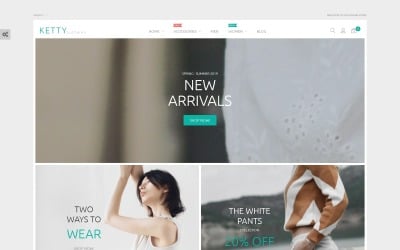





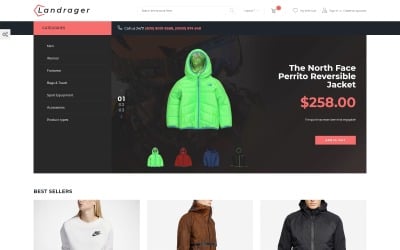
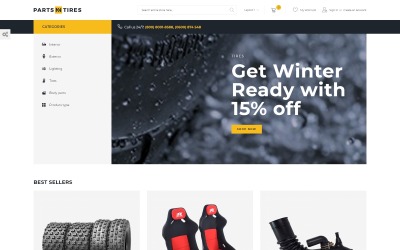
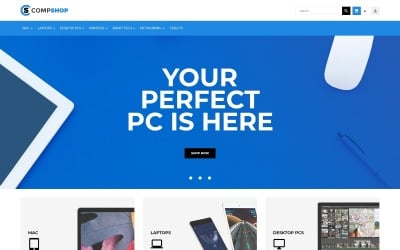
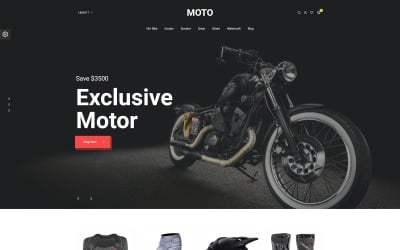
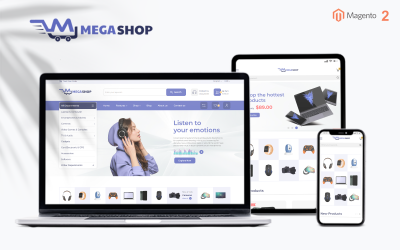
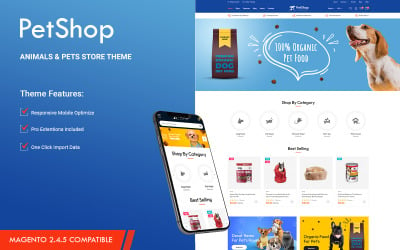
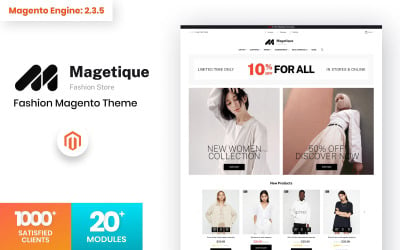
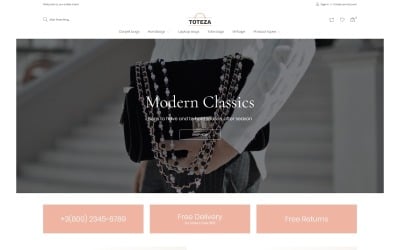

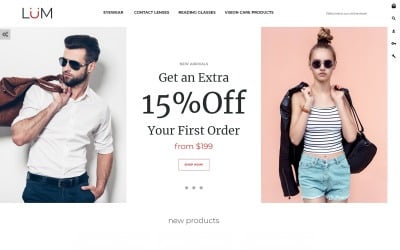

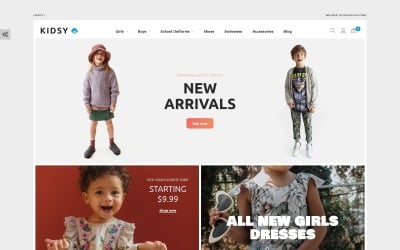

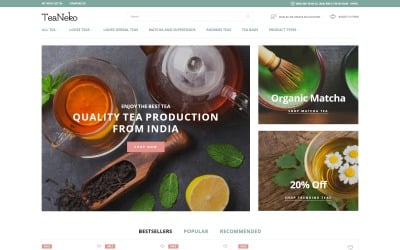
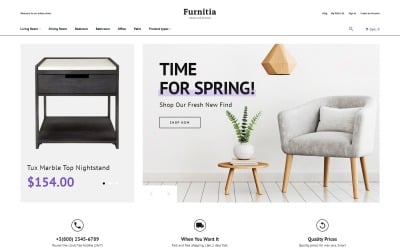
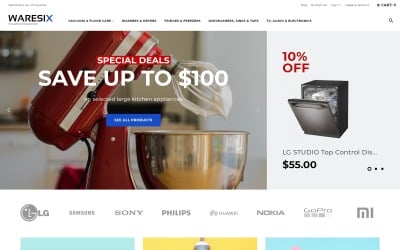
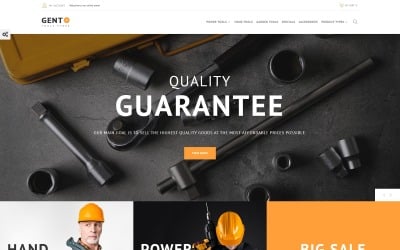
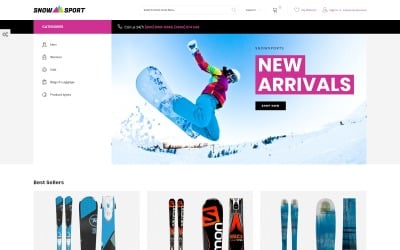
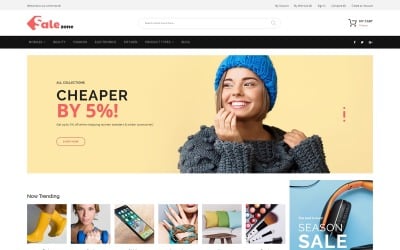

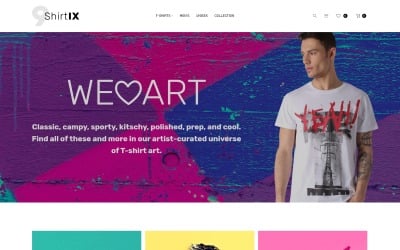


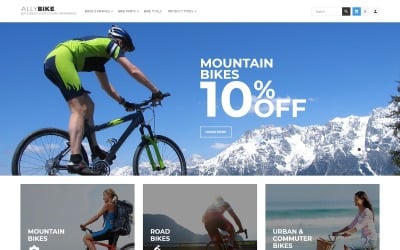

5 Best Online Store Magento Themes 2026
| Template Name | Downloads | Price |
|---|---|---|
| Ketty - Fashion Store Magento Theme | 464 | $110 |
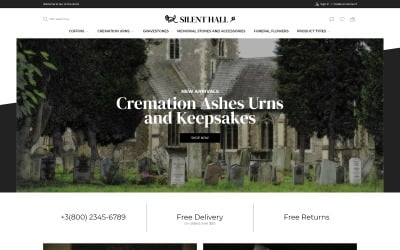
| Silent Hall - Funeral Services eCommerce Template Magento Theme | 0 | $110 |
| Gemany - Jewel Store Template Magento Theme | 8 | $110 |
| Bowitus - Lingerie Shop Website Magento Theme | 2 | $110 |
| CareShare - Medicine Online Website Magento Theme | 4 | $110 |
Magento Online Store Themes Video
Magento Online Store Themes FAQ
Why Do You Need to Choose Magento Store Themes?
You are creating an e-shop that has functionality for tracking statistics. It helps you determine the conversion rate that is necessary for a business strategy. In order for you to have harmonious content, use sample data of the image. They have colors suitable for a complete design.
How to Download Magento Online Store Themes from TemplateMonster?
First, you should register on the TemplateMonster website. You now have your account. Choose the necessary item and add it to the shopping cart. You contact our chat if you have any questions about the layout functionality of the layout or its customization. Our specialist sends a direct link to purchase the template. After that, you fill out the billing form with payment data. Choose a convenient payment gateway and transfer money. You will then receive an email or call to verify the process. It may take a few minutes. You get a link to the skin in your account. Download and enjoy!
How to Get Magento OnlineShop Themes for Free?
TemplateMonster provides premium e-shop themes. You get support from professionals, documentation, and extensive support. You get some items for free. It is available with a MonsterOne subscription. If you choose an ALL-IN-ONE annual or lifetime plan, you download templates, plugins, photos, audio, and other graphics from the membership for free.
Do You Get Free Support for Magento Online Store Themes?
Yes, you get product support from TemplateMonster. Within six months, the template author will help you create a website. You create a help ticket and receive a response by mail. The marketplace also provides documentation with instructions for using the item.