 ES
ES RU
RU DE
DE PL
PL IT
IT TR
TR FR
FR BR
BR NL
NL CN
CN CZ
CZ UA
UA HU
HU SE
SE Unlimited Downloads
  Sale
Sale 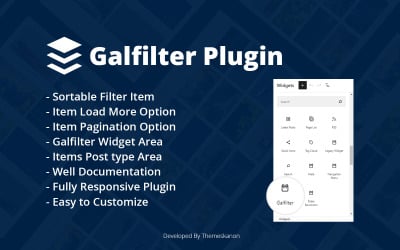




5 Best Tabs Plugins and Extensions 2025
| Template Name | Downloads | Price |
|---|---|---|
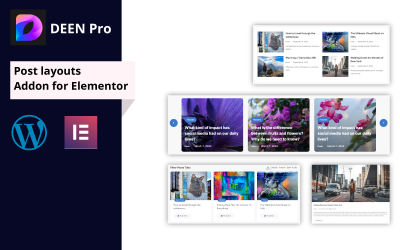
| Deen Pro | Post Layouts Addon for Elementor | 1 | $17 |
| Ui Crafty Addon For Elementor | 0 | $12 |
| Galfilter Wordpress Plugin | 0 | $10 |
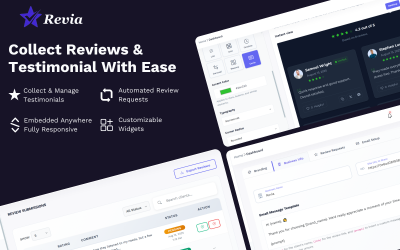
| WP Post Rating Pro– Dynamic Rating System for WordPress | 1 | $18 |
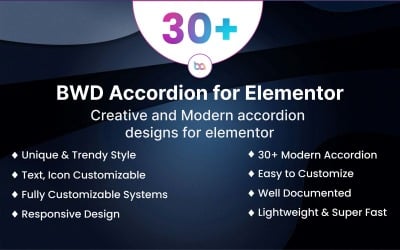
| Accordion WordPress Plugin For Elementor | 1 | $10 |
Top Tabs Plugins to Improve Your Web Resource
The web development industry does not stand still and presents new and stunning solutions for websites. Attractive widgets, interface elements, easy navigation, and up-to-date functionality decorate the project and make it competitive. Entrepreneurs try to implement all the best features in their resources to get the customers' attention and win the race for success. Are you one of them and want to create a spectacular website with all the bells and whistles? Use tabs plugins for the perfect result!
These modules are the perfect solution to spruce your project with modern tabs. With them, you organize all content conveniently and provide quick access to information. This approach allows you to improve the interface, simplify navigation and give customers a pleasant experience. Want to learn more about assets? It's about time!
Tabs Extensions - Features & Characteristics
Site navigation often raises questions from users. How do I find the information I need or where is the category located? Such questions flash in the minds of new customers who first came to the resource. For those entrepreneurs who want to avoid any misunderstandings, there are modules from this collection! To begin with, these assets help create convenient and attractive blocks for your content. It works on the principle of a web browser, where each information resource is in a separate block and does not interfere with another. At the same time, the user switches between pages to see the desired material.
The main advantage of these extensions is that you do not need to be a computer genius to implement them in your project. Moreover, you can easily customize all the details and add the desired content without coding skills or experience. However, a professional result is guaranteed. Find out more features here:
- high quality - reliable and experienced specialists work on clickable tabs plugins to provide professional features and design;
- performance optimization - plugins work quickly and without bugs under any conditions and do not slow down the performance of the site;
- fully customizable - you can easily add the necessary information and customize blocks with a convenient drag-and-drop editor like Elementor or Gutenberg;
- responsive layout - your page looks correct on any device due to the full responsiveness of all elements;
- compatibility - assets from the collection work with different versions and builders of WordPress;
- regular updates - specialists improve their extensions to provide you with modern functionality and appearance;
- reliable support - extension authors are always ready to help in case of problems with products.
How to Deal with Clickable Tabs Modules for WordPress?
If you decide to expand the functionality of your WordPress resource, then easy navigation is a great solution. TemplateMonster offers a collection of the best assets with which you construct all features and blocks at the highest level in a matter of days and enjoy the result. Before proceeding to customization, you should go through several stages, including choosing and installing a module. Complete these tasks quickly using a few tricks:
- First of all, make a plan. To do this, formulate your ideas, goals, and desired outcome. Clarify any questionable points to move forward with a clear plan.
- State your preferences using the sidebar. Here you set features, compatibility, tags, etc., and see options that suit your needs.
- Move on to learning assets. At this stage, check the description, demo version, and reviews to form an opinion about the layout. If you have additional questions or doubts, please contact the pre-sales managers via live chat.
- After purchase, download the file with the module from the link in your email or account. Go to the admin panel of your WordPress resource and click on the Plugins section. Select Add New and find the file on your laptop. Wait for loading and proceed to activation.
- Congratulations! The item is ready for customization and launch.
Best WordPress Themes on TemplateMonster
Tabs Plugins FAQ
What are tabs plugins?
These are ready-made extensions that provide easy navigation for your site. It allows you to add tabs to accommodate all the content in a visually appealing and convenient way.
Do I need coding skills to work with tabs plugins?
No. The modules are easy to use and do not require special skills or experience.
How to choose tabs plugins?
The main thing is to be guided by your preferences and check the quality of the assets. These tricks help you find the most professional solution.
Is there an instruction to install tabs plugins?
Yes. When you buy a product, you get reliable documentation with all the instructions.