 ES
ES RU
RU DE
DE PL
PL IT
IT TR
TR FR
FR BR
BR NL
NL CN
CN CZ
CZ UA
UA HU
HU SE
SE Unlimited Downloads
  Sale
Sale 



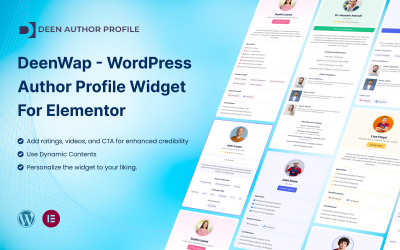
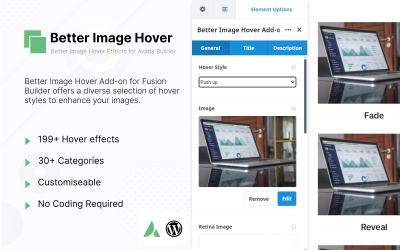

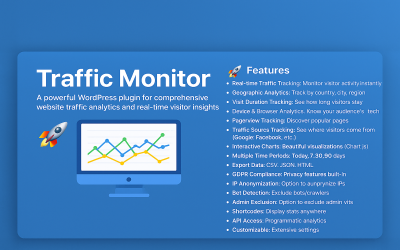



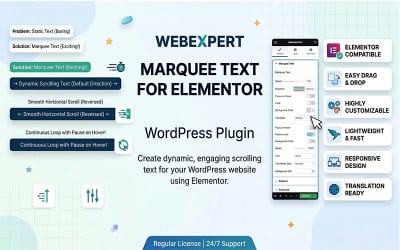








5 Best Website builder WordPress Plugins 2026
| Template Name | Downloads | Price |
|---|---|---|
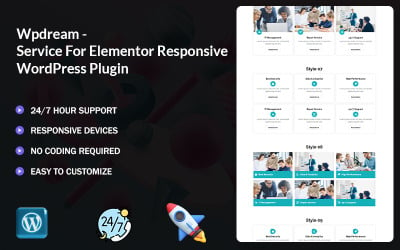
| Ui Crafty Addon For Elementor | 0 | $12 |
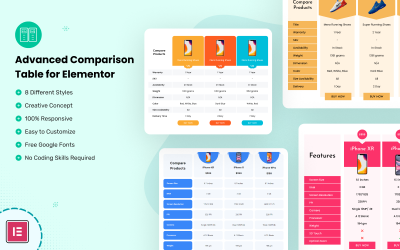
| Advanced Comparison Table for Elementor | 8 | $14 |
| SEO - Link Building for WordPress Plugin | 0 | $11 |
| Max Slider Pro: Create Stunning Sliders Effortlessly with Elementor | 0 | $21 |
| Dreamy Elementor Wordpress Plugin | 0 | $39 |
Elementor Page Builder: A Step-by-Step Guide to Mobile-Friendly Website Design
Want to make your web page look stunning across all devices? This video will show you how to create the perfect website with Elementor, which works seamlessly with WordPress website builder plugins. Try it out and see how simple it is to make changes to your site without learning how to code!
WordPress Website Builder Plugins Q&A
How do I install WordPress website builder plugins?
To open the WordPress admin interface, log in first. Use the menu on the left to access "Plugins" and then "Add New." Next, choose the downloaded add-on file by clicking "Upload." Finally, install, activate, and start using it.
What are the most popular WordPress website builder plugins?
Sort them by "bestseller" (located above the list of products) to find out which ones are the most popular in the marketplace.
What is the difference between an add-on and a theme?
Add-ons are a handy way to add more web features and functions. In addition, themes give the site a unique look that users love and make the experience more pleasant.
What is the difference between a premium and a free website builder plugin for WordPress?
Premium products have more features than free ones, such as advanced customization options, access to technical support, and regular updates.