 ES
ES RU
RU DE
DE PL
PL IT
IT TR
TR FR
FR BR
BR NL
NL CN
CN CZ
CZ UA
UA HU
HU SE
SE Unlimited Downloads
  Sale
Sale 




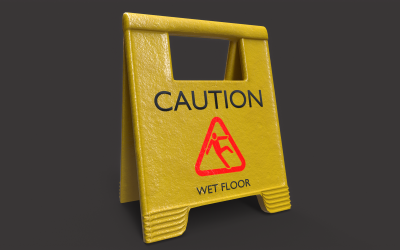


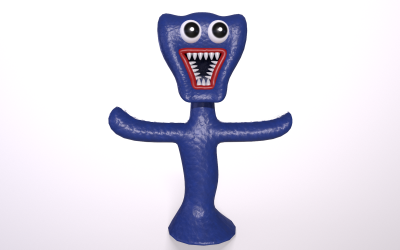
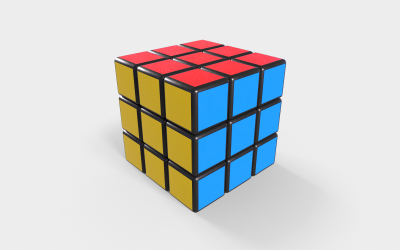
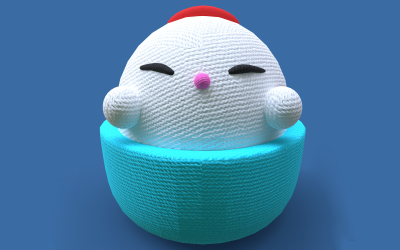
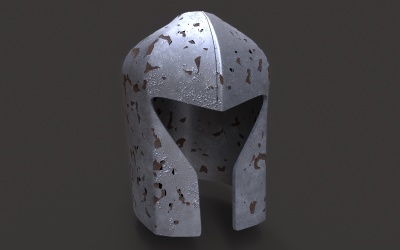
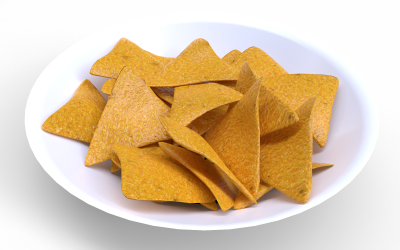
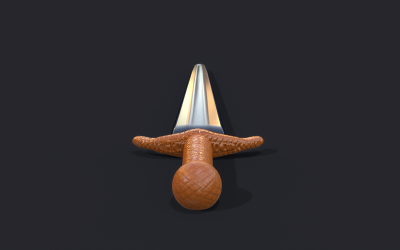
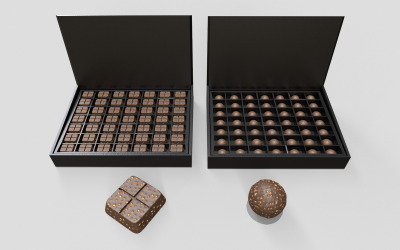
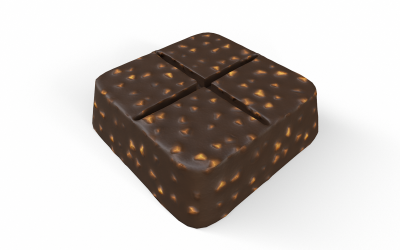
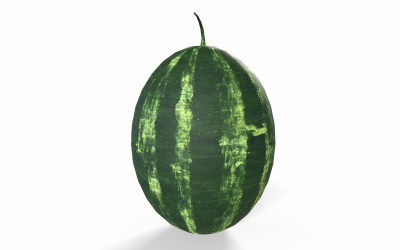
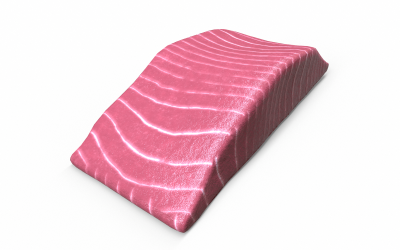
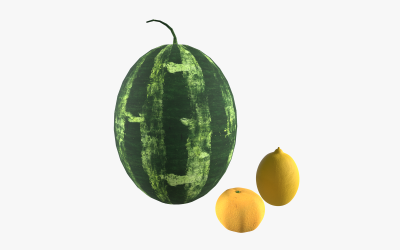
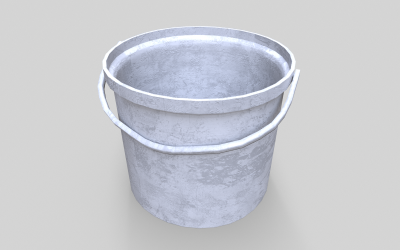
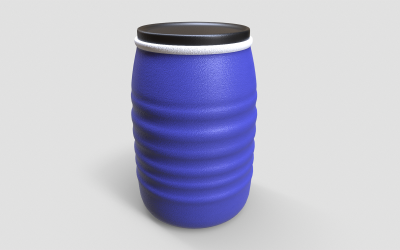
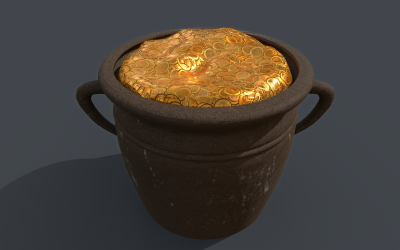
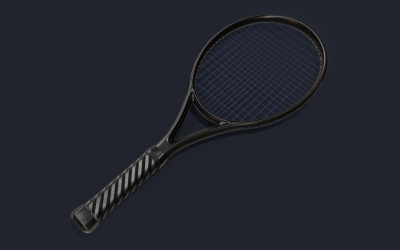
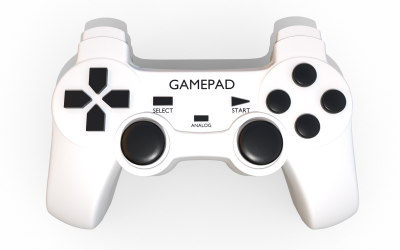
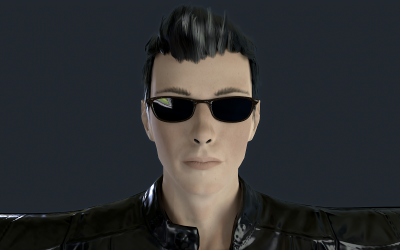
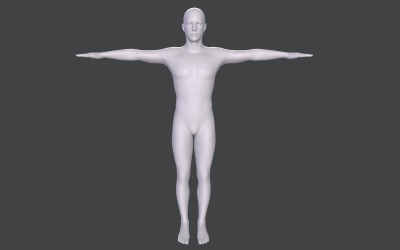
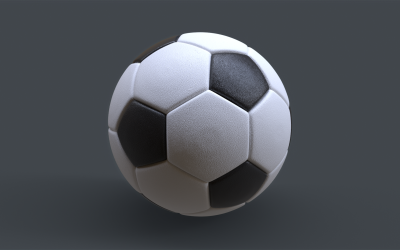

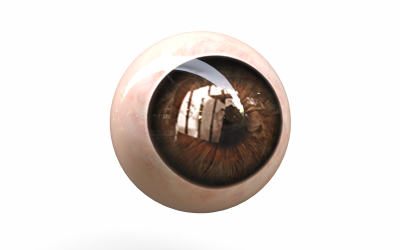
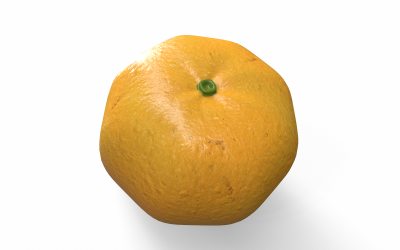

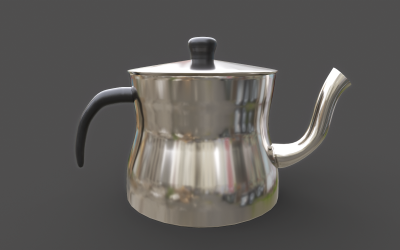
5 Best Best 3D Computer Graphics of Games Objects 2026
| Template Name | Downloads | Price |
|---|---|---|
| 3D Toy Icon Set Bundle Design | 0 | $35 |
| Sistine Chapel Interior Low Poly 3D Model | 10 | $31 |
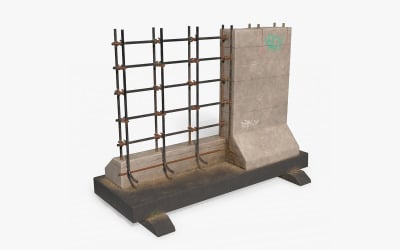
| Street Barrier PBR Low Poly 3d Model | 0 | $16 |
| Dice X High Poly 3D model | 0 | $20 |
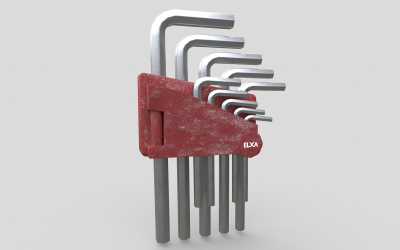
| Allen Key Tool Set Low-poly 3D model | 0 | $20 |
Games 3D Graphics Video
Games 3D Graphics FAQ
What is the difference between high poly and low poly games' 3D graphics?
High Poly designs have a large number of polygons, so their feature is maximum detail and informativeness of the image. Here you use textures with a resolution of 4096x4096px or 8192x8192px. This is good for rendering and video. They take up a lot of space and require powerful PC features.
Low Poly images have a small number of polygons. A more detailed format can be achieved with the help of texture maps. The texture resolution is 2048x2048px or 4096x4096px. Typically, developers use such models for VR/AR projects.
How to create games 3D graphics?
You should start with the 3D modeling process. You create an object on the computer using polygons, splines, or sculpting. After that, you add textures, shadows, and colors to bring your image closer to reality. After that, you add the scene. It can be a landscape to play with trees and bushes or space. It all depends on your imagination. Then make the animation. With three-dimensional graphics, it will not be difficult to achieve a high-quality result of movements.
How to customize games 3D graphics from TemplateMonster?
You operate ZBrush, Unreal, Unity, SketchUp, Maya, Cinema 4D / C4D, Blender, and 3DS Max. All items from TemplateMonster are fully editable.
How to get games 3D graphics from TemplateMonster?
We recommend registering on the TemplateMonster website. Add item to cart and make payment. You will then receive an email or call for verification. But we will send a link to download the product.