 ES
 RU
 DE
 PL
 IT
 TR
 FR
 BR
 NL
 CN
 CZ
 UA
 HU
 SE
 Unlimited Downloads
 Sale
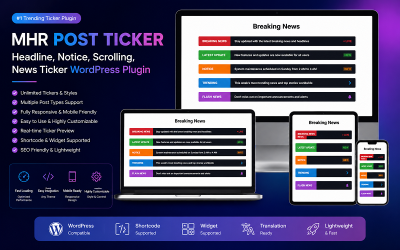
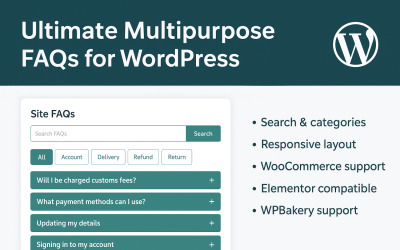
















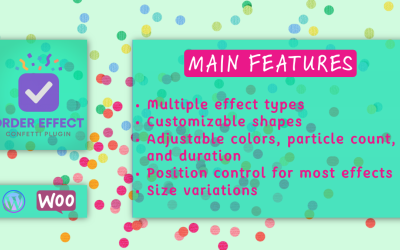
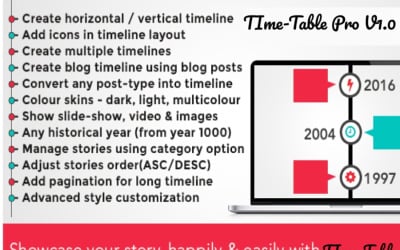

5 Best Advanced Theme Options WordPress Plugins 2026
| Template Name | Downloads | Price |
|---|---|---|
| Mhr Post Ticker - Headline, Notice, Scrolling, News Ticker WordPress Plugin | 3 | $9 |
| Ultimate Multipurpose FAQs For WordPress | 1 | $17 |
| Themex Countdown For Elementor WordPress Plugin | 0 | $11 |
| Themex Service For Elementor WordPress Plugin | 2 | $11 |
| TeamBox Elementor Team Member Addons Plugins | 0 | $15 |
Best Service to Complement Your WordPress Website with Must-Have Extensions
WordPress Theme Options Plugins
How to install and activate WordPress theme options plugins?
Log in to the WordPress admin panel and go to the "Plugins" section. There you can see several subcategories. You need to click on "Add New". On the open page, select the "Upload" section and upload the extension files that you downloaded from the marketplace library. The CMS instructions will easily lead you to the activation point of the new feature.
How can I upgrade my web project besides installing WordPress theme option plugins?
Please take a look at the services section, where you can find many useful packages to improve your web project. In particular, the marketplace recommends content writing, logo creation, maintenance, SEO, ultimate eCommerce launch, and other packages.
Do you provide any other add-ons besides WordPress theme options plugins?
Can I purchase multiple WordPress theme options plugins at a reduced price?
TemplateMonster offers a more profitable solution for regular customers. By subscribing to MonsterONE you get annual or lifetime access to download numerous digital products. The number of downloads is not limited. The range is regularly updated and currently has more than 260,000 items, which are of premium quality.