 ES
ES RU
RU DE
DE PL
PL IT
IT TR
TR FR
FR BR
BR NL
NL CN
CN CZ
CZ UA
UA HU
HU SE
SE Unlimited Downloads
  Sale
Sale 













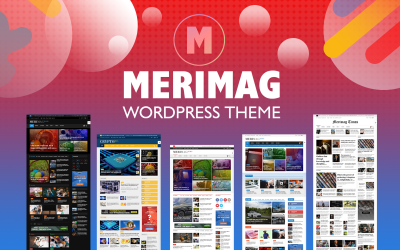












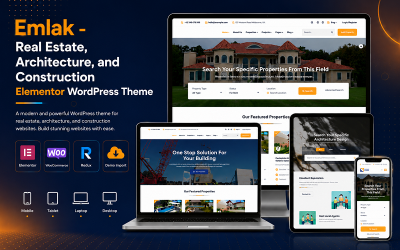


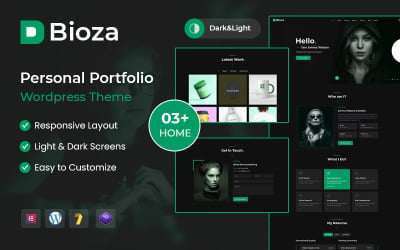
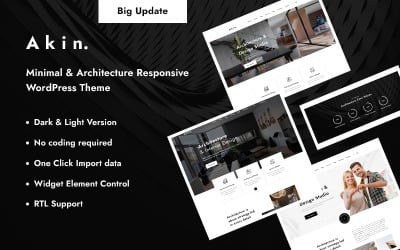
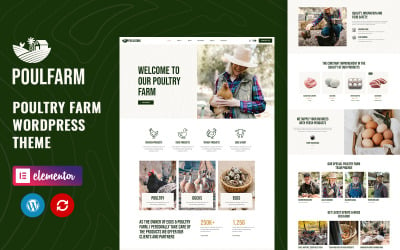


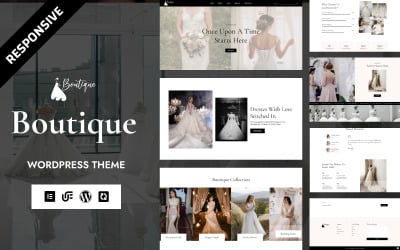


5 Best WordPress Themes with Dropdown Menu Feature 2026
How to Install Drop-Down Menu WordPress Themes?
Drop-Down Menu WordPress Themes Q&A
How to add a WordPress drop-down menu to my website?
To create a dropdown menu in WP, you need to go to the Menu block on the admin panel. Then, you need to drag the desired parts to the right to "nest" them under the main item. If you do not want to bother with this, then ready-made templates with this feature are what you need in this matter.
How to quickly find drop-down menu WordPress themes that meet my preferences among all the options?
There is a sidebar for this. It allows you to set the desired template parameters, including colors, features, and price range. So you will see the options that match your desire and easily find the best one. If you still have questions or doubts, please contact the TemplateMonster pre-sales team. Explain your preferences to the experts so that they can select the right products for your future web project.
Why should I choose drop-down menu WordPress themes for my website?
You should opt for a DDL if you want to include many additional pages and categories on your website. It is suitable for those who want to contain all the necessary information, provide easy navigation and at the same time maintain the concept of minimalism. A drop-down list is excellent for large marketplaces or service centers that provide offers of various types.
Is it possible to change drop-down menu WordPress themes?
Of course. Themes are flexible and fully customizable. WP offers various visual editors, including Gutenberg and Elementor, to allow you to customize layouts without coding knowledge or IT experience. Thus, you simply drag and drop elements or blocks to get the desired result.