 ES
 RU
 DE
 PL
 IT
 TR
 FR
 BR
 NL
 CN
 CZ
 UA
 HU
 SE
 Unlimited Downloads
 Sale












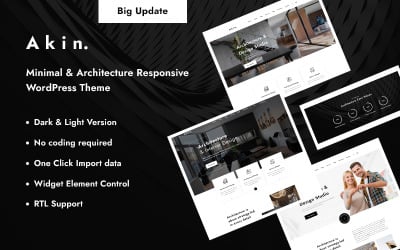






















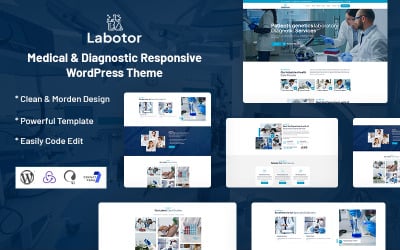

5 Best WordPress Themes with One Page Templates Feature 2026
| Template Name | Downloads | Price |
|---|---|---|
| Consalt - Consulting Responsive WordPress Theme | 226 | $49 |
| Hazel - Clean Minimalist Multi-Purpose WordPress Theme | 4,068 | $89 |
| Poket - Business And Multipurpose Responsive WordPress Theme | 1,313 | $37 |
| Techno – IT Solutions, AI Technology & SaaS Startup WordPress Theme | 2,007 | $79 |
| Handyman Renovation Services Elementor WordPress Theme | 117 | $59 |
One-Page WordPress Themes: How To Personalize?
One Page WordPress Theme Q&A
How many times could I use purchased one-page WordPress themes?
We ask you to consider the licenses before buying. The range of possibilities varies considerably depending on them. For example, a personal license allows you to create a single non-commercial website. At the same time, the commercial one is more extended. With it, the client builds up to five complete projects and freely distributes them. The buyout license is 50 pages per layout.
Could you build a business site for me based on the one-page WordPress themes?
Absolutely! TemplateMonster ServiceCenter creates websites from scratch within one working day. We will prepare the database, install the WordPress engine and theme, and provide the site with all the necessary plugins. This service is paid for additionally. The cost varies depending on the product and author.
Can I save money buying one-page WordPress themes?
Yes. Sign up for MonsterONE, which offers access to a separate range of premium products. Download any of them at no extra charge. Also, enjoy free technical support and updates.
What kind of builder do the one-page WordPress themes run on?
The clients associate the vast majority of the one-page WordPress themes with Elementor. They have ready-made sections and pages that are easy to import. There are also models based on WPBakery Page Builder, Gutenberg Editor, Visual Composer, KingComposer, Cherry Framework 5, etc.