 ES
ES RU
RU DE
DE PL
PL IT
IT TR
TR FR
FR BR
BR NL
NL CN
CN CZ
CZ UA
UA HU
HU SE
SE Unlimited Downloads
  Sale
Sale 










5 Best Best WPBakery WordPress Themes and Templates 2026
| Template Name | Downloads | Price |
|---|---|---|
| Hazel - Clean Minimalist Multi-Purpose WordPress Theme | 4,065 | $89 |
| Oneup - Modern Agency & Portfolio WordPress Theme | 112 | $79 |
| Kraft - Minimalist Agency & Portfolio WordPress Theme | 678 | $79 |
| Laszlo - Creative Agency & Portfolio Lottie WordPress Theme | 8 | $69 |
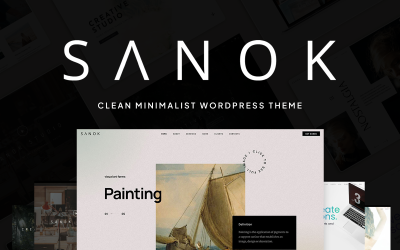
| Sanok - Clean Minimalist One & Multipage WordPress Theme | 5 | $69 |
Creating a Portfolio Gallery with WPBakery Page Builder WordPress Themes
Create a portfolio gallery to demonstrate your skills. This video shows how to incorporate it.
By the way, subscribing to the YouTube channel of TemplateMonster guarantees regular knowledge about web design trends and their application from market experts!
WPBakery WordPress Themes FAQ
How to install the plugin to work with WPBakery templates?
To install it, login to your website, then choose “Plugins” then “Add new.” Upload the plugin zip file. “Install Now,” wait, then “Activate Plugin.” Now, you start working with it by choosing “Pages,” or “Add new.” Check the dashboard to see the available settings.
Can you help me install WPBakery page builder WordPress themes?
Yes, please request our “Website Installation” or “Store Installation” service.
How to make sure that WPBakery page builder WordPress themes are multilingual?
Check the details of the product. If it’s WPML-ready – you can add a new language. You may also request our “Multi-Language Website Service.”
Is it essential to use SEO-friendly WPBakery templates?
SEO ensures better ranking. It increases the number of visitors and potential clients (if you have an online shop).