 ES
ES RU
RU DE
DE PL
PL IT
IT TR
TR FR
FR BR
BR NL
NL CN
CN CZ
CZ UA
UA HU
HU SE
SE Unlimited Downloads
  Sale
Sale 



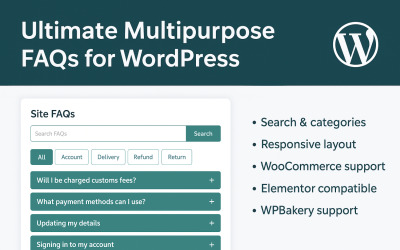
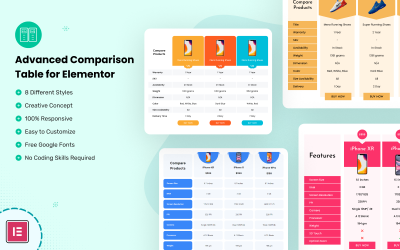
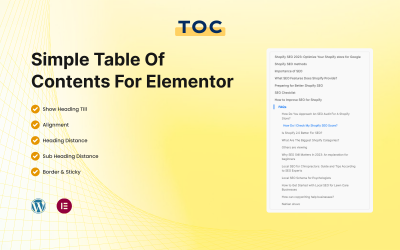
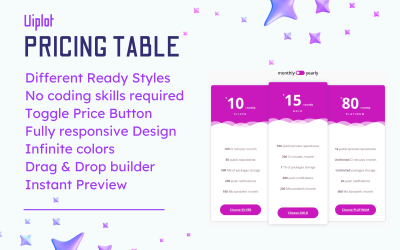



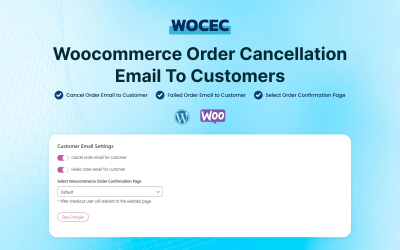
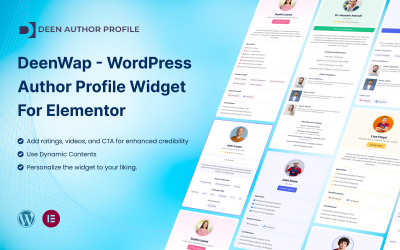
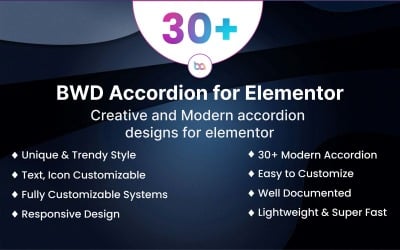




5 Best Responsive WordPress Plugins 2026
How to Edit Themes on WordPress?
Developing the design and structure for a web project from scratch takes a lot of time and effort. While using the template, you have ready-made elements and the ability to customize them. Thus, you embody your ideas and bring zest to future resources without the hassle. If you are ready to create a real masterpiece with WordPress, then the theme editing tips from TemplateMonster will come in handy. Follow the link and receive a portion of tips on how to work with ready-made templates properly. Watch and get inspired!
WordPress Responsive Plugins Q&A
What are WordPress responsive plugins?
These are add-ons that allow you to make a website mobile-friendly or add details to it, such as a menu or a table. The use of these extensions helps to optimize the website for mobile phone users and makes it attractive on all devices.
Is it possible to customize WordPress responsive plugin without coding skills?
Yes. Add-ons are easy to use, so you don't need special skills or professional assistance to set them up.
Are there any instructions for WordPress responsive plugins?
Yes. All products come with reliable documentation with all necessary instructions.
What to do if the responsive WordPress plugin is not working?
Do not worry. Contact the extension’s author or the TemplateMonster support experts to fix the problems as soon as possible.