 ES
ES RU
RU DE
DE PL
PL IT
IT TR
TR FR
FR BR
BR NL
NL CN
CN CZ
CZ UA
UA HU
HU SE
SE Unlimited Downloads
  Sale
Sale 









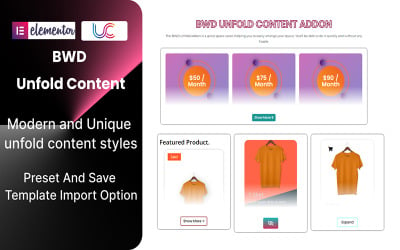
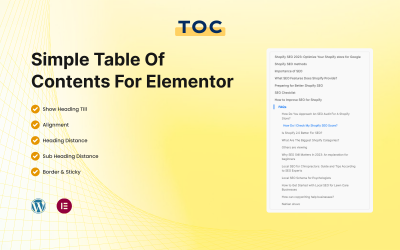

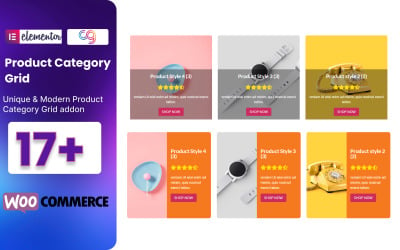
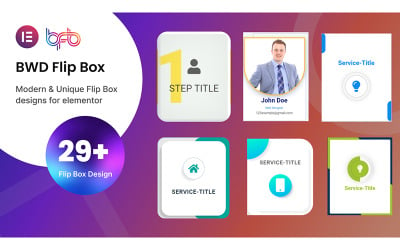
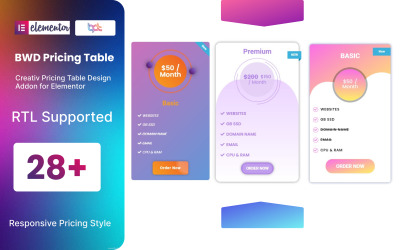
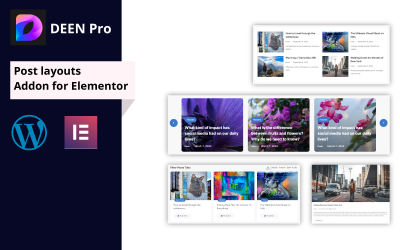



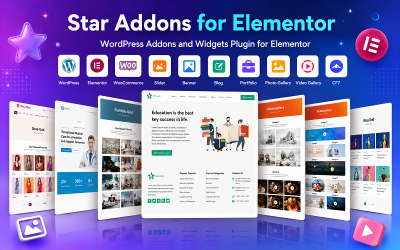
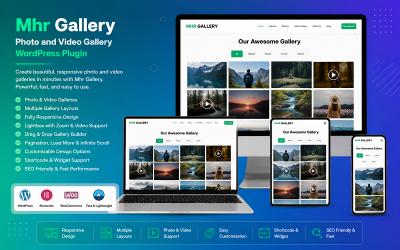
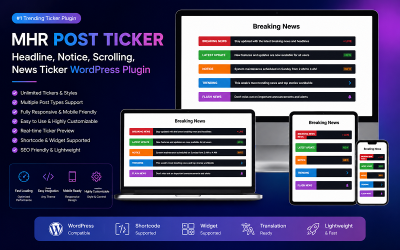
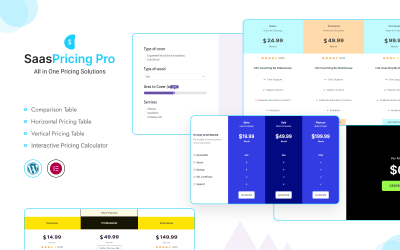

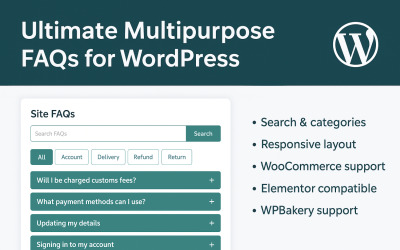
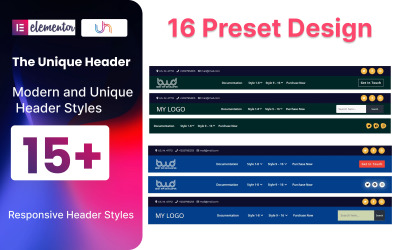

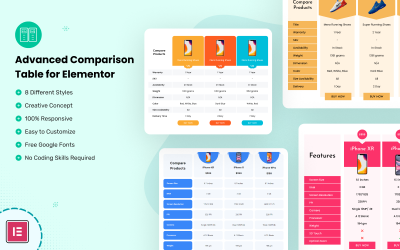
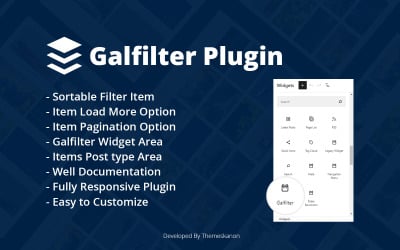
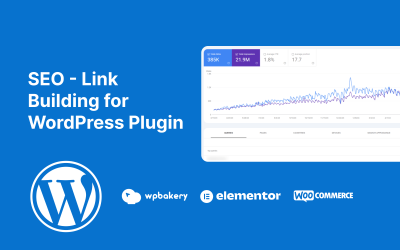



5 Best WordPress Plugins 2026
Top-Notch WordPress 6 Templates
WordPress Plugins FAQ
Is it possible to improve SEO with WordPress plugins?
Yes. WP add-on templates cover a lot of needs and help with a variety of tasks, including SEO optimizations. Their expertise is in improving all parameters and ensuring effective promotion through search engines. Click here for some great SEO quick fixes.
May I add WordPress plugins to any WP web resource?
Yes. Add-ons are easily integrated into all web forms developed on the CMS. However, you need to check the website's version and ensure the extension is compatible with it.
Why are WordPress plugins good?
Add-ons have many strengths. First of all, it is an improvement of the website's basic tools. Additionally, they suggest optimizing and speeding up the performance of the project. It means you can handle code to implement certain features or improve them without dealing with code. Also, items have clean code, load quickly, and operate without errors.
What if I have problems with the WP plugin template?
Don't worry about anything. By purchasing the extension, you get 6 months of free support from TemplateMonster, so the best experts are always ready to give you detailed advice on any issue. In addition, you can always contact the product's author to resolve problems as soon as possible.